
1 month
14.90€
one-off for 1 month
Choose 1 monthFor Formula 1 fans
One subscription for your F1 weekend, your other sport, films and series. With a premium server built for busy live moments, on your own TV.
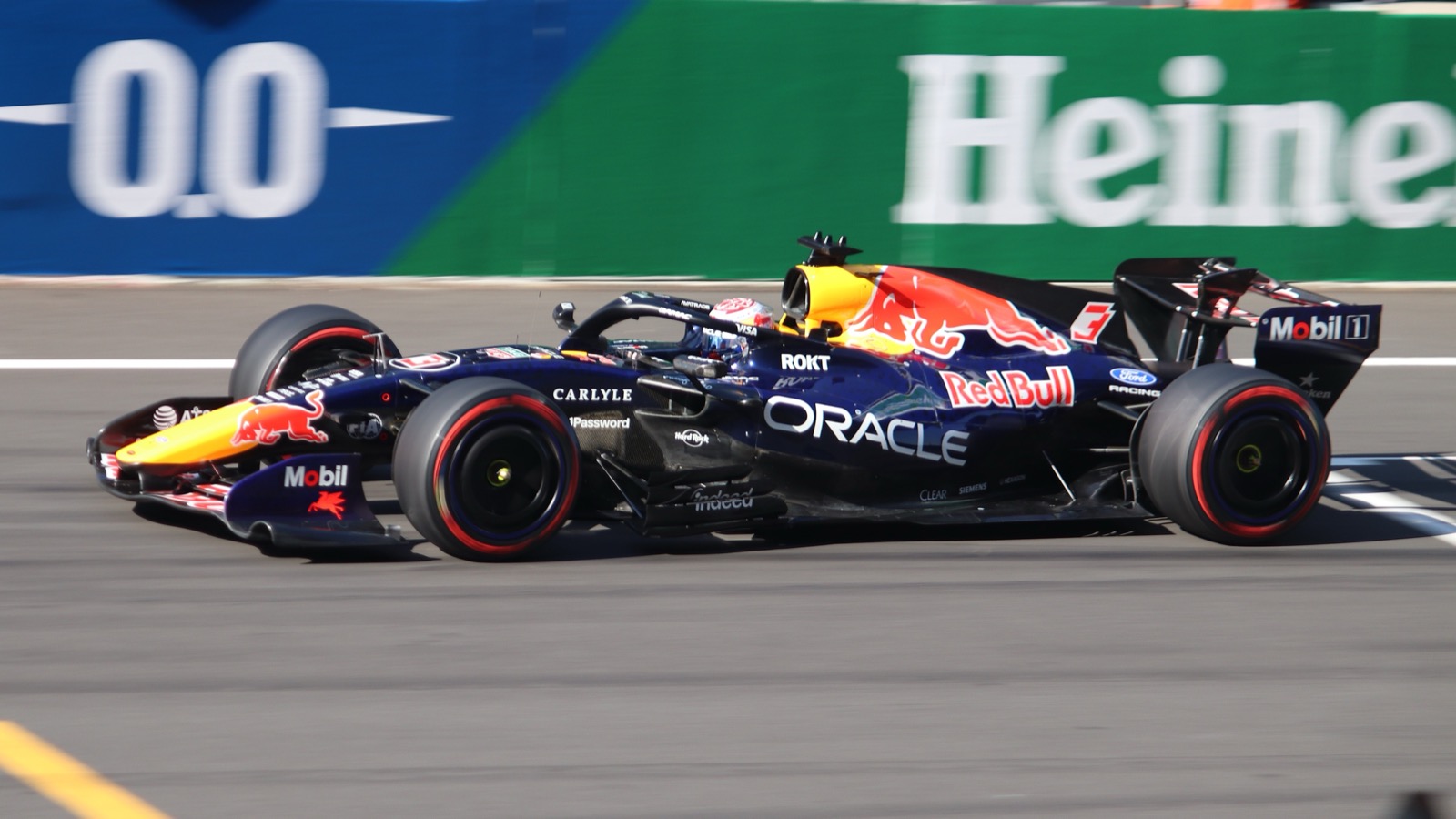
In the UK, Formula 1 is shown by Sky.
Formula 1 is shown on Sky in the UK, with rights running until 2034.
Look through our channel list beforehand to see which channel groups are included.
Open the app a few minutes before the session starts, so you can sort out any updates or login problems.
Sports rights change often. This overview is based on public sources from September 2026. If in doubt, check the broadcaster's official site.
Circuit of the Americas. Times shown in UK time. Source: Jolpica F1.
Source: Open-Meteo.
Top 10 drivers, 2026/27 season, after round 17. Source: Jolpica F1.
| # | Driver | Team | Points |
|---|---|---|---|
| 1 | Andrea Kimi Antonelli | Mercedes | 340 |
| 2 | George Russell | Mercedes | 238 |
| 3 | Lewis Hamilton | Ferrari | 229 |
| 4 | Max Verstappen | Red Bull | 221 |
| 5 | Charles Leclerc | Ferrari | 215 |
| 6 | Lando Norris | McLaren | 201 |
| 7 | Oscar Piastri | McLaren | 138 |
| 8 | Isack Hadjar | Red Bull | 97 |
| 9 | Liam Lawson | RB F1 Team | 75 |
| 10 | Pierre Gasly | Alpine F1 Team | 41 |
IPTV is television over the internet. Instead of a satellite dish or cable, you use an app on your TV, phone or laptop. All you need is an internet connection and an IPTV app. You can be watching in three steps:
You start with a free trial, with no payment details. If you like it, you pick a term of 1, 3, 6 or 12 months.
An IPTV app is a kind of player. Popular choices are IPTV Smarters, TiviMate and IBO Player. We send you your login details and help with the setup over WhatsApp.
Open the app, pick a channel from the TV guide and you're away. No dish, no cable: just your internet connection and your TV, phone or laptop.
Our channel list includes channel groups from Sky Sports, TNT Sports, DAZN and ESPN, many of them in 4K. Which channel shows a match can change, so check the channel list beforehand and try it yourself with the free trial.
From the UK, Europe and the rest of the world, in one app with a TV guide.
On demand, for the days when there is no match.
For the sharpest picture on a big TV.
Built for busy live events, when everyone tunes in for kick-off at once.
Questions about setup or a channel? You get help for as long as your subscription runs.
Smart TV, Fire TV Stick, Android TV, Apple TV, phone, tablet and laptop.
At kick-off, lots of people switch on the TV at the same time. That is when a weak server or connection shows first. These habits keep your picture smooth:

The Premium server is set up for busy live events. For a stable match, we always recommend the Premium subscription.
Choose a term. All plans include the same Premium features.
14.90€
one-off for 1 month
Choose 1 month29.90€
9.97€ per month
Choose 3 months49.90€
8.32€ per month
Choose 6 months69.90€
5.83€ per month
Choose 1 yearWant to test it first? Request the free trial, with no payment details. Also take a look at the channel list to see what's included.
On Sky, which has the rights until 2034. Broadcasting rights can change, so check the broadcaster's official site if in doubt.
Our channel list includes channel groups from Sky Sports, TNT Sports, DAZN and ESPN, many of them in 4K. Which channel shows a race can change, so check the channel list beforehand and start the free trial to try it yourself on a race weekend.
You notice it most at busy moments, such as the start of the race. That is why we offer a premium server that is set up for live events. It also helps to use a network cable instead of wifi and to open the app a few minutes before the start.
IPTV means television over the internet. You watch channels in an app on your TV, phone or laptop instead of through a cable or dish. All you need is an internet connection and an IPTV app.
TurboView+ Premium costs 14.90€ for 1 month, 29.90€ for 3 months, 49.90€ for 6 months and 69.90€ for 1 year. The 1-year plan works out at 5.83€ per month.
Yes. Request the free trial over WhatsApp. You don't need any payment details, so you can see whether it suits you without any risk.
On smart TVs, Fire TV Stick, Android TV, Apple TV, Formuler boxes, phones, tablets and laptops. You use an IPTV app such as IPTV Smarters, TiviMate or IBO Player.
Send us a message on WhatsApp. You get help with installation, with a channel that isn't working and with questions about your subscription, for as long as your subscription runs.

Request the free trial, with no payment details, and see for yourself how it goes.
Request your free trialWatching more than one sport? Take a look at our other guides.
Photos via Wikimedia Commons: Liauzh (CC BY 4.0) · Unsplash: Brandon Romanchuk, Spacejoy.

