
Best all-rounder
Google TV with a network port, 4 GB of RAM and updates until 2029
- 4K · Dolby Vision · HDR10+
- Ethernet Gigabit
- Google TV (Android 14)
from £99.00 at John Lewis
Buying guide · updated 13 October 2026
From a £46.99 stick to an NVIDIA SHIELD: we compared 10 IPTV boxes, streaming sticks and media players on picture, IPTV apps, network port, speed and price. With the lowest price for each box at shops in the UK and Ireland.
Our top picks
No time to read everything? These are our favourites. The Google TV Streamer scores highest, but the best choice depends on your budget and how you watch.
Best all-rounder
 Google TV Streamerfrom £99.00
Best IPTV box
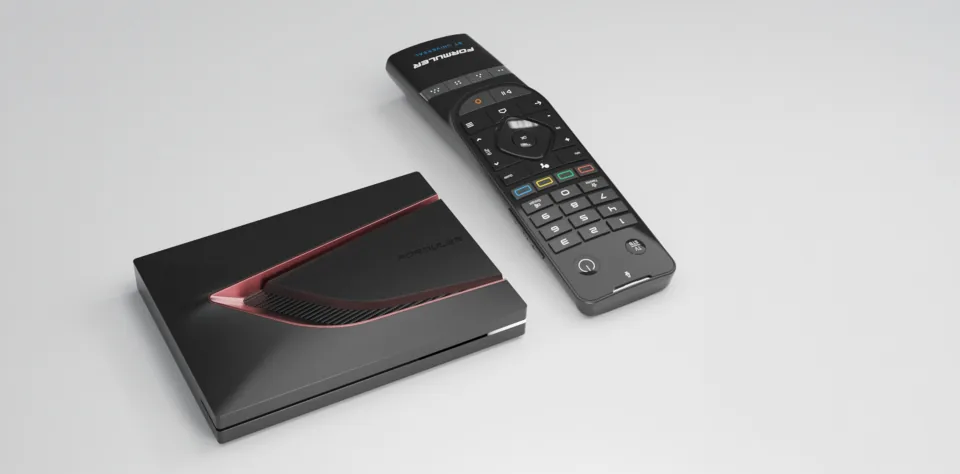 Formuler Z12 Ultrafrom £182.94
Most powerful box
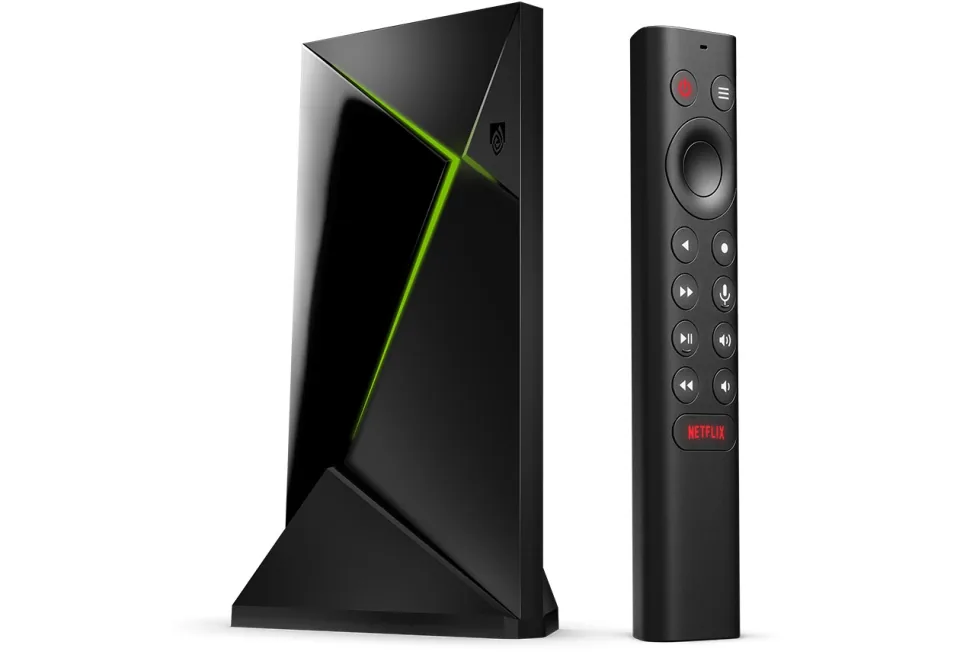 NVIDIA SHIELD TV Profrom £189
Best for Apple users
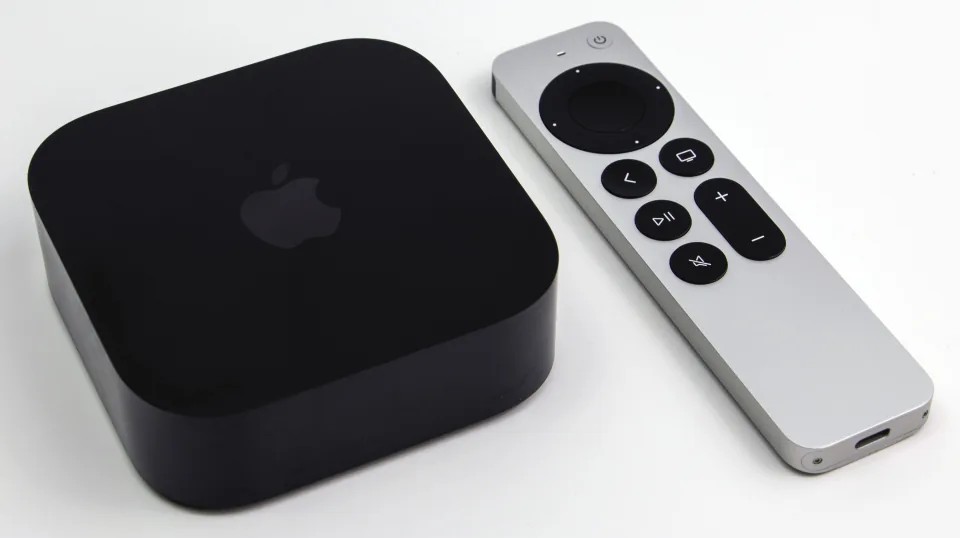 Apple TV 4K (2022)from £199
Best stick for IPTV
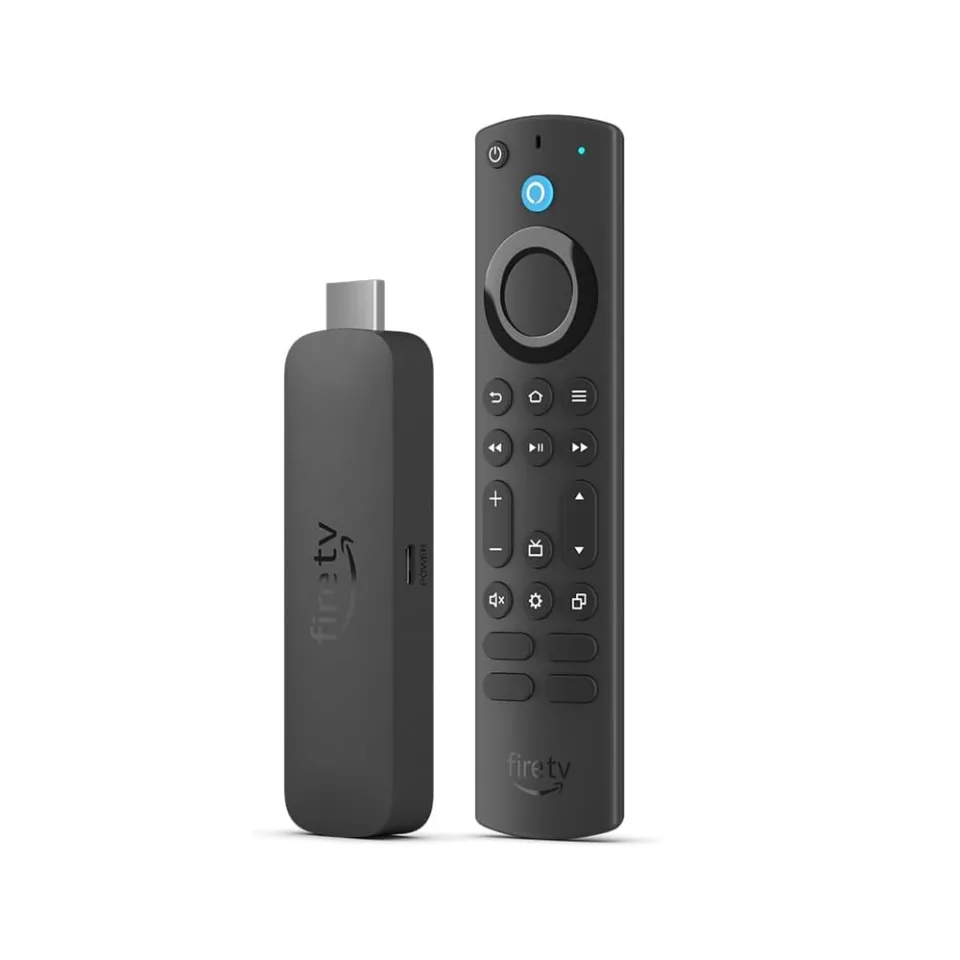 Amazon Fire TV Stick 4K Maxfrom £46.99
Best budget box
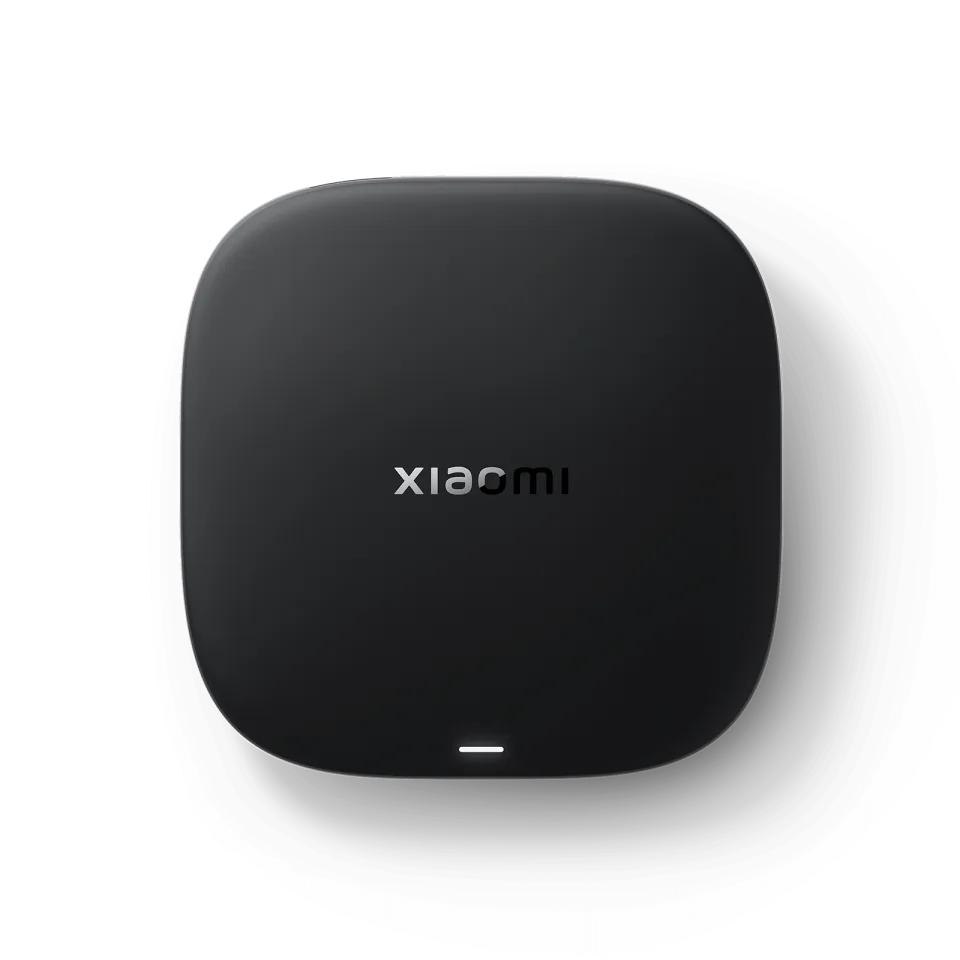 Xiaomi TV Box S (3rd gen)Cheap Google TV box with 32 GB of storage, but no network port
Box finder
Answer four short questions and see straight away which three boxes suit you best.
Answer the questions
You'll see straight away which three boxes suit you best.
All boxes
Filter by type of box or sort by price. Click a box for the full review with specifications, IPTV apps and where to buy it cheapest.
10 boxes
Best all-rounder
Google TV with a network port, 4 GB of RAM and updates until 2029
Best IPTV box
Formuler's flagship with MyTVOnline 4, 128 GB of storage and Dolby Vision
Most powerful box
Still the most powerful Android TV box, but old and pricier
Best for Apple users
Fastest and most polished streamer, IPTV via App Store apps
Google TV box with a gigabit port, successor to the Box R 4K Plus
Best stick for IPTV
The last Fire TV Stick where you install IPTV apps yourself
Best budget box
Cheap Google TV box with 32 GB of storage, but no network port
Linux box that logs in with a MAC address: simple, stable and cheap
Cheap Google TV stick with Dolby Vision, but little storage
Enigma2 receiver for satellite plus IPTV, with an M.2 slot for recordings
Comparison table
The most important specifications side by side. Pay particular attention to the network port and the RAM: they decide how stable and smooth live TV runs.
| Box | Score | Type | Picture | Netflix | Dolby Atmos | Network port | Wi-Fi | Memory | System | From |
|---|---|---|---|---|---|---|---|---|---|---|
| Google TV Streamer | 8.7 | Streaming box | 4K · Dolby Vision · HDR10+ | 4K | Gigabit | Wi-Fi 5 | 4 GB / 32 GB | Google TV (Android 14) | £99.00 | |
| Formuler Z12 Ultra | 8.6 | IPTV box | 4K · Dolby Vision · HDR10+ | 720p | Gigabit | Wi-Fi 6E | 4 GB / 128 GB | Android 12 | £182.94 | |
| NVIDIA SHIELD TV Pro | 8.5 | Streaming box | 4K · Dolby Vision · HDR10 | 4K | Gigabit | Wi-Fi 5 | 3 GB / 16 GB | Android TV 11 | £189 | |
| Apple TV 4K (2022) | 8.2 | Streaming box | 4K · Dolby Vision · HDR10+ | 4K | Gigabit (128 GB) | Wi-Fi 6 | 4 GB / 64 or 128 GB | tvOS 27 | £199 | |
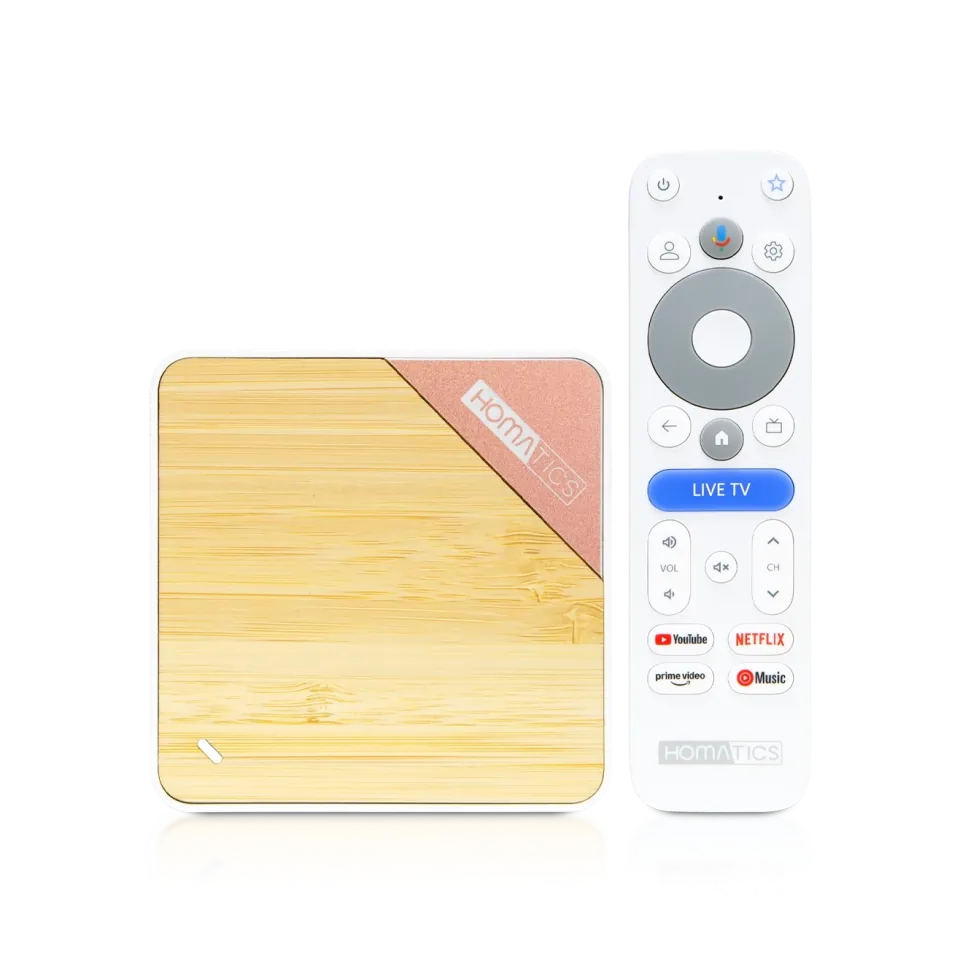 Homatics Box 4K V2 Homatics Box 4K V2 | 8.2 | Streaming box | 4K · Dolby Vision · HDR10+ | 4K | Gigabit | Wi-Fi 6 | 2 GB / 32 GB | Google TV 14 | €109.30 | |
| Amazon Fire TV Stick 4K Max | 8.0 | Streaming stick | 4K · Dolby Vision · HDR10+ | 4K | Wi-Fi 6E | 2 GB / 16 GB | Fire OS 8 | £46.99 | ||
| Xiaomi TV Box S (3rd gen) | 7.8 | Streaming box | 4K · Dolby Vision · HDR10+ | 4K | Wi-Fi 6 | 2 GB / 32 GB | Google TV 14 | — | ||
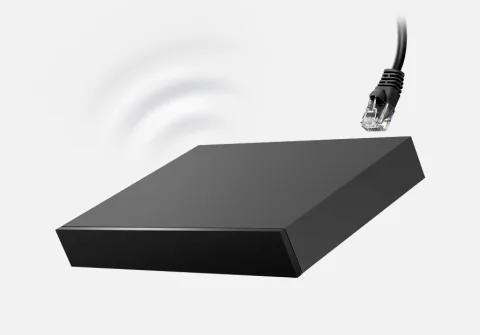 Infomir MAG 540w3 Infomir MAG 540w3 | 7.7 | IPTV box | 4K · HDR | No | 100 Mbit | Wi-Fi 5 | 1 GB / 4 GB | Linux 4.9 | — | |
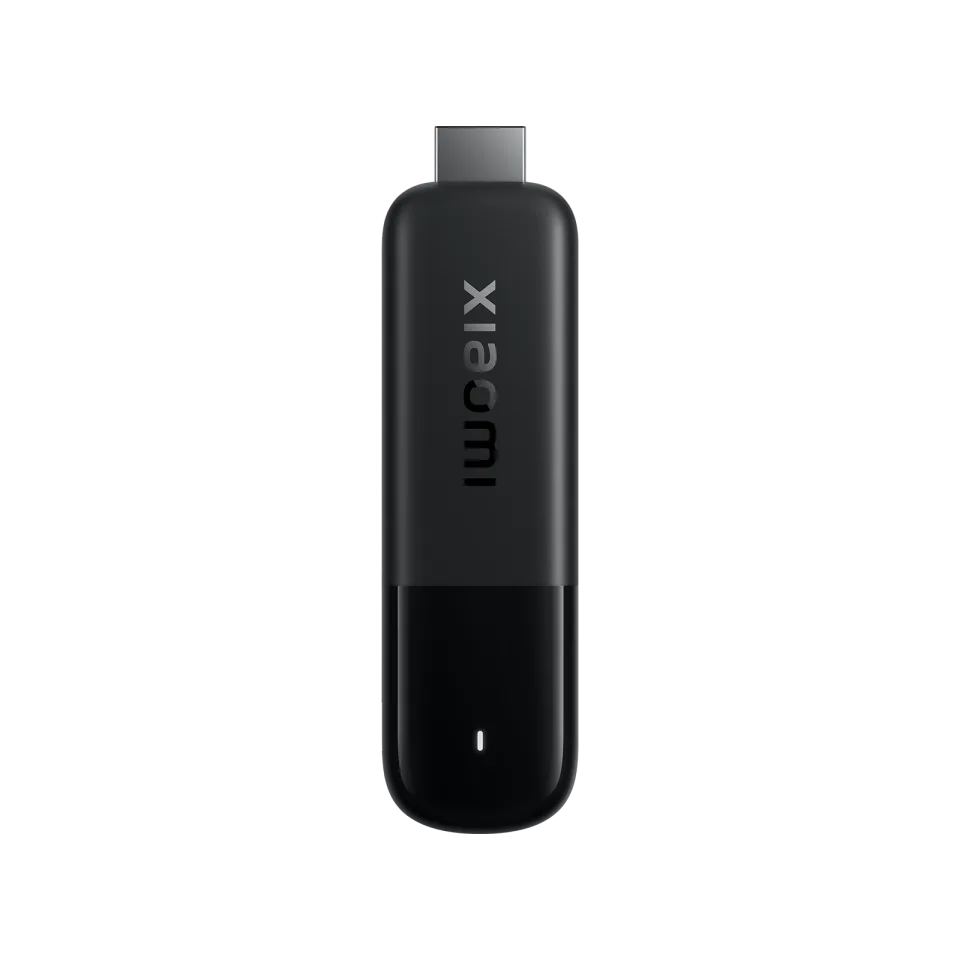 Xiaomi TV Stick 4K (2nd gen) Xiaomi TV Stick 4K (2nd gen) | 7.4 | Streaming stick | 4K · Dolby Vision · HDR10+ | 4K | Wi-Fi 6 | 2 GB / 8 GB | Google TV 14 | — | ||
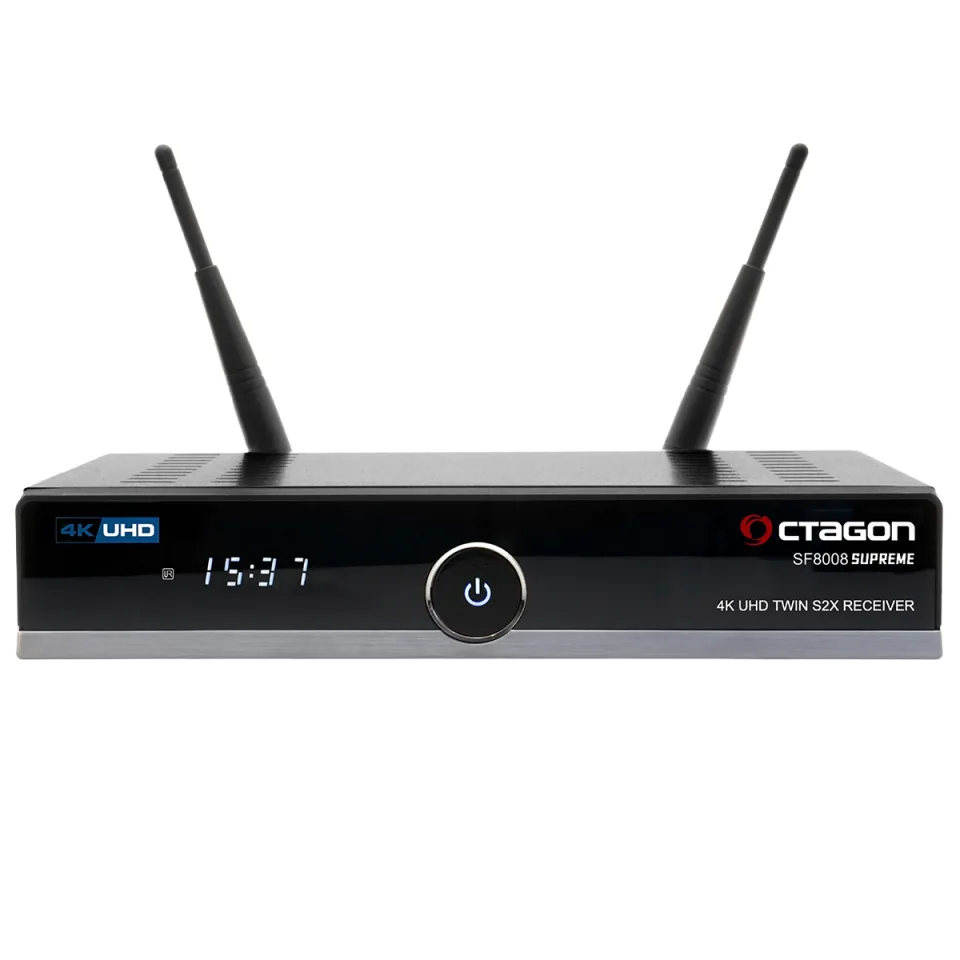 Octagon SF8008 V3 Supreme Octagon SF8008 V3 Supreme | 7.0 | Enigma2 receiver | 4K · HDR10 · HLG | No | Gigabit | Dual-band wifi | 1 GB / 8 GB | Enigma2 + Define OS | £127.50 |
Prices checked on 13 October 2026. Scroll the table sideways to see all columns.
IPTV apps
The app decides how you watch TV: what the TV guide looks like, how fast you can surf channels and whether catch-up works. TiviMate and IPTV Smarters are the most popular on Android; MAG boxes use a portal with your MAC address.
| Box | TiviMate | IPTV Smarters Pro | IBO Player | OTT Navigator | MyTVOnline 3 | Kodi | MAG portal (MAC) |
|---|---|---|---|---|---|---|---|
| Google TV Streamer | |||||||
| Formuler Z12 Ultra | |||||||
| SHIELD TV Pro | |||||||
| Apple TV 4K | |||||||
| Homatics Box 4K V2 | |||||||
| Fire TV Stick 4K Max | |||||||
| Xiaomi TV Box S | |||||||
| MAG 540w3 | |||||||
| Xiaomi TV Stick 4K | |||||||
| Octagon SF8008 |
Genova TV works with all of these apps: you log in with Xtream Codes or an M3U link, and on MAG with your MAC address.
The Fire TV Stick 4K Max (2nd gen) runs Fire OS, a version of Android. You install IPTV apps on it from the Amazon Appstore or with the Downloader app. It is the last stick on Fire OS: the Fire TV Stick 4K Select, the new Fire TV Stick 4K (3rd gen) and the 2026 Fire TV Stick HD run Vega OS, Amazon's own system, where you can only install apps from the Amazon Appstore and can no longer sideload anything yourself.
On top of that, since late 2025 Amazon has blocked apps it classes as piracy, even if you install them yourself. Amazon doesn't publish which apps are on that list. Not sure which system a stick runs? Check the specifications in the shop, or on the stick itself under Settings > My Fire TV > About.
Types of box
All boxes play IPTV, but they're made for different viewers. These are the four types you'll come across in the shops.
A small dongle that plugs straight into your TV's HDMI port. Cheap and out of sight, but with little storage and usually no network port.
A separate media player running Google TV, Android TV or tvOS. More power, often a network port and all the big streaming apps.
A box built for live TV over IPTV: its own TV guide, fast channel surfing and logging in with an M3U playlist, Xtream Codes or MAC address.
A Linux receiver for satellite or cable signals that can also add IPTV channels to its channel list. For people who like to set things up themselves.
Terms
Shops, providers and forums use different words for almost the same device. Here's how it works.
A small box that plays TV channels over the internet using an IPTV app or portal. Every box on this page is an IPTV box.
This is what shops call a separate streaming box. It's the same kind of device: an NVIDIA SHIELD or Google TV Streamer is a media player and an IPTV box.
A box with Android TV or Google TV and the Google Play Store. Most IPTV apps run on it, such as TiviMate and IPTV Smarters. Make sure the box is officially certified by Google.
Sky Q, Sky Stream, Virgin Media's TV box, the BT TV box and the EE TV box are set top boxes from your TV or broadband provider. They only work with that provider's TV subscription; you usually can't install your own IPTV apps on them.
Box or smart TV?
Not always. You can watch IPTV on most smart TVs, but a separate box has more apps, stays faster and can be replaced without buying a new TV. Here's how they compare.
| Samsung (Tizen) | LG (webOS) | TV with Google TV | Separate box | |
|---|---|---|---|---|
| Choice of IPTV apps | Limited | Limited | Large | Large |
| TiviMate | No | No | Yes | Yes (Android boxes) |
| Apps such as IBO Player and Smart IPTV | Yes | Yes | Yes | Yes |
| Speed after a few years | Often gets slower | Often gets slower | Varies | Box can be replaced separately |
| Updates | As long as the TV is supported | As long as the TV is supported | As long as the TV is supported | Independent of your TV |
| Network port | Usually 100 Mbit | Usually 100 Mbit | Usually 100 Mbit | Up to gigabit, or none |
Buying guide
Eight things that make the difference between a box you'll enjoy for years and a bad buy.
Live TV has almost no buffer, so every hiccup in your Wi-Fi shows up on screen straight away. A network cable gives the most stable picture. If your box or stick has no port, most models work with a USB network adapter.
A 4K box only makes sense with a 4K TV. Dolby Vision works on TVs from LG, Philips, Sony and Panasonic, among others; Samsung uses HDR10+ instead of Dolby Vision. Choose a box that supports your TV's HDR format.
An IPTV app loads the TV guide (EPG) for thousands of channels into memory. 2 GB works, but with 3 GB or more you scroll through the guide without stuttering and switch channels faster.
Apps, updates and the guide cache soon fill 8 GB of storage. If you also want to record, choose a box with at least 16 GB or a USB port for a stick or hard drive.
Android TV and Google TV have the most IPTV apps, including TiviMate. Apple TV (tvOS) is polished but has fewer IPTV apps. MAG and Enigma2 boxes run Linux and are made for live TV, without an app store.
If you surf a lot, you'll want number buttons and keys for the TV guide. IPTV boxes such as Formuler and MAG have them; most streaming boxes come with a minimalist remote with voice control.
Buy a box from a known brand that releases security updates. Cheap unbranded boxes often run an old Android version and are sometimes already infected with malware when you unpack them.
For live HD TV, a stick at around £50 is enough. You pay more for a network port, a faster chip, more storage and Dolby Vision. So first work out what you really need.
On online marketplaces, no-name Android boxes (often X96, H96 Max or MXQ Pro) are sold as a ‘box with every channel’. These boxes usually run an outdated Android version with no security updates. In June 2025 the FBI warned that millions of such devices, mostly unbranded streaming boxes, were infected with malware and part of the BadBox 2.0 botnet, often before the buyer had even unpacked them.
So choose a box from a known brand in this comparison. They get updates, have the official app store and you choose which subscription you use.
Discontinued or outdated
Many buying guides still recommend boxes that are no longer made or that have a successor. These are the models to watch out for.
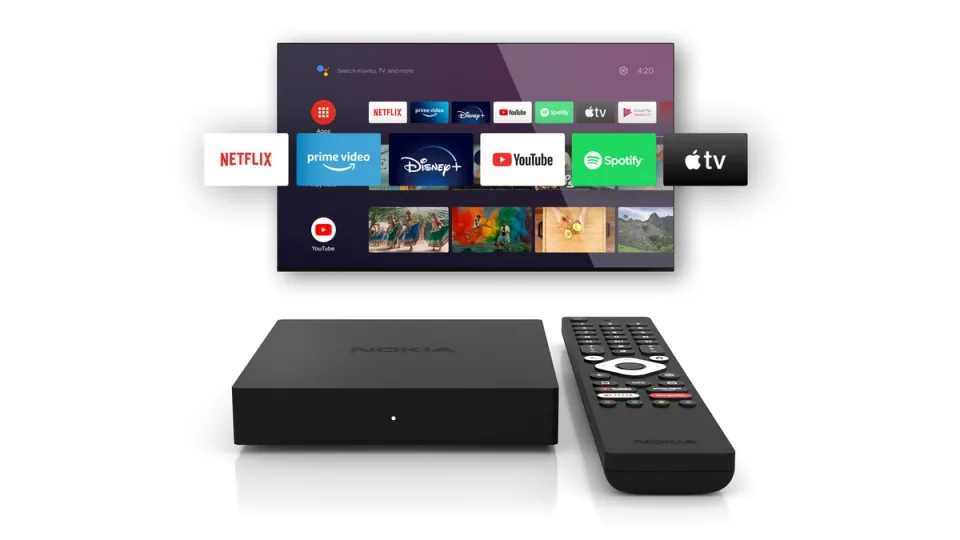
No longer available since StreamView gave up the Nokia licence; a comparable new box with a gigabit port is the Homatics Box 4K V2.
See the successor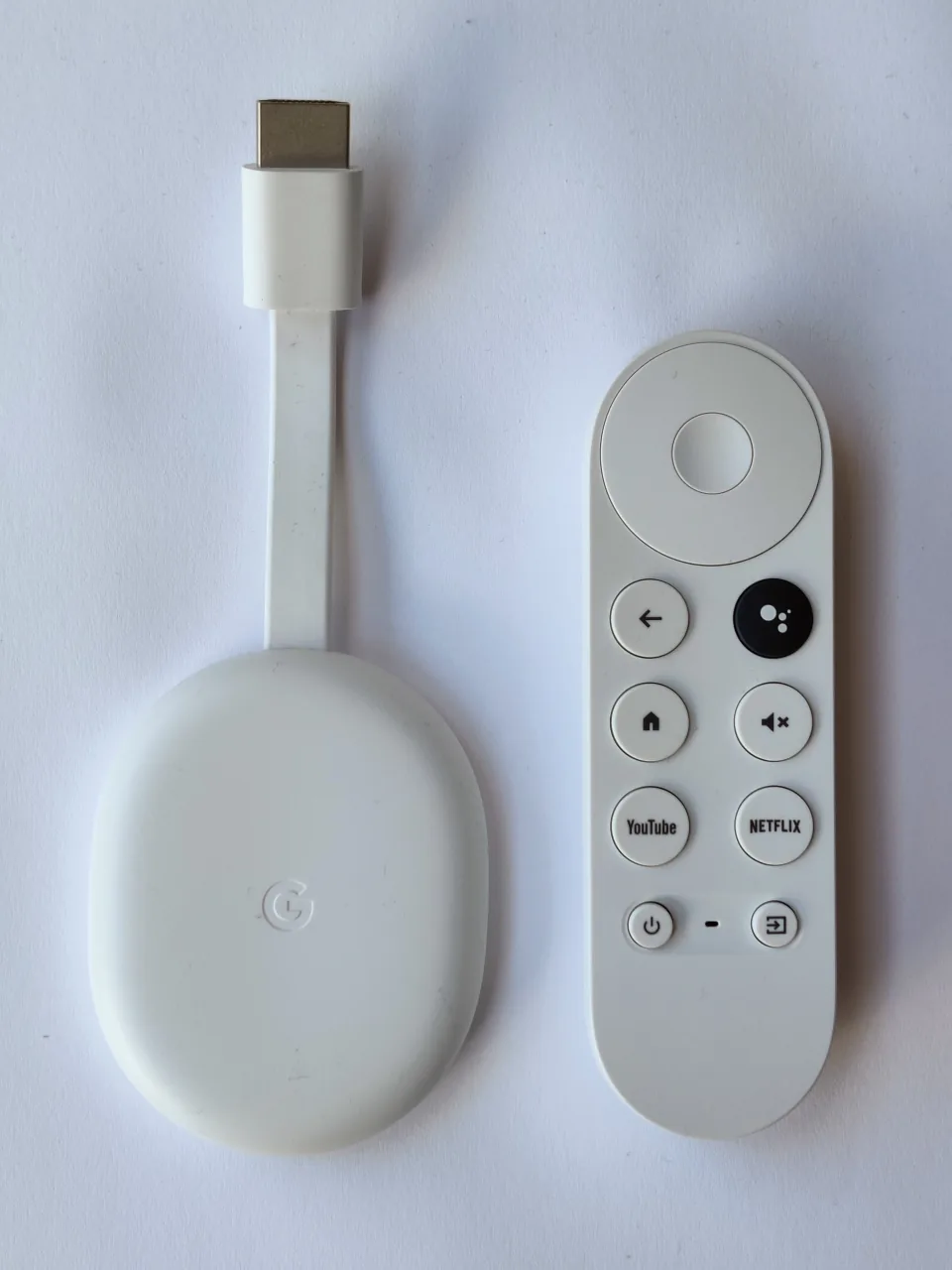
Production stopped in August 2024 and Google stopped selling it in February 2025; the successor is the Google TV Streamer.
See the successor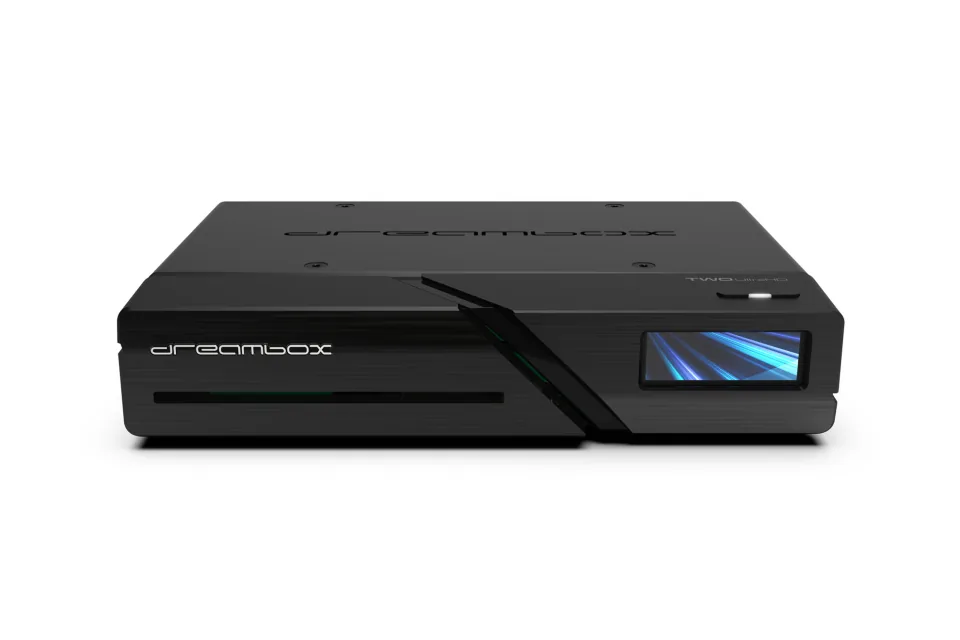
The manufacturer has been in liquidation since December 2023; the current Enigma2 alternative is the Octagon SF8008 V3 Supreme.
See the successorThese new Fire TV sticks run Vega OS: you can no longer install IPTV apps such as TiviMate on them yourself. The 4K Max (2nd gen) still runs Fire OS.
See the Fire TV Stick 4K MaxStill works fine, but won't get MyTVOnline 4: that new app is only for the Z12 series. There is officially no ‘Z12 Pro Max’.
See the Formuler Z12 UltraReplaced by a newer model. The Box 4K V2 with Google TV 14 and a faster chip is the successor.
See the Homatics Box 4K V2The 2nd gen has 8 GB of storage and no Wi-Fi 6; the 3rd gen has 32 GB of storage and Wi-Fi 6 for about the same price.
See the Xiaomi TV Box S (3rd gen)Method
Every box gets a mark from 0 to 10 on five points. The total is the weighted average. We base it on the manufacturer's specifications, independent tests and reviews, which IPTV apps run on the box according to their developers and the prices we found at the shops on 13 October 2026.
Genova TV is an IPTV provider. We don't sell boxes ourselves and manufacturers don't pay us. The shop links on this page are ordinary links.
Frequently asked questions
An IPTV box is a small device that you connect to your TV with HDMI and that plays TV channels over the internet. You log in with the details of your IPTV subscription (an M3U link, Xtream Codes or a MAC address) in an app such as TiviMate, IPTV Smarters or MyTVOnline. Many ordinary streaming boxes, such as an NVIDIA SHIELD or Google TV Streamer, work just as well as an IPTV box.
According to our score, the Google TV Streamer is the best all-round choice (8.7/10). If you want a box made specially for IPTV, with number buttons and its own TV guide, go for the Formuler Z12 Ultra. If you mainly want something cheap, the Amazon Fire TV Stick 4K Max from £46.99 is the best-value box in our comparison.
Not necessarily. Apps such as IBO Player and Smart IPTV work on Samsung and LG TVs, but the choice is smaller, apps often cost an annual fee and older TVs get slow. A separate box has more apps (such as TiviMate), a faster chip and gets updates independently of your TV.
Yes, buying and using a box or media player is legal. What matters is where the channels come from. In 2017 the Court of Justice of the European Union ruled (the Filmspeler case) that boxes pre-loaded with links to illegal streams are not allowed. UK courts take a similar line on pre-loaded boxes. So buy an ordinary box with no pre-installed channels and choose your own subscription.
A network cable. Live TV only buffers a few seconds, so every dip in your Wi-Fi shows up as a stutter. If you can't run a cable to the TV, use 5 GHz Wi-Fi or Wi-Fi 6 and don't put the router too far away. For a stable 4K picture, allow at least 25 Mbit/s.
At least 2 GB of RAM and 8 GB of storage. If you use a big channel list with a TV guide in TiviMate, 3 GB or more of RAM is noticeably smoother. For recording you need extra storage or a USB port.
No. TiviMate is an Android app and runs on Android TV, Google TV and Fire TV with Fire OS. It doesn't work on Apple TV, MAG boxes or Enigma2 receivers; there you use other apps or the built-in portal. The table above shows which apps work on each box.
Google TV is the newer version of Android TV, with a home screen that brings together films and series from all your apps. Under the bonnet it's the same system: you install the same apps from the Google Play Store, IPTV apps included.
Usually because of the connection: weak Wi-Fi, a busy 2.4 GHz band or a router that's far away. A slow box with little RAM or an overloaded server at the provider can also cause stuttering. First try a network cable, restart the box and router and raise the buffer a little in the app.
In our comparison, streaming boxes cost from £99.00 to £199, iptv boxes cost from £182.94 to £182.94, streaming sticks cost from £46.99 to £46.99, enigma2 receivers cost from £127.50 to £127.50. For live HD TV a stick is enough; for 4K with Dolby Vision, a network port and snappy menus you pay more.
Genova TV
Genova TV works on every box in this comparison: from the Fire TV Stick and Apple TV to Formuler and MAG. You get a free trial with no payment, so you can first see how the picture looks on your box and connection.
Specifications according to the manufacturers; prices checked on 13 October 2026 at shops in the UK and Ireland. Photos: see the credits on each review page.
Still comparing? See every provider ranked side by side in Best IPTV 2026.

