Magis TV Alternatives: Why APK Apps Carry Risks, and What's Safer
Magis TV is an app you install from outside the official app stores. Looking for an alternative? Here's what sideloading means, the general risks of APK apps, and how to watch TV safely with apps from the official stores.
In this article
Magis TV is a name you often come across when searching for free or cheap TV apps. It isn't in the Google Play Store or the Amazon Appstore; it's downloaded as an APK file and installed by hand. If you're looking for a Magis TV alternative, it helps to understand what that means first.
We won't judge Magis TV itself. We'll explain the general risks of APK apps from outside the official stores, and how to watch safely.
What is an APK, and what is sideloading?
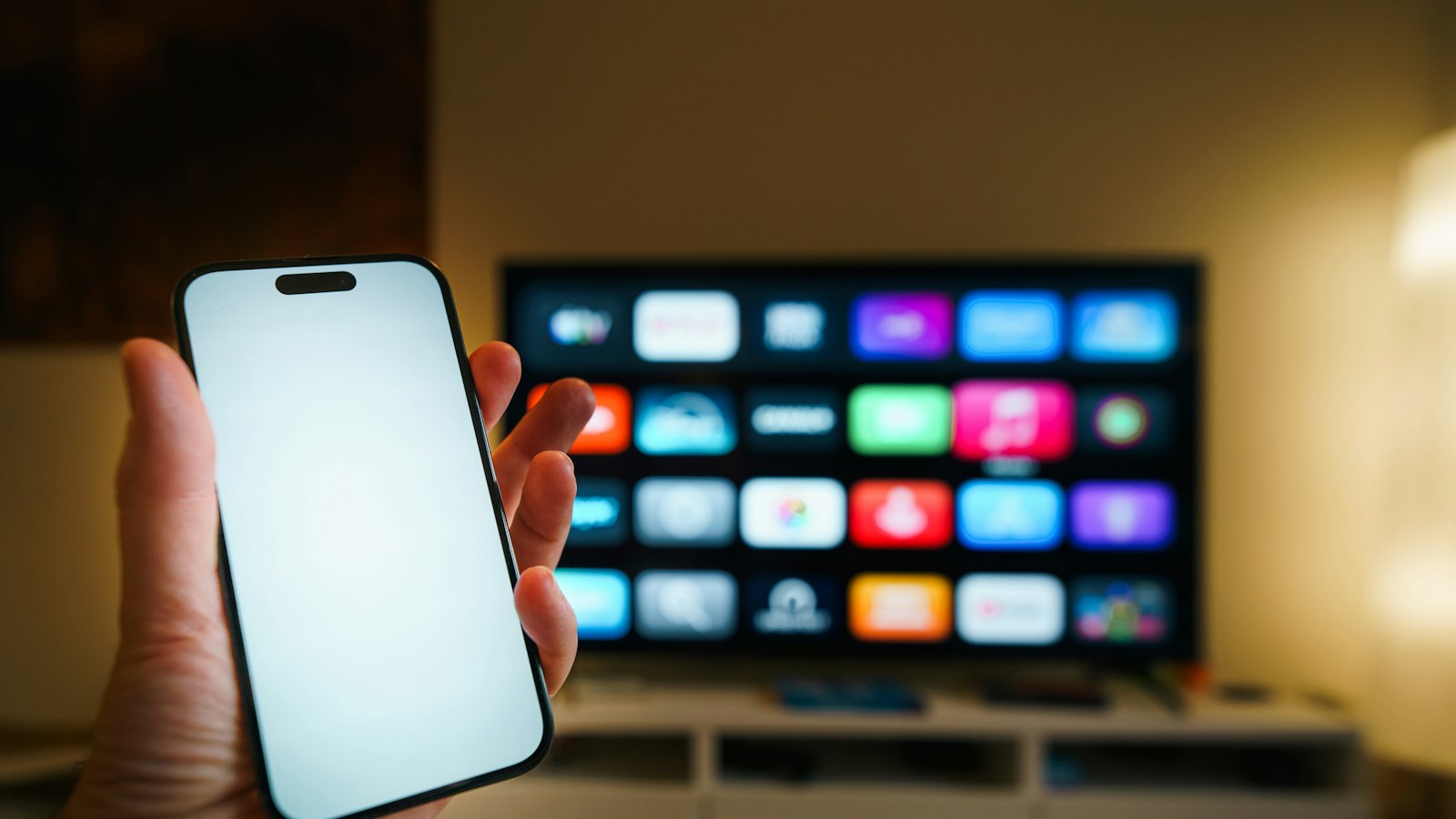
An APK is the installation file of an Android app. Normally you install apps through an official store, which checks apps and updates them automatically. With sideloading, you download the file yourself from a website and switch on "unknown sources" in your settings to install it.
That's technically allowed on Android TV and Fire TV, but you lose the checks of the official store.
The general risks of APK apps
- Fake versions. Popular app names are often copied. A download with the same name and logo may be a modified version.
- Too many permissions. An app you install yourself can ask for permissions it doesn't need, such as access to your storage or network.
- No automatic updates. Security fixes don't arrive by themselves. You have to find and install a new file every time.
- Misleading download sites. APK sites are often full of ads that look like "download" buttons.
- Unclear payments. Sometimes a "premium" version is offered through unknown payment channels, with no certainty at all.
What's a safer alternative?
Choose a combination of an official app and a provider with clear terms:
- Install a well-known player from the official store, such as IPTV Smarters, TiviMate, or IBO Player on Samsung and LG.
- Choose a provider that lets you test for free first and has reachable support.
- Log in with Xtream Codes or M3U, so you're never dependent on one unknown app.
- Switch "unknown sources" off again when you no longer need it.
Genova TV as an option (this is us)
Genova TV works with well-known apps from the official stores. You get more than 45,000 channels and 200,000+ films and series, with a TV guide, via Xtream Codes or M3U. No unknown APK needed. Test it free for 24 hours first, and our team helps you set up on WhatsApp.
Frequently asked questions
Is sideloading forbidden?
No, Android allows it. But you're responsible for what you install, without the checks of an official store.
How do I know if an app is safe?
Preferably only install apps from the Google Play Store or the Amazon Appstore, and check which permissions an app asks for.
Can I simply remove Magis TV?
Yes, through your device settings under Apps. Then switch "unknown sources" off again.
Try it safely with Genova TV
Want to watch TV without unknown APKs? Ask for a free 24-hour test, install an official app and watch for an evening. Then choose a plan from €7 per month.