• Setup guides

How to Add an M3U List: Step-by-Step for Every Popular IPTV App (2026)

Got an M3U list and want it on your TV? Here's how to add an M3U link in IPTV Smarters, TiviMate, IBO Player, Smart IPTV, VLC and Kodi, how to connect the TV guide, and what to do if the list won't load.
By Genova TV Team, Streaming editors4 min read

Adding an M3U list to an IPTV app
In this article
  1. Before you start
  2. IPTV Smarters Pro
  3. TiviMate
  4. IBO Player (Samsung and LG)
  5. Smart IPTV
  6. VLC (computer or phone)
  7. Kodi
  8. Connecting the TV guide (EPG)
  9. List won't load? Check this
  10. Frequently asked questions
  11. Try it with Genova TV

An M3U list is the key to your IPTV channels: a single link that tells your app which channels exist and where to fetch them. In this guide we get straight to work: how do you add your M3U list in the app you use?

You get your personal M3U link from your IPTV provider, usually in a welcome message. With Genova TV you receive it straight after your free test or order, together with your Xtream Codes details.

Hand holding a remote in front of the TV
Marcos Ramírez / Unsplash

Before you start

  • Copy the whole link. An M3U link is long and often contains your username and password. One missing character and the list won't load.
  • Keep it private. Your link is personal. Don't share it on social media or in groups.
  • Choose Xtream Codes where you can. If your app offers both, Xtream Codes often loads the TV guide and films more easily. M3U works everywhere.

IPTV Smarters Pro

  1. Open the app and choose Add New User.
  2. Choose Load Your Playlist or File/URL.
  3. Enter a name, for example "Genova TV", and choose M3U URL.
  4. Paste your link and tap Add User.
  5. Wait for the channels to load and open Live TV.

TiviMate

  1. Open TiviMate and choose Add playlist.
  2. Choose M3U playlist and type or paste your link. Tip: use a short link from your provider if typing on the remote is slow.
  3. Tap Next. TiviMate checks the list and shows the number of channels.
  4. Under EPG, add the TV guide link if you received one.
  5. Tap Done.

IBO Player (Samsung and LG)

  1. Open IBO Player on your TV and note the MAC address and device key on screen.
  2. On your phone or computer, go to IBO Player's official website and choose Manage playlist.
  3. Sign in with your MAC address and device key and add your M3U link.
  4. Restart the app on your TV. The list appears automatically.

Smart IPTV

  1. Open Smart IPTV on your TV and note the MAC address.
  2. On your computer, go to Smart IPTV's official website and open the upload page.
  3. Enter your MAC address, paste your M3U link and choose Send.
  4. Restart the app on your TV.

VLC (computer or phone)

  1. Open VLC and choose Media → Open Network Stream (on a phone: Stream).
  2. Paste your M3U link and choose Play.
  3. The channels appear in the playlist. VLC is handy for testing, but has no real TV guide.

Kodi

  1. Under Add-ons, install the official PVR IPTV Simple Client.
  2. Open its settings and, under M3U Play List, choose Remote path (Internet address).
  3. Paste your link and add the guide link under EPG Settings.
  4. Restart Kodi and open TV.
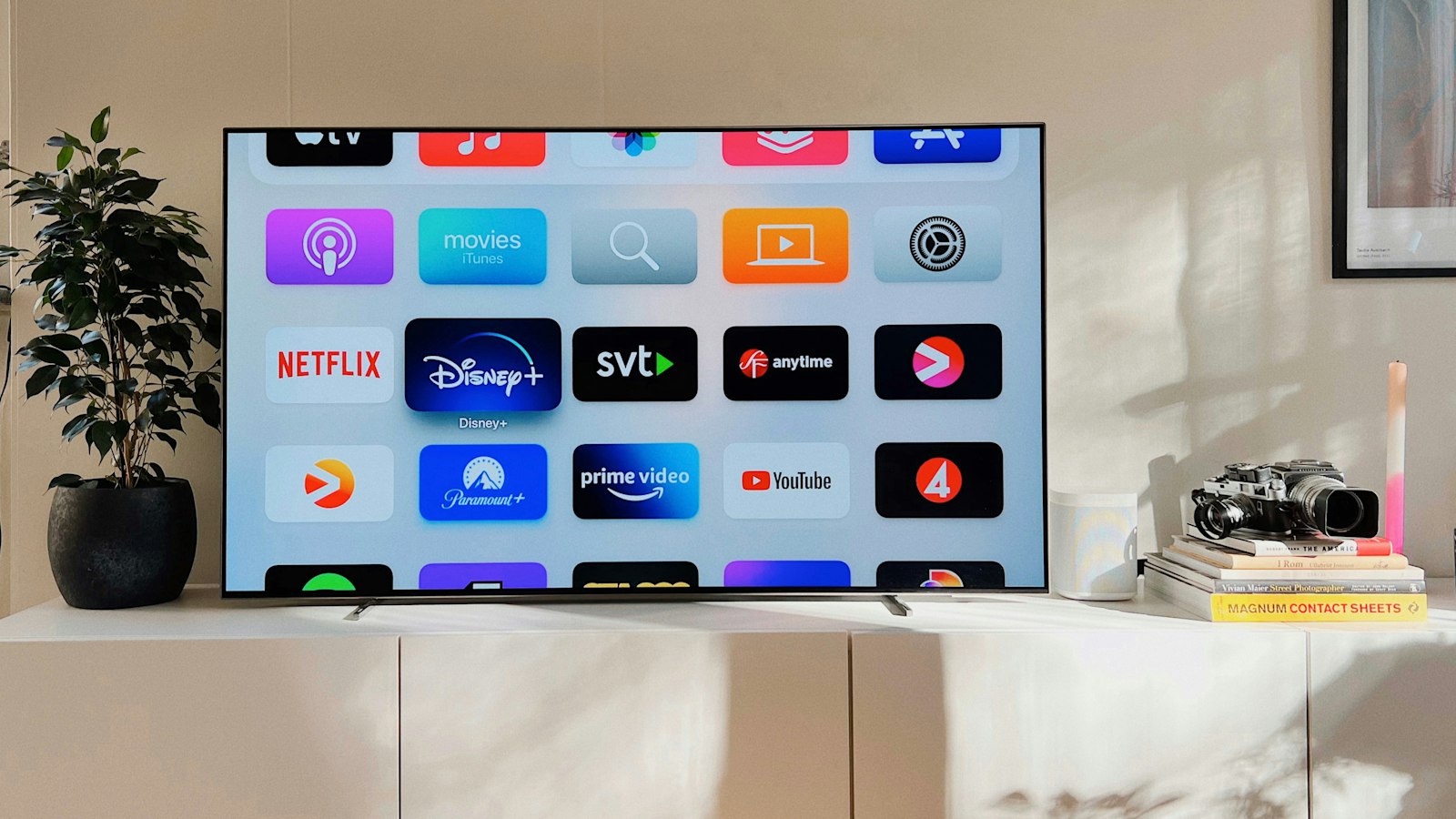
TV on a white cabinet
Oscar Nord / Unsplash

Connecting the TV guide (EPG)

An M3U list contains channels, but not always the TV guide. That usually comes as a separate EPG link (XMLTV). Add it in your app's settings under EPG or TV guide. If the guide is an hour early or late, adjust the EPG time offset in your app.

List won't load? Check this

  • Is the link right? Paste it into your phone's browser. If it downloads a file, the link works.
  • Spaces or quotation marks? Remove them from the start and end of the link.
  • Expired? A test list works for 24 hours. After that you need a subscription.
  • Too big for your device? Older TVs struggle with very large lists. Hide groups or use Xtream Codes.
  • Internet too slow? Test your speed next to the TV. About 10 Mbit/s per screen is enough for HD.

Frequently asked questions

Where do I find a good M3U list?

From a reliable IPTV provider that lets you test for free first. Free lists from the internet are often unstable, quickly offline and sometimes unsafe.

Can I use the same M3U list on several devices?

That depends on your subscription and the number of connections. Feel free to ask us on WhatsApp.

Which is better: M3U or Xtream Codes?

Both give you the same channels. Xtream Codes often loads the TV guide and films more easily; M3U works in almost every app.

Try it with Genova TV

Ask for a free 24-hour test and you'll immediately get your M3U link and Xtream Codes details for more than 45,000 channels. Stuck? Our team helps you on WhatsApp. Then choose a plan from €7 per month.
    • Setup guides

    What Is IPTV? A Simple Explanation for Beginners (2026)

    What exactly is IPTV, how does it work and what do you need? A simple explanation without jargon: the difference from regular TV, which devices work, the pros and cons, and how to get started in ten minutes.

    • Setup guides

    IPTV and Netflix on One Device: Watch Everything with One Remote

    Using IPTV and Netflix together is easier than you think. Here's how to put live TV, sport, films and your streaming apps side by side on one Fire TV Stick, Android TV or Smart TV, with one remote and one home screen.

    • Setup guides

    Combining IPTV and Videoland: The Best Setup for Your Household

    IPTV and Videoland complement each other perfectly: live TV and sport through IPTV, Dutch series and films through Videoland. Here's how to set it up for a series lover, a sports fan or a family, and how to add Netflix and Viaplay too.

Ready to watch?

+45,000 channels and +140,000 films and series in 4K. Try it free first, risk-free.

TurboView+shapeIPTV

Enjoy the ultimate IPTV experience with our Premium package!
3 months
SUBSCRIPTION FOR 3 MONTHS
29
.90
€
Valid for 3 monthsWith all premium features
  • +45K international channels
  • +200K films and series (720p/1080p/4K)
  • Netflix, HBO, Apple , Disney , Darts ...
  • La Liga, Premier League, Champions League, NBA, NFL, NHL, MLB...
  • Adults channels +18 💋
  • RTL - Viaplay - Videoland
  • ESPN - Ziggo - F1 zenders
  • Works on all devices
  • Free and automatic updates
  • EPG and Catch up TV
  • VPN
  • Uptime 99%regular
Subscribe now
6 months
SUBSCRIPTION FOR 6 MONTHS
49
.90
€
Valid for 6 monthsWith all premium features
  • +45K international channels
  • +200K films and series (720p/1080p/4K)
  • Netflix, HBO, Apple , Disney , Darts ...
  • La Liga, Premier League, Champions League, NBA, NFL, NHL, MLB...
  • Adults channels +18 💋
  • RTL - Viaplay - Videoland
  • ESPN - Ziggo - F1 zenders
  • Works on all devices
  • Free and automatic updates
  • EPG and Catch up TV
  • VPN
  • Uptime 99%regular
Subscribe now
icon
1 year
SUBSCRIPTION FOR 1 YEAR
69
.90
€
89,90€
  • +45K international channels
  • +200K films and series (720p/1080p/4K)
  • Netflix, HBO, Apple , Disney , Darts ...
  • La Liga, Premier League, Champions League, NBA, NFL, NHL, MLB...
  • Adults channels +18 💋
  • RTL - Viaplay - Videoland
  • ESPN - Ziggo - F1 zenders
  • Works on all devices
  • Free and automatic updates
  • EPG and Catch up TV
  • VPN
  • Uptime 99%regular

Includes a Premium IPTV app (costs 10 euros), free and at no extra cost

iconiconiconiconicon
Subscribe now

Ultra VisionshapeIPTV

Discover our Standard IPTV option for a decent viewing experience.
3 months
SUBSCRIPTION FOR 3 MONTHS
15
.90
€
Valid for 3 monthsWith all premium features
  • +19K international channels
  • +80K films and series (720p/1080p/4K)
  • Netflix, HBO, Apple , Disney , Darts ...
  • La Liga, Premier League, Champions League, NBA, NFL, NHL, MLB...
  • Adults channels +18 💋
  • VPN
  • FHD/HD/SD quality
  • Works on all devices
  • Free and automatic updates
Subscribe now
6 months
SUBSCRIPTION FOR 6 MONTHS
25
.90
€
Valid for 6 monthsWith all premium features
  • +19K international channels
  • +80K films and series (720p/1080p/4K)
  • Netflix, HBO, Apple , Disney , Darts ...
  • La Liga, Premier League, Champions League, NBA, NFL, NHL, MLB...
  • Adults channels +18 💋
  • VPN
  • FHD/HD/SD quality
  • Works on all devices
  • Free and automatic updates
Subscribe now
icon
1 year
SUBSCRIPTION FOR 1 YEAR
39
.90
€
Best price performance ratio
  • +19K international channels
  • +80K films and series (720p/1080p/4K)
  • Netflix, HBO, Apple , Disney , Darts ...
  • La Liga, Premier League, Champions League, NBA, NFL, NHL, MLB...
  • Adults channels +18 💋
  • VPN
  • FHD/HD/SD quality
  • Works on all devices
  • Free and automatic updates

Includes a Premium IPTV app (costs 10 euros), free and at no extra cost

iconiconiconiconicon
Subscribe now