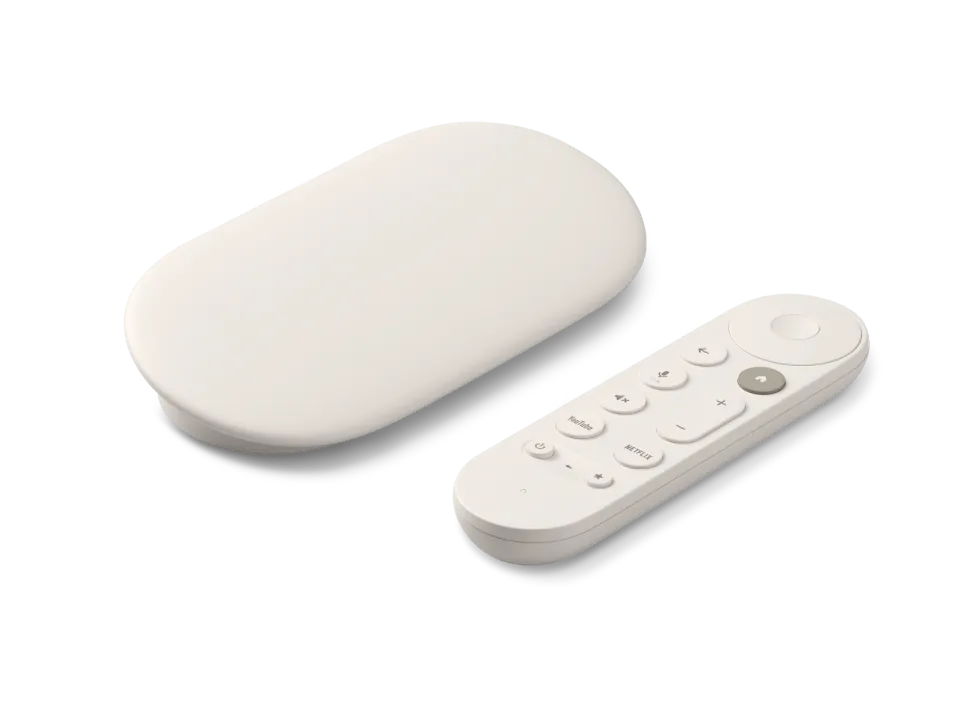
Cheap Google TV stick with Dolby Vision, but little storage
- 4K · Dolby Vision · HDR10+
- No network port
- Google TV 14
Sold out everywhere right now
Streaming stick · review updated 13 October 2026
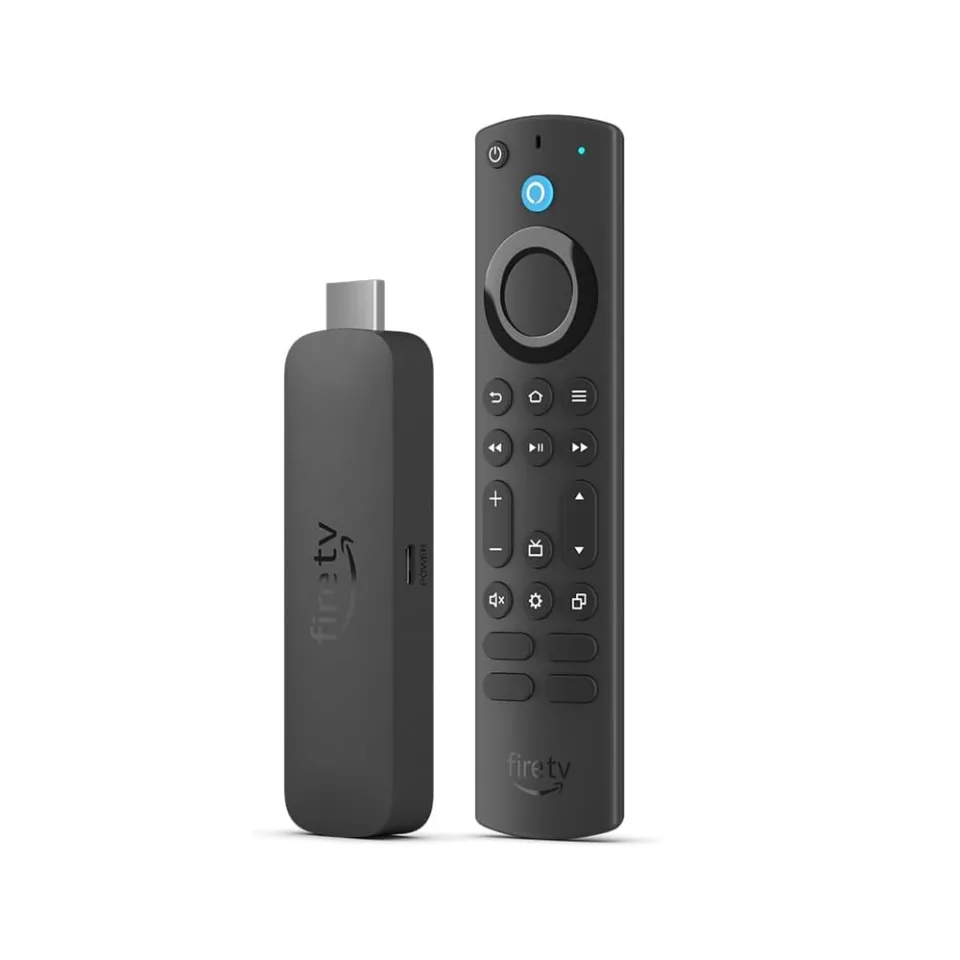
The Fire TV Stick 4K Max is Amazon's most powerful stick and a popular budget device for IPTV. Now that Amazon is moving to Vega OS, it is also the last Fire TV Stick where you install IPTV apps yourself.
The Fire TV Stick 4K (3rd gen), the 4K Select and the 2026 Fire TV Stick HD run Vega OS. You can no longer install IPTV apps yourself on those. The 4K Max (2nd gen) still runs Fire OS.
Our verdict
The Fire TV Stick 4K Max is the best stick for IPTV for as long as you can still buy it: quick, with Dolby Vision and HDR10+, Wi-Fi 6E and 16 GB of storage. It is the last Fire TV Stick on Fire OS, so you simply install apps such as TiviMate yourself. If you want a cable or the Google Play Store, choose a box.
How the Fire TV Stick 4K Max scores on the five points we rate every box on. How we rate.
The second generation came out in October 2023 with a launch price of €79.99. Prices have since gone up in some shops. You get 4K picture with every HDR format, Dolby Atmos, Wi-Fi 6E and twice as much storage as the standard Fire TV Stick 4K.
In this review you'll read how the stick performs, what Vega OS means for IPTV viewers, how to install IPTV and where to find the best price.
Amazon is replacing Fire OS, which is based on Android, with Vega OS, its own Linux-based system. Vega OS only runs apps from Amazon's own app store and you can no longer install anything yourself. For IPTV viewers that is a big difference: TiviMate and other Android apps don't work on it.
The Fire TV Stick 4K Select, the 2026 Fire TV Stick HD and the new third-generation Fire TV Stick 4K all run Vega OS. The second-generation 4K Max is the last stick to keep Fire OS 8. According to AFTVnews, existing Fire OS devices won't be converted to Vega OS, and Amazon promises security updates for at least four years after the stick was last on sale.
One caveat: since late 2025 Amazon has blocked apps that are on an anti-piracy list, even if you installed them yourself. Amazon doesn't publish which apps are on that list. In September 2026 a settings bug briefly broke sideloading on some sticks; Amazon fixed it within a few days.
The stick plays 4K at 60 frames per second and supports all HDR formats: Dolby Vision for TVs from LG, Philips and Sony, among others, HDR10+ for Samsung and HLG for live broadcasts. That gets you the best picture from Netflix, Disney+ and Prime Video on almost any 4K TV.
For sound there is Dolby Atmos and 7.1 surround, and over HDMI ARC the stick passes the sound on to a soundbar or receiver. It also decodes AV1, the video format that streaming services use more and more. That makes it ready for the years ahead.
The stick has no network port. Amazon sells a separate adapter that you plug into the micro-USB port, but it manages 100 Mbit/s at most. That is enough for one 4K stream, which usually needs 15 to 25 Mbit/s.
In practice Wi-Fi is often the better choice: the stick has Wi-Fi 6E, so it can also use the 6 GHz band, provided your router supports it. If the router is far away or you live in a busy block of flats, choose the 5 or 6 GHz band or the adapter.
The MediaTek chip with four cores up to 2.0 GHz makes menus and apps noticeably faster than on the standard Fire TV Stick 4K. With 16 GB of storage there is enough room for an IPTV app, a few streaming services and the TV guide cache. The 2 GB of RAM is the limit, though: a channel list with thousands of channels loads more slowly than on a box with 3 or 4 GB.
The home screen revolves around Amazon: you see a lot of advertising and recommendations from Prime Video. If you mainly watch IPTV you won't notice much, because you put the IPTV app at the top as a favourite. The Alexa Voice Remote Enhanced also controls the volume and power button of your TV and has buttons for live TV.
Watching IPTV
There is no Google Play Store, but because the stick runs Fire OS you install Android apps yourself with the Downloader app from the Amazon Appstore. That way TiviMate, IPTV Smarters Pro, IBO Player, OTT Navigator and Kodi all run fine. MyTVOnline only works on Formuler boxes.
Specifications
| General | |
|---|---|
| System | Fire OS 8, based on Android 11 |
| Chip | MediaTek MT8696T, four cores up to 2.0 GHz |
| Graphics chip | Imagination GE9215 |
| RAM | 2 GB |
| Storage | 16 GB |
| On sale since | October 2023 (2nd gen) |
| Picture and sound | |
| Resolution | 4K up to 60 frames per second |
| HDR | Dolby Vision, HDR10, HDR10+, HLG |
| Video codecs | AV1, H.265 (HEVC), H.264, VP9 |
| Audio | Dolby Atmos, Dolby Digital Plus, 7.1 surround |
| Connections | |
| HDMI | HDMI 2.1 with ARC |
| Network port | None; optional adapter from Amazon (10/100 Mbit/s via micro-USB) |
| Wi-Fi | Wi-Fi 6E (2.4, 5 and 6 GHz) |
| Bluetooth | 5.2 |
| Power | Micro-USB, adapter and HDMI extender included |
| Controls and size | |
| Remote control | Alexa Voice Remote Enhanced with voice control, TV buttons and live TV buttons |
| Dimensions | 99 × 30 × 14 mm (without HDMI plug) |
| Weight | 43.5 grams |
Where to buy
The Fire TV Stick 4K Max is currently cheapest at John Lewis for £46.99. Below are all the shops we found, from cheapest to most expensive.
Prices checked on 13 October 2026, RRP £69.99. Prices and stock change; the shop always has the current price.
you want a compact, hidden 4K stick where you install TiviMate or IPTV Smarters yourself, and your Wi-Fi by the TV is good.
you really want a network cable, need the Google Play Store or Chromecast, or want a calm home screen without advertising.
Genova TV
Genova TV works on the Fire TV Stick 4K Max with TiviMate. Try it free first: you get test login details via WhatsApp and we'll help you install it step by step.
Alternatives
Cheap Google TV stick with Dolby Vision, but little storage
Best all-rounder
Google TV with a network port, 4 GB of RAM and updates until 2029
Most powerful box
Still the most powerful Android TV box, but old and pricier
Frequently asked questions
Yes. It is the fastest Fire TV Stick and it still runs Fire OS, so you install IPTV apps such as TiviMate and IPTV Smarters yourself with the Downloader app. With Wi-Fi 6E and 16 GB of storage it is the best stick for IPTV; only a network port is missing.
Yes. The second-generation 4K Max runs Fire OS 8 and supports sideloading and the Downloader app, unlike the Vega OS models (Fire TV Stick 4K 3rd gen, 4K Select and the 2026 Fire TV Stick HD). Amazon does block apps that are on its anti-piracy list, even if you install them yourself.
According to AFTVnews, existing Fire OS devices won't be converted to Vega OS, and Amazon's developer documentation still lists the 4K Max under Fire OS 8. Amazon promises security updates for at least four years after the device was last on sale on its websites.
No, only HDMI and a micro-USB port for power. Amazon sells a separate Ethernet adapter for the micro-USB port that manages 100 Mbit/s at most. That is enough for one 4K stream; otherwise the stick uses Wi-Fi 6E.
Go to Settings > My Fire TV > About. If it says ‘Fire OS’ with version 7, 8 or higher, you can install apps yourself. If it only says ‘OS’ with a version starting with 1 or 2, it is Vega OS and sideloading doesn't work.
Prices checked on 13 October 2026. Product photo: Amazon, via persfoto van de fabrikant.
Still comparing? See every provider ranked side by side in Best IPTV 2026.