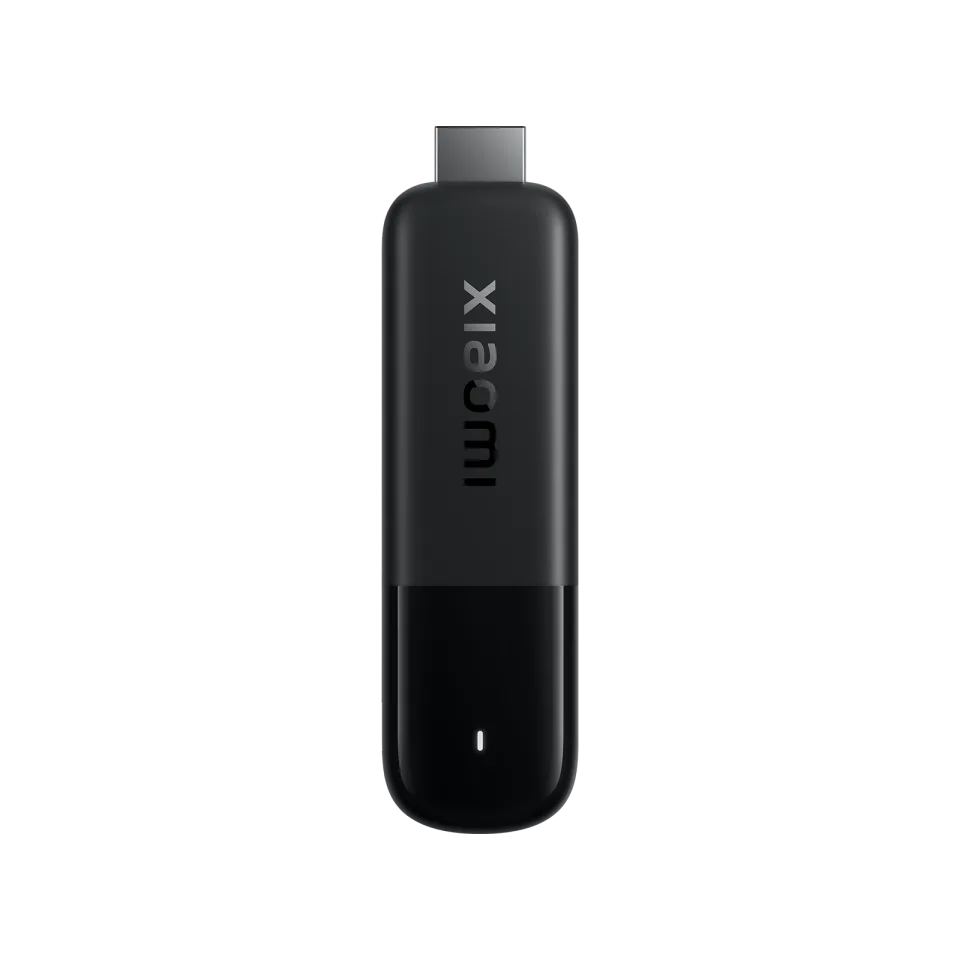
Cheap Google TV stick with Dolby Vision, but little storage
- 4K · Dolby Vision · HDR10+
- No network port
- Google TV 14
Sold out everywhere right now
Streaming box · review updated 13 October 2026
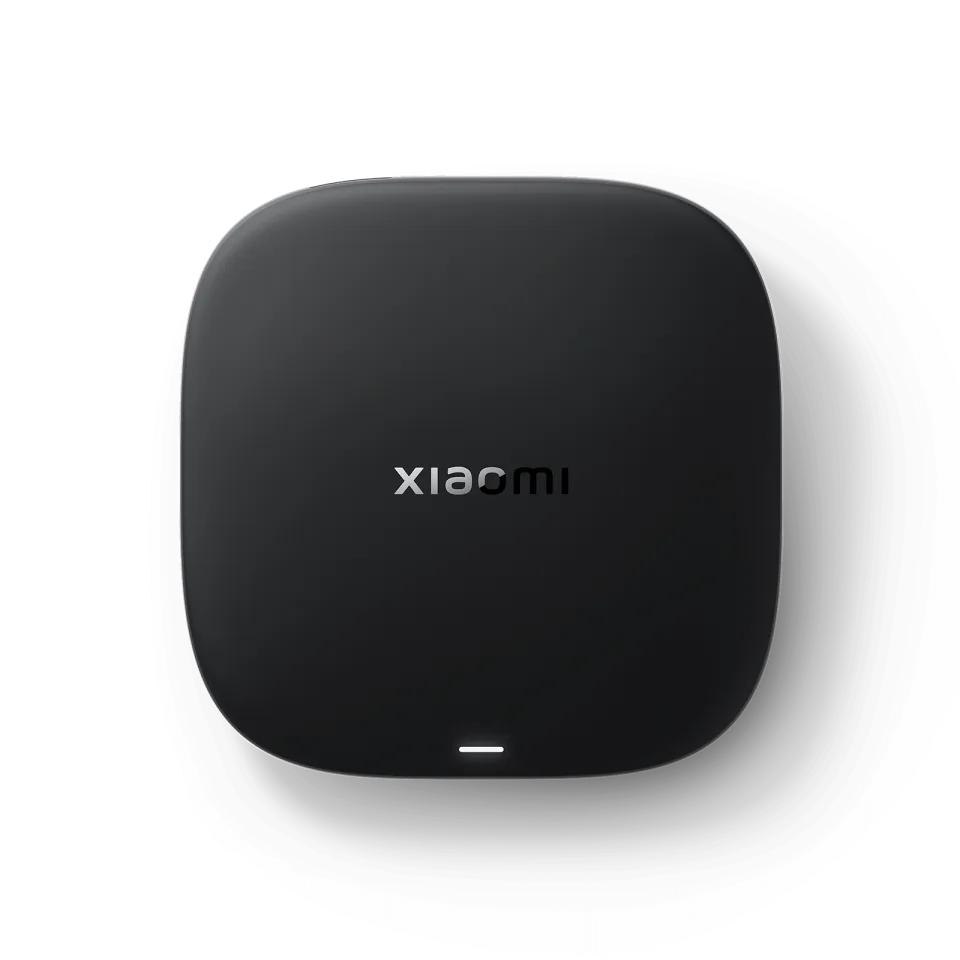
The third-generation Xiaomi TV Box S is a small Google TV box that offers a lot for little money. It follows the popular Mi Box S and the second-generation TV Box S.
Shops sometimes still sell the 2023 2nd generation (8 GB of storage) alongside the 2025 3rd generation. Pick the version with ‘3rd Gen’ and 32 GB of storage in the product name.
Our verdict
The Xiaomi TV Box S (3rd gen) is the best budget box for IPTV if your Wi-Fi by the TV is good. You get Google TV with the Play Store, Dolby Vision, Dolby Atmos and 32 GB of storage for little money. If you want a network cable or more than 2 GB of RAM, you'll have to spend more.
How the Xiaomi TV Box S scores on the five points we rate every box on. How we rate.
Xiaomi announced the box in March 2025 and it has been in European shops since mid-2025, at around €70 (€69.99 in France, according to Notebookcheck). For that you get a new 6 nm chip from Amlogic, 32 GB of storage (four times as much as the previous generation), Wi-Fi 6, Dolby Vision, HDR10+, Dolby Atmos and Chromecast.
In this review you'll read what the third generation does better than the Mi Box S, how things stand with the network port, how to install IPTV and where to find the best price.
Xiaomi has sold this box for years under almost the same name. The original Mi Box S came out in 2018. In 2023 came the second-generation TV Box S, Xiaomi's first Google TV box, and in 2025 the third generation. Many shops and sites still call the second generation ‘Mi Box S 2nd gen’, so pay close attention to which version you're looking at.
The second generation has an Amlogic S905X4 chip (according to AndroidPCTV), 2 GB of RAM, 8 GB of storage, dual-band Wi-Fi without Wi-Fi 6, Dolby Vision, HDR10+ and a 3.5 mm audio output. It cost $69.99 in the US and scored 73 out of 100 at Test-Aankoop in late 2024, the same as the Nokia Streaming Box 8010.
The third generation switches to the more efficient 6 nm S905X5M chip. According to Xiaomi the processor is 25 per cent faster and the graphics chip 130 per cent faster. Storage goes from 8 to 32 GB, Wi-Fi 6 is added and the box is lighter (91 instead of 142 grams). The RAM stays at 2 GB and the 3.5 mm output is gone. If you're buying new, choose the third generation: the extra storage in particular makes a difference for IPTV apps and the TV guide cache.
No. Xiaomi says in its own FAQ that the box has no LAN connection (RJ45). You only find an HDMI 2.1a port, one USB 2.0 port and the power connection. A few retail sites do list a network port, but Xiaomi's specifications and AndroidPCTV's review mention none.
If you do want a cable, you can connect a USB Ethernet adapter to the USB port. The speed is then limited by USB 2.0, but that is more than enough for a 4K stream, which needs about 8 to 25 Mbit/s. The only USB port is then occupied, though; AndroidPCTV suggests a USB hub as the solution if you also want to use a USB stick.
Without an adapter you rely on Wi-Fi 6 with OFDMA and MU-MIMO. For 4K channels, choose your router's 5 GHz network. If the router is far away, an adapter or a mesh point by the TV is the better solution.
The box plays 4K at 60 frames per second and supports Dolby Vision, HDR10 and HDR10+; Xiaomi doesn't mention HLG. AV1, H.265 and VP9 are hardware-decoded up to 4K60, H.264 up to 4K30. According to AndroidPCTV, Netflix, Disney+, Prime Video, Max and Apple TV+ played in 4K with 7.1 sound, and the box adjusts the frame rate automatically.
For sound there are Dolby Atmos and DTS:X, but only over HDMI: a 3.5 mm connection or optical output is missing. If you have an older amplifier without HDMI, this isn't the box for you. In AndroidPCTV's test, IPTV streams played up to 4K without problems.
The Amlogic S905X5M has four cores up to 2.5 GHz and a Mali-G310 graphics chip. Menus and apps respond more smoothly than on the previous generation as a result. With 32 GB of storage there is room for several IPTV apps, the TV guide and a few streaming services. The 2 GB of RAM is the limit: a channel list with thousands of channels loads more slowly than on a box with 4 GB, and on forums that is the most commonly heard criticism.
Google TV 14 brings the Play Store, Chromecast and Google Assistant. The remote works via Bluetooth, so you don't have to point it at the box. Xiaomi doesn't state a fixed update period, and anyone wanting to run Kodi systems such as LibreELEC or CoreELEC is out of luck: they don't work on this box.
Watching IPTV
The box runs Google TV with the Google Play Store, where you find TiviMate, Kodi and Downloader directly. You install players that aren't in the Play Store, such as IPTV Smarters Pro and OTT Navigator, as APKs with Downloader. MyTVOnline only works on Formuler boxes.
Specifications
| General | |
|---|---|
| System | Google TV 14 (Android TV 14) |
| Chip | Amlogic S905X5M (6 nm), four Cortex-A55 cores up to 2.5 GHz |
| Graphics chip | Arm Mali-G310 V2 |
| RAM | 2 GB |
| Storage | 32 GB |
| On sale since | 2025 (3rd gen) |
| Picture and sound | |
| Resolution | 4K up to 60 frames per second |
| HDR | Dolby Vision, HDR10, HDR10+ |
| Video codecs | AV1, H.265 (HEVC) and VP9 up to 4K60, H.264 up to 4K30 |
| Audio | Dolby Atmos and DTS:X, over HDMI only |
| Upscaling | AI upscaling (AISR) according to Xiaomi |
| Connections | |
| HDMI | HDMI 2.1a, 1 metre cable included |
| Network port | None; a USB Ethernet adapter is possible (limited to USB 2.0) |
| Wi-Fi | Wi-Fi 6 (2.4 and 5 GHz) with OFDMA and MU-MIMO |
| Bluetooth | 5.2 |
| USB | 1× USB 2.0 (type A) |
| Audio output | No 3.5 mm connection and no optical output |
| Controls and size | |
| Remote control | Bluetooth voice remote with Google Assistant button; the box itself has no infrared receiver |
| Dimensions | 97 × 97 × 17 mm |
| Weight | 91.2 grams |
| Power | 5 V / 2 A adapter included; roughly 5 W consumption according to AndroidPCTV |
Where to buy
Below are the shops that sell the Xiaomi TV Box S.
Prices checked on 13 October 2026, RRP £54.99. Prices and stock change; the shop always has the current price.
you want a cheap Google TV box with the Play Store, Dolby Vision and room for IPTV apps, and your Wi-Fi by the TV is good (preferably 5 GHz).
you really want a network cable without an adapter, need an optical or analogue audio output, or use channel lists with thousands of channels.
Genova TV
Genova TV works on the Xiaomi TV Box S with TiviMate. Try it free first: you get test login details via WhatsApp and we'll help you install it step by step.
Alternatives
Cheap Google TV stick with Dolby Vision, but little storage
Google TV box with a gigabit port, successor to the Box R 4K Plus
Best all-rounder
Google TV with a network port, 4 GB of RAM and updates until 2029
Frequently asked questions
Yes, especially for the price. The third generation runs Google TV with the Play Store, so you install TiviMate and Kodi directly and other apps as APKs. With 32 GB of storage there is plenty of room; only a network port is missing and 2 GB of RAM is tight with very big channel lists.
No. According to Xiaomi the box has no LAN connection (RJ45), only HDMI, one USB 2.0 port and the power connection. You can connect a USB Ethernet adapter; it is limited to USB 2.0, but that is enough for a 4K stream.
The third generation has the faster 6 nm Amlogic S905X5M chip (according to Xiaomi a 25 per cent faster processor and 130 per cent faster graphics chip), 32 instead of 8 GB of storage and Wi-Fi 6. The RAM stays at 2 GB and the second generation's 3.5 mm audio output is gone.
Yes. TiviMate is in the box's Google Play Store. You install apps that aren't in the Play Store, such as IPTV Smarters Pro, as APKs with the Downloader app. You also need your own IPTV subscription or playlist.
Yes. Xiaomi lists Dolby Vision and HDR10+ for picture and Dolby Atmos and DTS:X for sound, in 4K up to 60 frames per second. You only see and hear them if your TV or soundbar supports those formats too and the film or series is offered in them.
Prices checked on 13 October 2026. Product photo: Xiaomi, via persfoto van de fabrikant.
Still comparing? See every provider ranked side by side in Best IPTV 2026.