
 Apple TV 4K

8.4
IPTV app · review updated 13 October 2026
UHF review 2026: the IPTV player for Apple TV and iPhone
UHF is an IPTV player for Apple TV and iPhone, with live TV, films and series in one app.
PriceFree, premium €1.99 per monthby Short Wavelength Applications
Where to download Very good
UHF - Love your IPTVShort Wavelength Applications
Runs on
- Apple TV
- iOS
8.2
8.2Very good
Our verdict
UHF: very good
UHF is built for Apple devices and is one of the more complete IPTV players on Apple TV. It handles Xtream and M3U logins, a TV guide, catch-up and a multi-view mode. The catch is that it runs on Apple devices only, so Android and Windows users need to look elsewhere.
UHF is only a player: to watch TV you still need an IPTV subscription. Compare the providers in Best IPTV 2026.
PlatformsApple TV and iPhone
Multi-viewSeveral channels at once
Catch-upReplay past programmes
LifetimeOne payment of €49.99
Score by category
How UHF scores on the five points we rate every app on. How we rate.
8.2Very good
Pros
- Designed for Apple TV rather than ported to it
- A free tier lets you try it before buying
- Log in with Xtream Codes or an M3U link
- Built-in TV guide (EPG)
- Catch-up from the TV guide
Cons
- No Android, Windows or smart TV apps
- Only runs on Apple TV and iOS
Screenshots
What UHF looks like
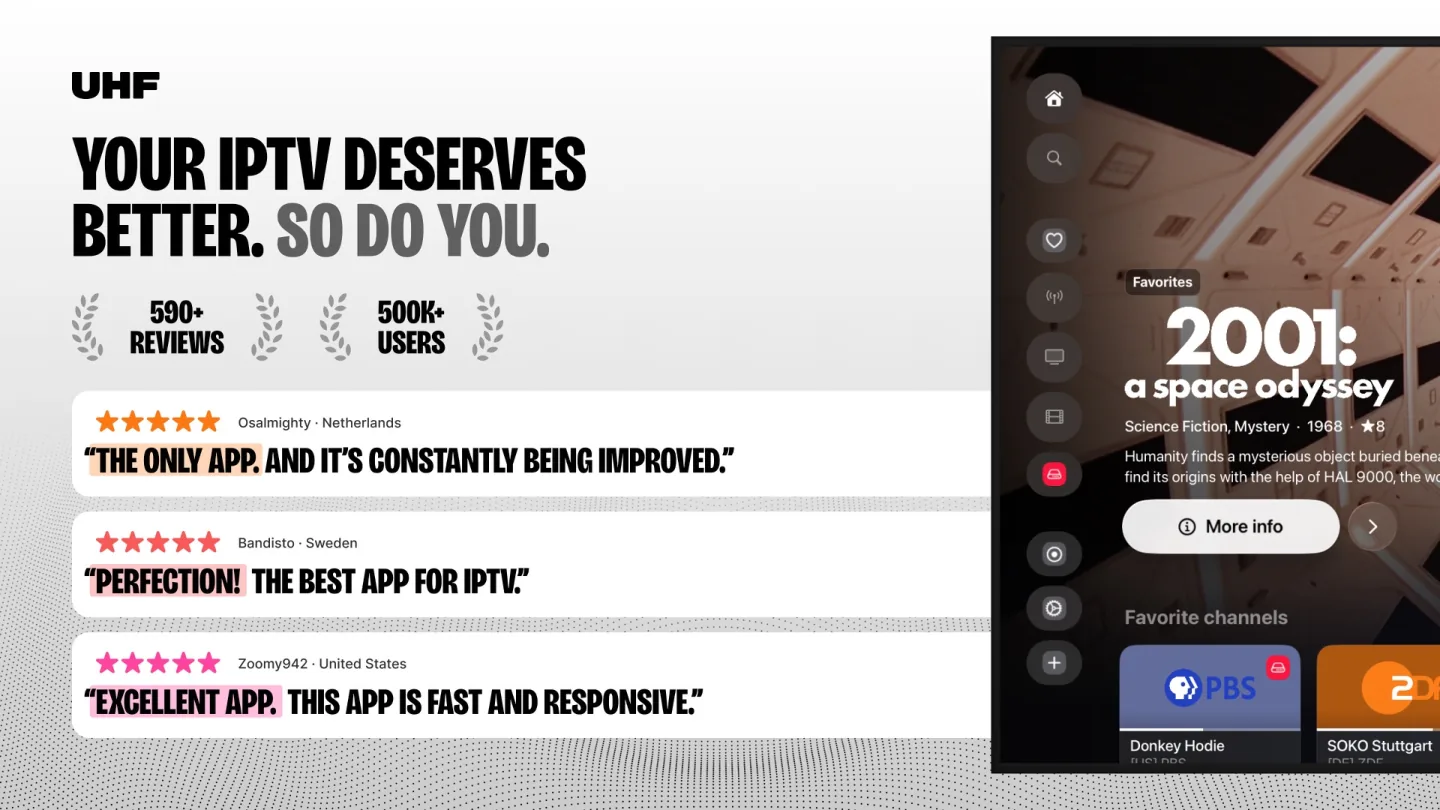
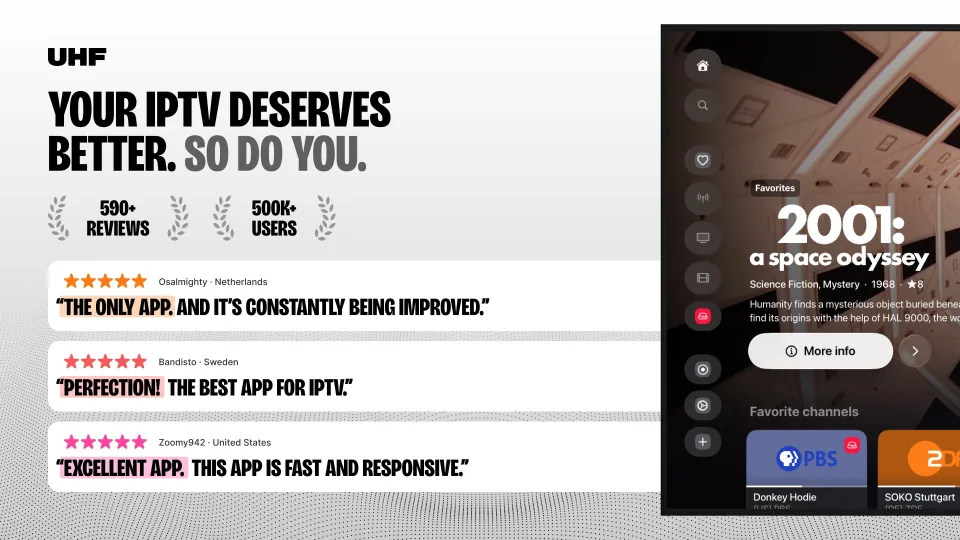
- UHF home screen on Apple TV with a featured film and favourite channels
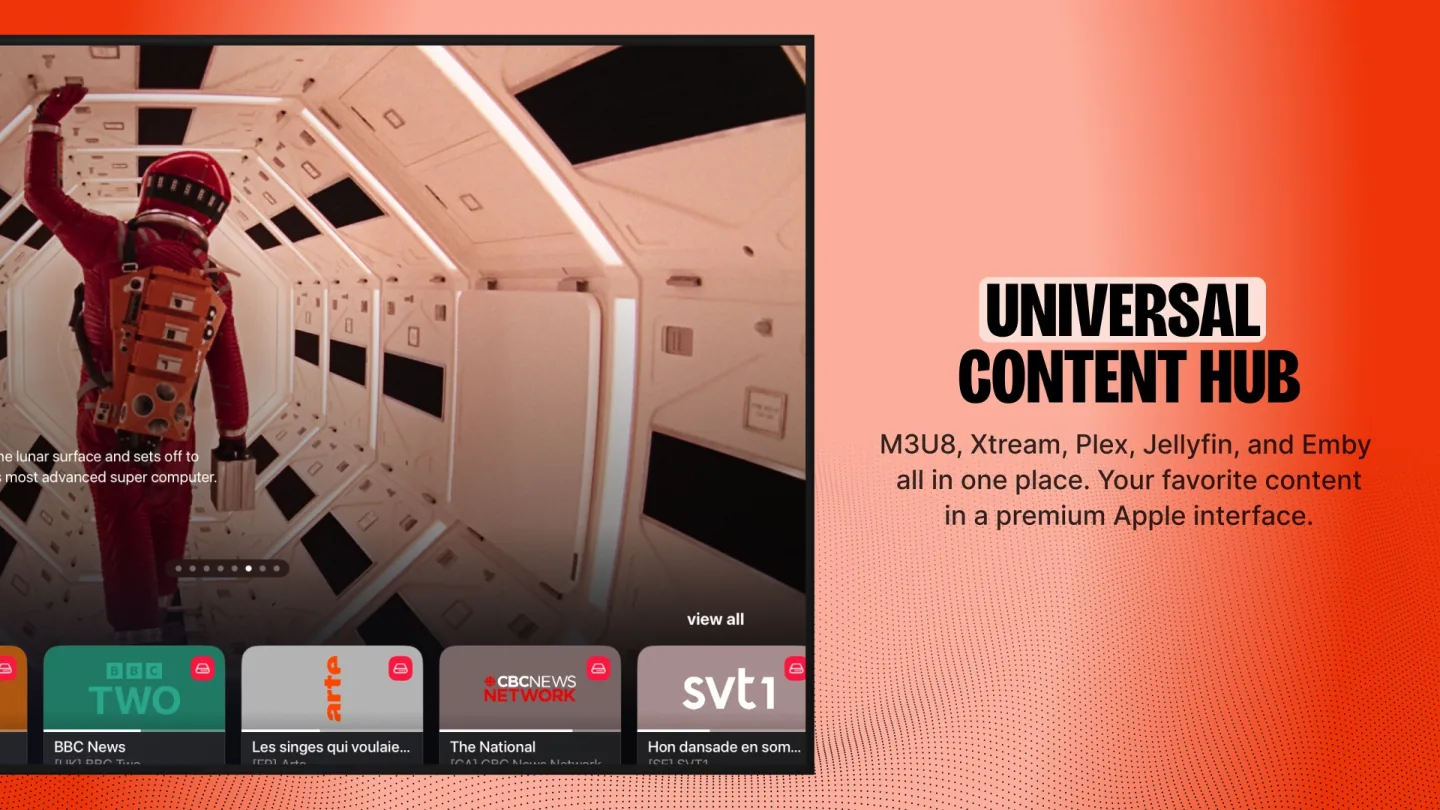
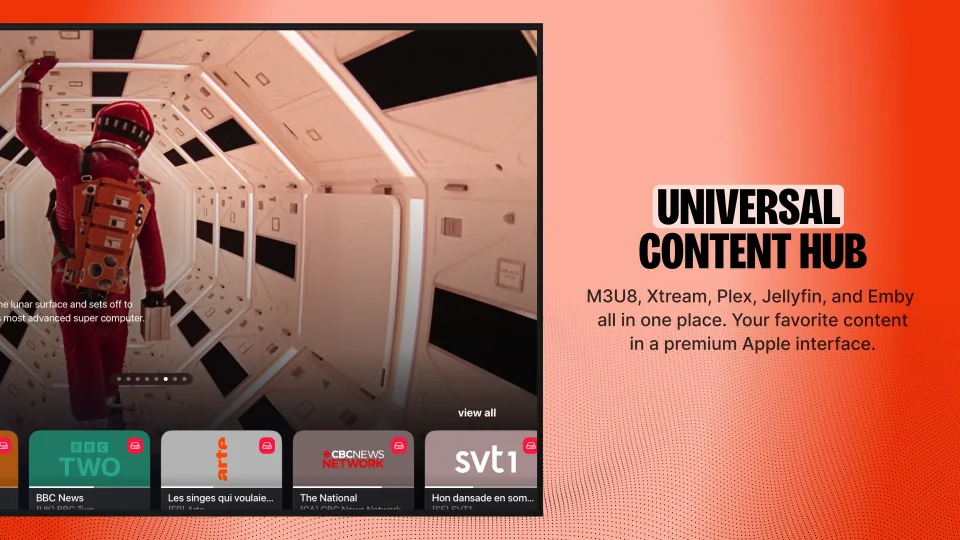 UHF playback screen on Apple TV with the channel bar along the bottom
You sign in with an Xtream login or an M3U playlist, and the app builds a TV guide and a library from it. It supports catch-up, parental controls and a multi-view mode for watching more than one channel at once. The app is free to download, with the extra features sold as in-app purchases. The developer is Short Wavelength Applications, and the app is distributed through the App Store.
UHF on Apple TV
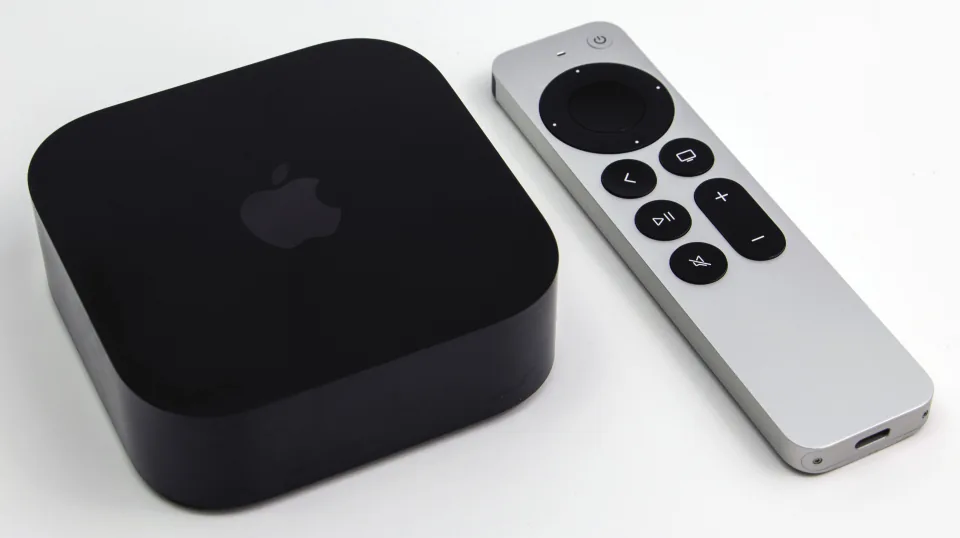
Apple TV is where UHF earns its place. Many IPTV players target Android first and add an Apple version later. UHF is designed around the Apple TV remote and the tvOS interface.
The home screen puts favourite channels and featured films up front, and the player shows a channel bar over the picture. That suits a living-room setup better than a phone app stretched onto a TV.
Free version and paid upgrade
UHF is free to download and use in its basic form. The upgrade costs €1.99 a month, €17.99 a year or €49.99 once. The App Store listing shows exactly what each plan unlocks.
Over a few years, the lifetime purchase works out cheaper than the yearly plan. It is also the simplest option if you only watch on your own devices.
What UHF doesn't cover
UHF does not list recording, and it only runs on Apple hardware. If your household mixes Apple TV with Android or a Windows PC, you would need a second app for those devices.
In that case IPTV Smarters Pro or iMPlayer cover more platforms.
Features
What can UHF do?
UHF runs on Apple TV and iOS. You download the app from App Store.
- Xtream Codes
- M3U link
- MAC / Stalker
- TV guide (EPG)
- Catch-up
- Recording
- Multiview
- Parental lock
- Films and series
| General | |
|---|---|
| Developer | Short Wavelength Applications |
| Platforms | Apple TV, iOS |
| Price | Free, premium €1.99 per month |
| Download | App Store |
| Logging in | |
| Xtream Codes | Yes |
| M3U link | Yes |
| MAC / Stalker | Not mentioned by the developer |
| Features | |
| TV guide (EPG) | Yes |
| Catch-up | Yes |
| Recording | Not mentioned by the developer |
| Multiview | Yes |
| Parental lock | Yes |
| Films and series | Yes |
Installing
How to install UHF on Apple TV
- Open App Store on your device and search for "UHF".
- Install the app and open it.
- Add your subscription: choose Xtream Codes (server, username and password) or an M3U link and enter the details from your IPTV provider.
- Wait for the channels and the TV guide to load; with a large playlist the first time takes a while.
Download
Where do you download UHF?
Official sources only. What it costs: Free, premium €1.99 per month. Beware of fake apps with almost the same name and icon.
Prices
- €1.99 per month
- €17.99 per year
- €49.99 lifetime
- App StoreApple TV · iPhone and iPadFree downloadGo to App Store (opens in a new window) UHF - Love your IPTV
Prices and stores checked on 1 November 2026. Prices can vary by country and currency; the developer always has the current price.
Choose this app if…
you watch on Apple TV or an iPhone and want a polished player with a TV guide and catch-up.
Skip it if…
you need apps for Android or Windows too; choose IPTV Smarters Pro or iMPlayer instead.
TV boxes
TV boxes that run UHF
These boxes from our TV box comparison run UHF. Click for the full review.
Genova TV
Watching Genova TV in UHF
Genova TV works in UHF. Try it for free first: you get trial details via WhatsApp and we help you with the installation step by step.
- 45,000+ channels, including 4K
- Works in UHF
- Installation help via WhatsApp
- Free trial, no payment
Alternatives
Alternatives to UHF


Installing
Guides for UHF
Frequently asked questions
Questions about UHF
Is UHF free?
You can download and use UHF for free. A paid upgrade is available at €1.99 a month, €17.99 a year or €49.99 as a lifetime purchase.
Does UHF support Xtream Codes and M3U?
Yes, UHF accepts both an Xtream login and an M3U playlist. You can use whichever your subscription provides.
Does UHF have catch-up and multi-view?
According to the developer, UHF supports both. Catch-up still depends on your provider offering it for the channel.
Which devices does UHF work on?
UHF runs on Apple TV and iOS. You download the app from App Store.
How much does UHF cost?
The basic version of UHF is free. Premium costs €1.99 per month.
Does my Genova TV subscription work in UHF?
Yes. You log in with Xtream Codes or an M3U link. We help you set it up on WhatsApp.
Sources
Prices and stores checked on 13 October 2026. Icon and screenshots: Short Wavelength Applications, via App Store.
Still comparing? See every provider ranked side by side in Best IPTV 2026.

Links
Support
