
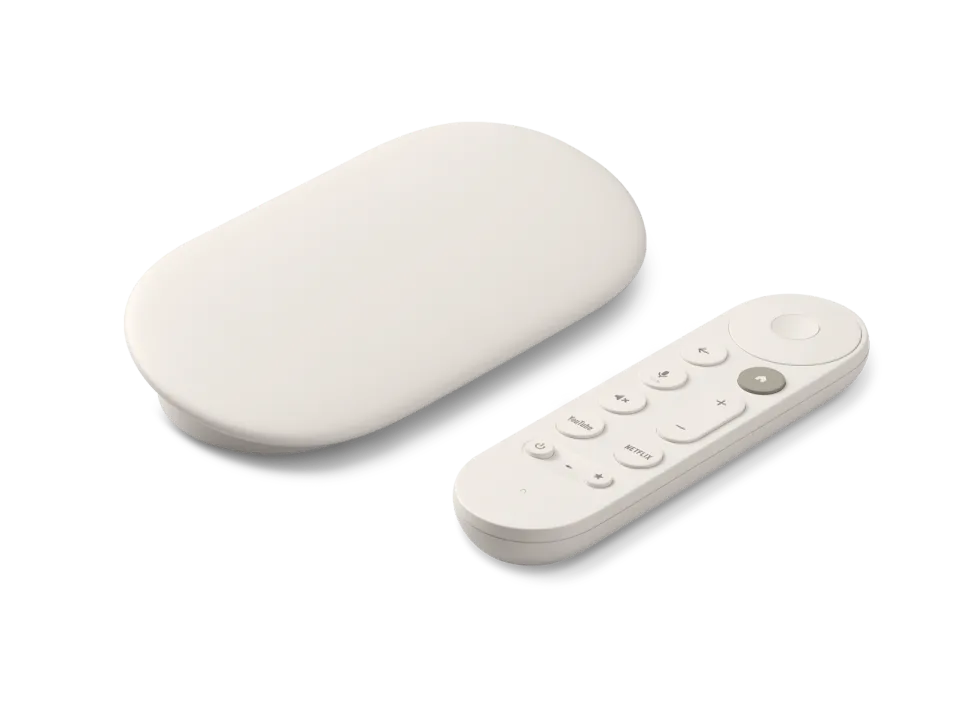
 Google TV Streamer
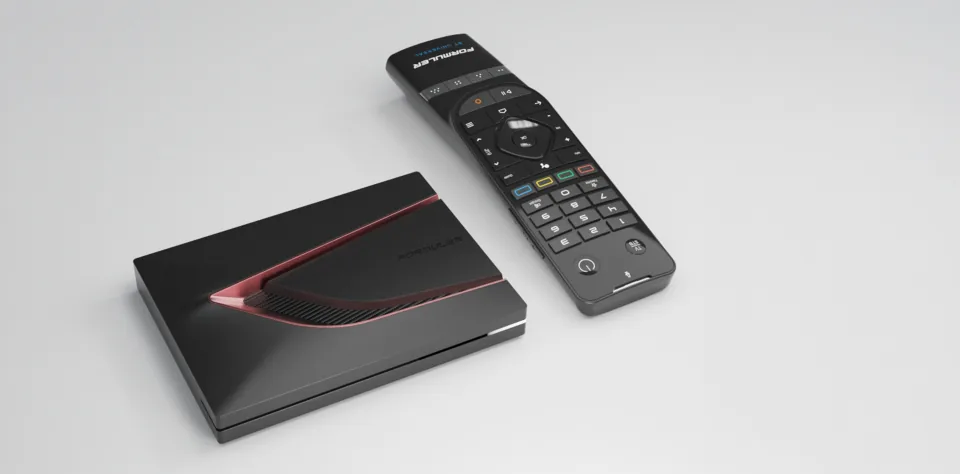 Formuler Z12 Ultra
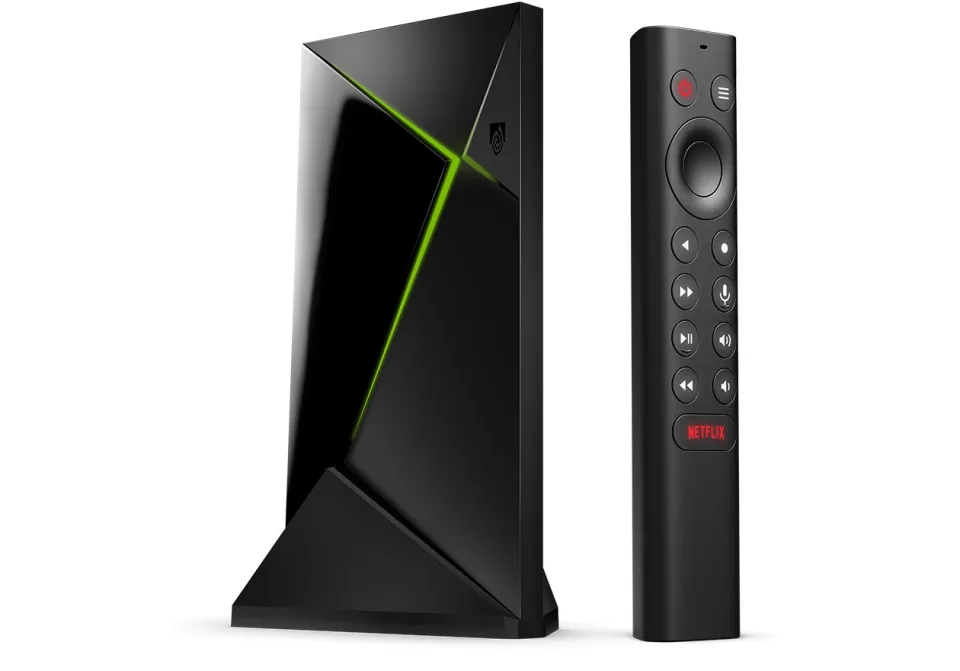 SHIELD TV Pro
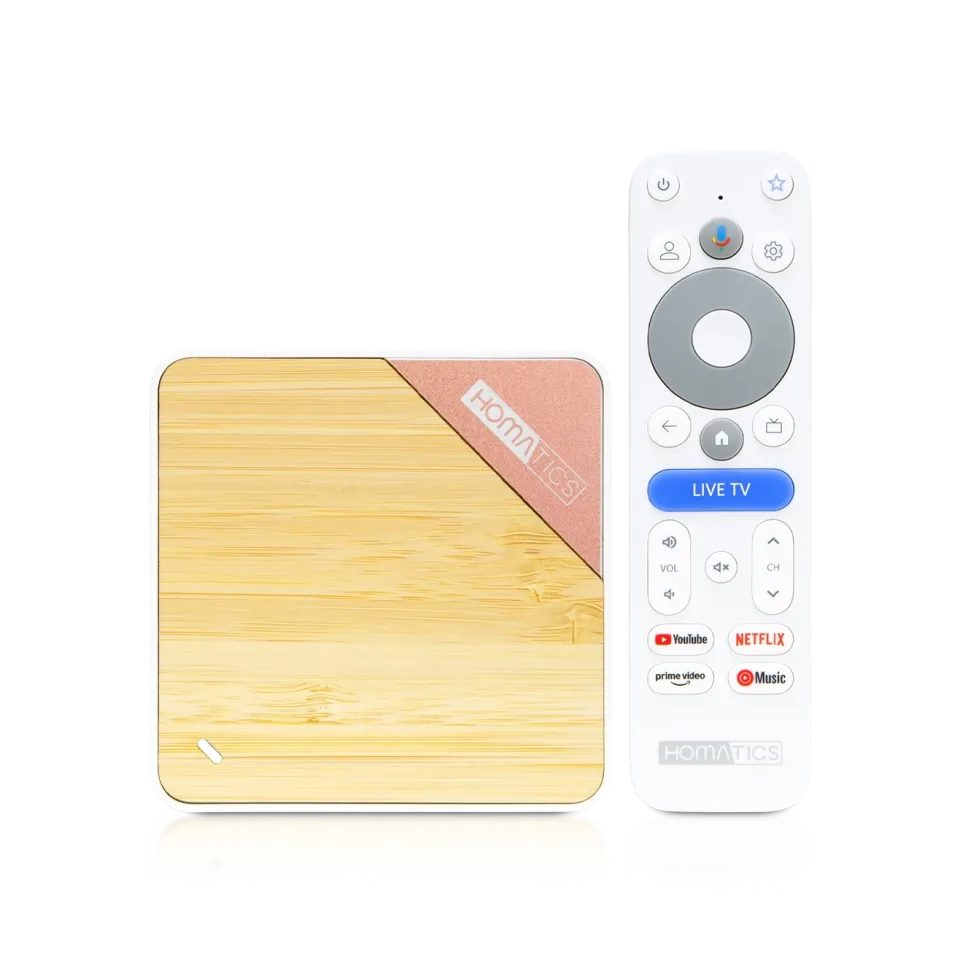 Homatics Box 4K V2
 Xiaomi TV Box S
 Xiaomi TV Stick 4K
8.7
IPTV app · review updated 13 October 2026
iMPlayer review 2026: a modern player for Android TV and iPhone
iMPlayer is an IPTV player for Android TV, Android phones, iPhone and iPad.
PricePrice unknownby Horizon Applications
Where to download Good
iMPlayer IPTV PlayerHorizon Applications
Runs on
- Android TV
- iOS
- Android
7.6
7.6Good
Our verdict
iMPlayer: good
iMPlayer is a modern IPTV player with an interface you can adjust a lot. You get a full TV guide, catch-up and films and series on Android TV as well as iPhone and iPad. That makes it handy if you use different kinds of device at home.
iMPlayer is only a player: to watch TV you still need an IPTV subscription. Compare the providers in Best IPTV 2026.
DevicesAndroid TV and iPhone
InterfacePlenty of settings
Catch-upYes
Films and seriesYes
Score by category
How iMPlayer scores on the five points we rate every app on. How we rate.
7.6Good
Pros
- A modern interface you can adjust
- The same app on Android TV and iPhone
- Built-in TV guide (EPG)
- Catch-up from the TV guide
Cons
- The price of extra features is only shown in the app
- No Samsung, LG or Apple TV version
- No Xtream Codes login
- Can't record
Screenshots
What iMPlayer looks like
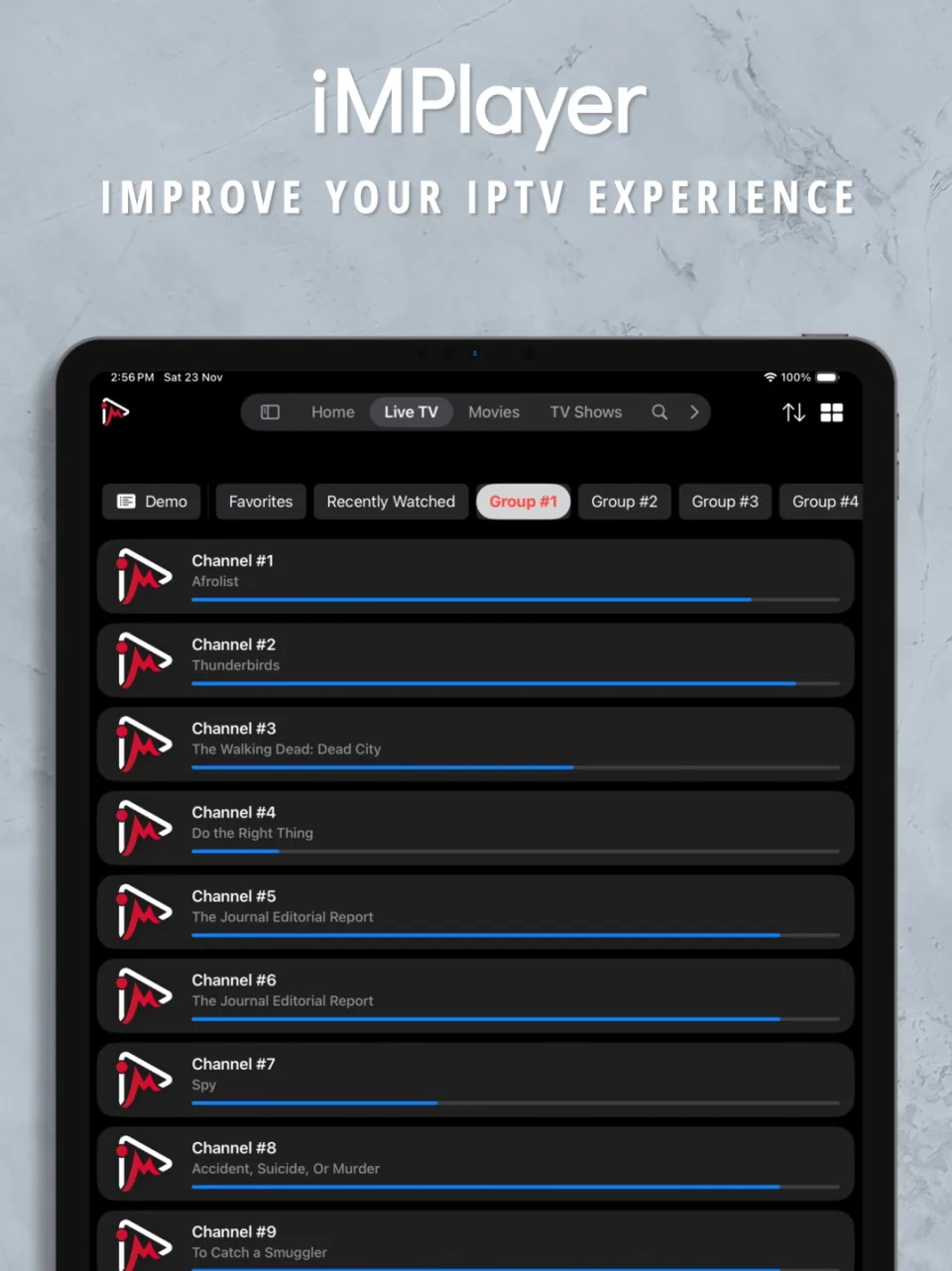
- Channel list with live TV in iMPlayer on an iPad
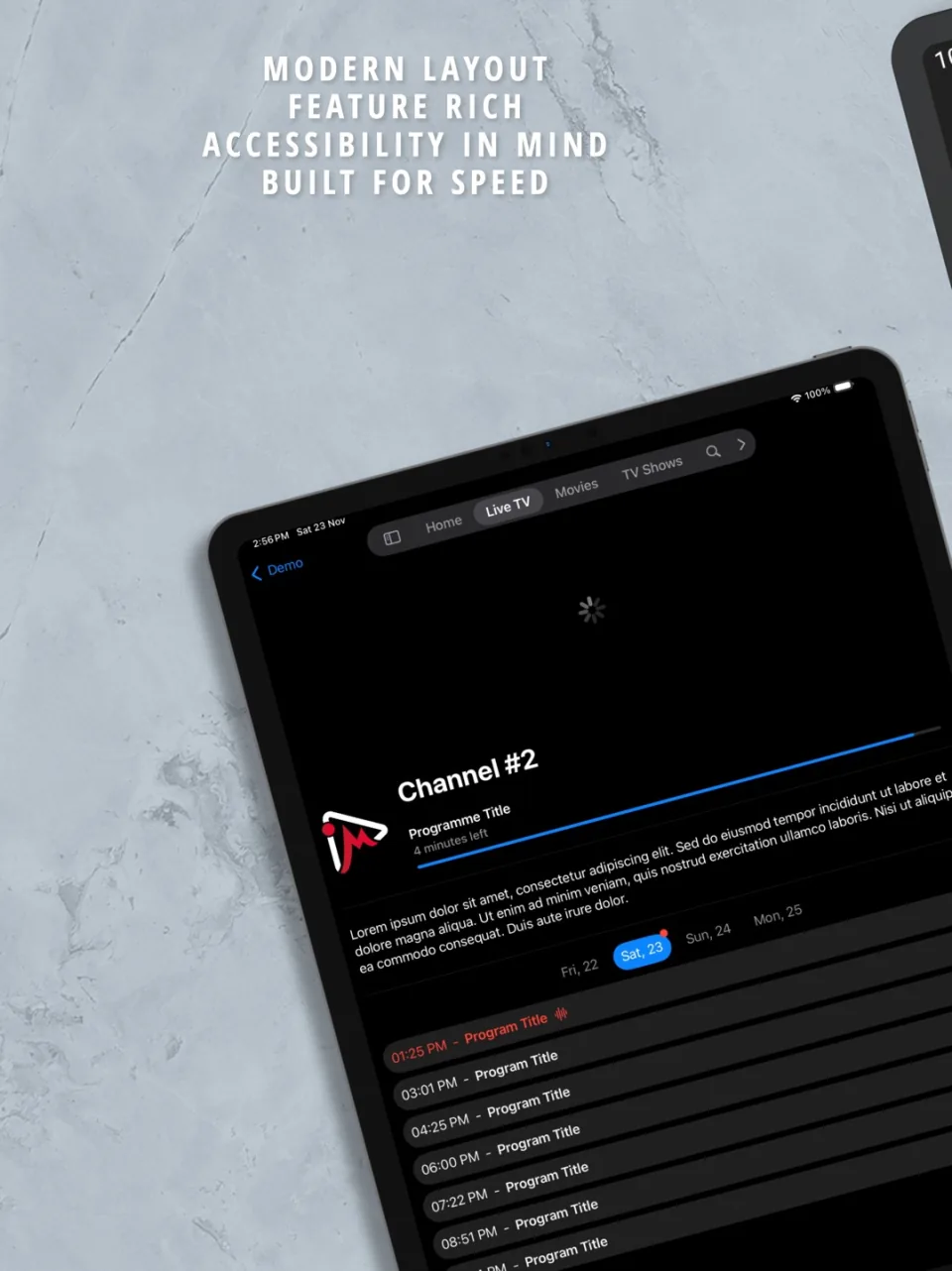 Channel information with the programme guide in iMPlayer
On the App Store, the developer describes iMPlayer as a player for M3U files and compatible platforms, with catch-up, films and series, a full TV guide and a customisable interface. The Android version is on Google Play. The download is free; any charge for extra features is shown in the app.
A player you set up yourself
iMPlayer stands out for its many settings: you shape the interface around how you watch. That's good if you watch a lot and want to decide exactly what you see.
It can be a lot for beginners, so start with the default settings.
Handy across different devices
Because iMPlayer runs on Android TV and on iPhone and iPad, you can use the same app on your TV and your phone. That saves getting used to two apps.
There is no version for Samsung, LG or Apple TV, so for those you need another app.
Features
What can iMPlayer do?
iMPlayer runs on Android TV, Android and iOS. You download the app from Google Play and App Store.
- Xtream Codes
- M3U link
- MAC / Stalker
- TV guide (EPG)
- Catch-up
- Recording
- Multiview
- Parental lock
- Films and series
| General | |
|---|---|
| Developer | Horizon Applications |
| Platforms | Android TV, Android, iOS |
| Price | Price unknown |
| Download | Google Play, App Store |
| Logging in | |
| Xtream Codes | Not mentioned by the developer |
| M3U link | Yes |
| MAC / Stalker | No |
| Features | |
| TV guide (EPG) | Yes |
| Catch-up | Yes |
| Recording | No |
| Multiview | No |
| Parental lock | No |
| Films and series | Yes |
Installing
How to install iMPlayer on Android TV
- Open Google Play on your device and search for "iMPlayer".
- Install the app and open it.
- Add your subscription: choose an M3U link and enter the details from your IPTV provider.
- Wait for the channels and the TV guide to load; with a large playlist the first time takes a while.
Download
Where do you download iMPlayer?
Official sources only. Beware of fake apps with almost the same name and icon.
Prices
- Activation price: see the app's official site
- Google PlayAndroid TV / Google TV · Android phoneFree downloadGo to Google Play (opens in a new window) iMPlayer IPTV Player
- App StoreiPhone and iPadFree downloadGo to App Store (opens in a new window) iMPlayer IPTV Player
Prices and stores checked on 19 October 2026. Prices can vary by country and currency; the developer always has the current price.
Choose this app if…
you want the same modern app on your Android TV and your iPhone.
Skip it if…
you have a Samsung or LG TV (choose IBO Player) or an Apple TV (choose IPTVX).
TV boxes
TV boxes that run iMPlayer
These boxes from our TV box comparison run iMPlayer. Click for the full review.
Genova TV
Watching Genova TV in iMPlayer
Genova TV works in iMPlayer. Try it for free first: you get trial details via WhatsApp and we help you with the installation step by step.
- 45,000+ channels, including 4K
- Works in iMPlayer
- Installation help via WhatsApp
- Free trial, no payment
Alternatives
Alternatives to iMPlayer
8.0

8.1
Installing
Guides for iMPlayer
Frequently asked questions
Questions about iMPlayer
Is iMPlayer free?
The download is free. Whether extra features cost money, and how much, is shown in the app itself.
Does iMPlayer work on Apple TV?
On the App Store, iMPlayer is listed for iPhone and iPad. For Apple TV, look at IPTVX or iPlayTV.
Does iMPlayer have catch-up?
Yes, as long as your provider supplies it.
Which devices does iMPlayer work on?
iMPlayer runs on Android TV, Android and iOS. You download the app from Google Play and App Store.
How much does iMPlayer cost?
The developer lists the current price on the official site.
Does my Genova TV subscription work in iMPlayer?
Yes. You log in with an M3U link. We help you set it up on WhatsApp.
Sources
Prices and stores checked on 13 October 2026. Icon and screenshots: Horizon Applications, via App Store.
Still comparing? See every provider ranked side by side in Best IPTV 2026.

Links
Support
