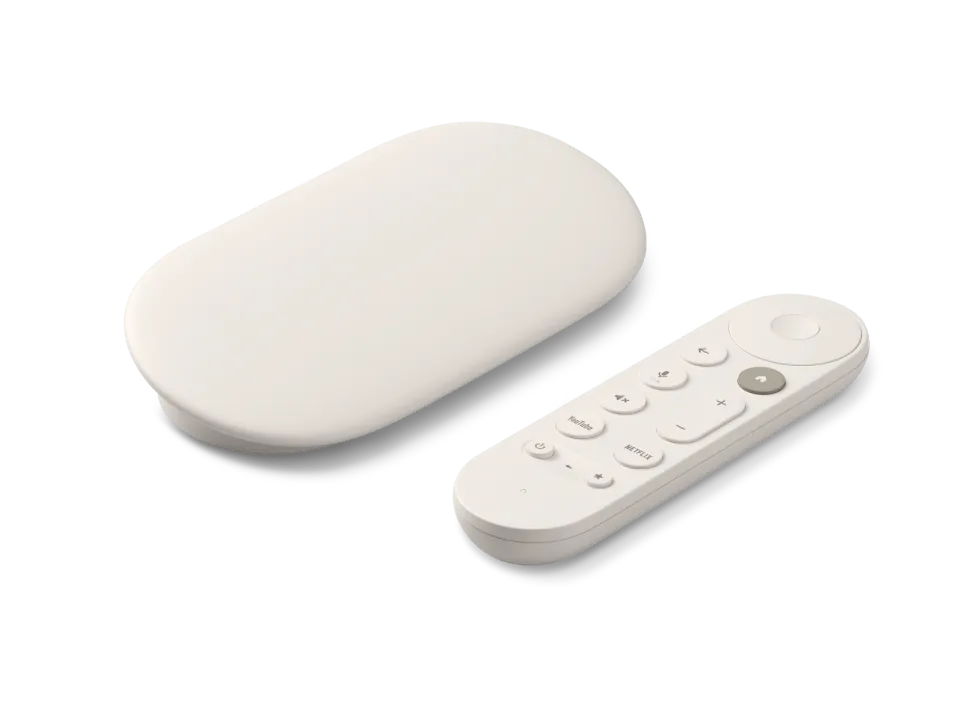
 Google TV Streamer
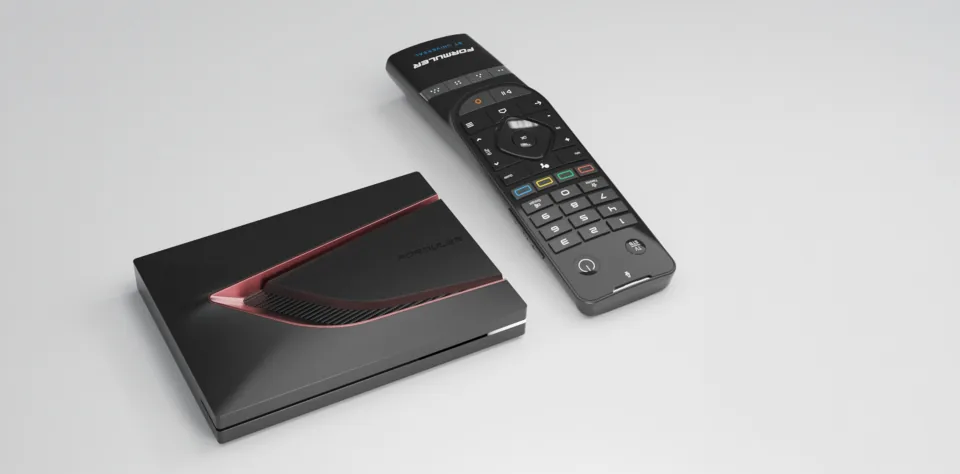 Formuler Z12 Ultra
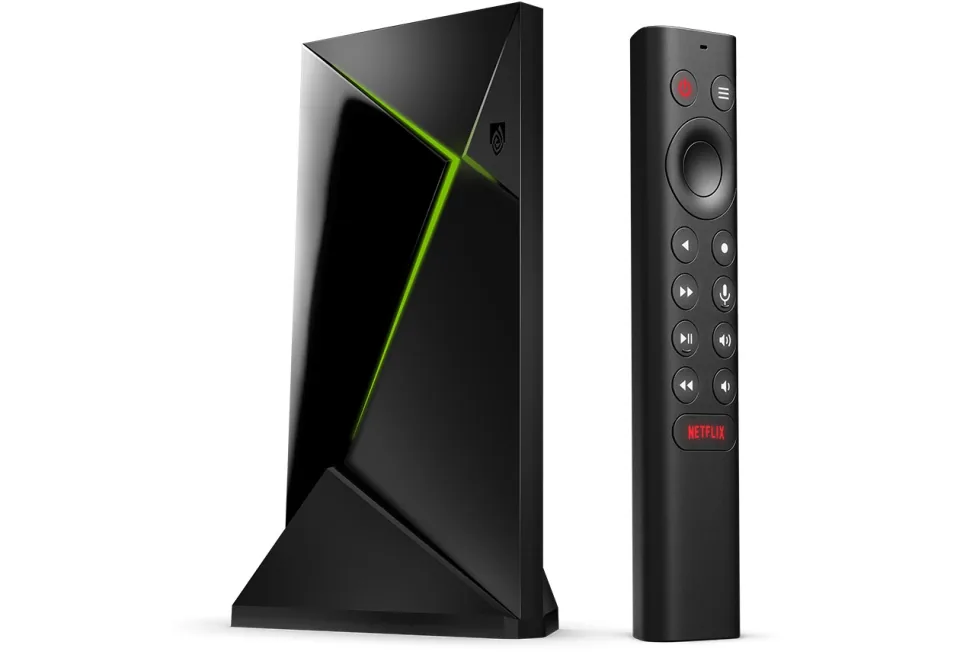 SHIELD TV Pro
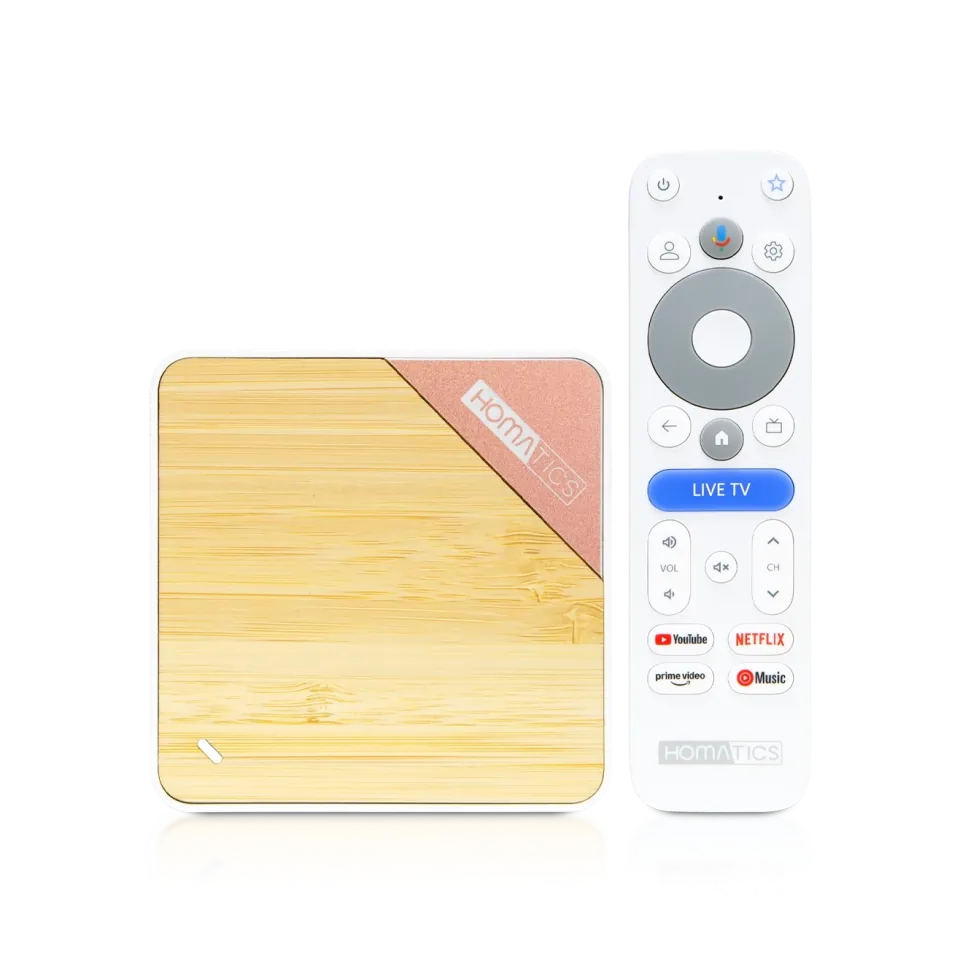 Homatics Box 4K V2
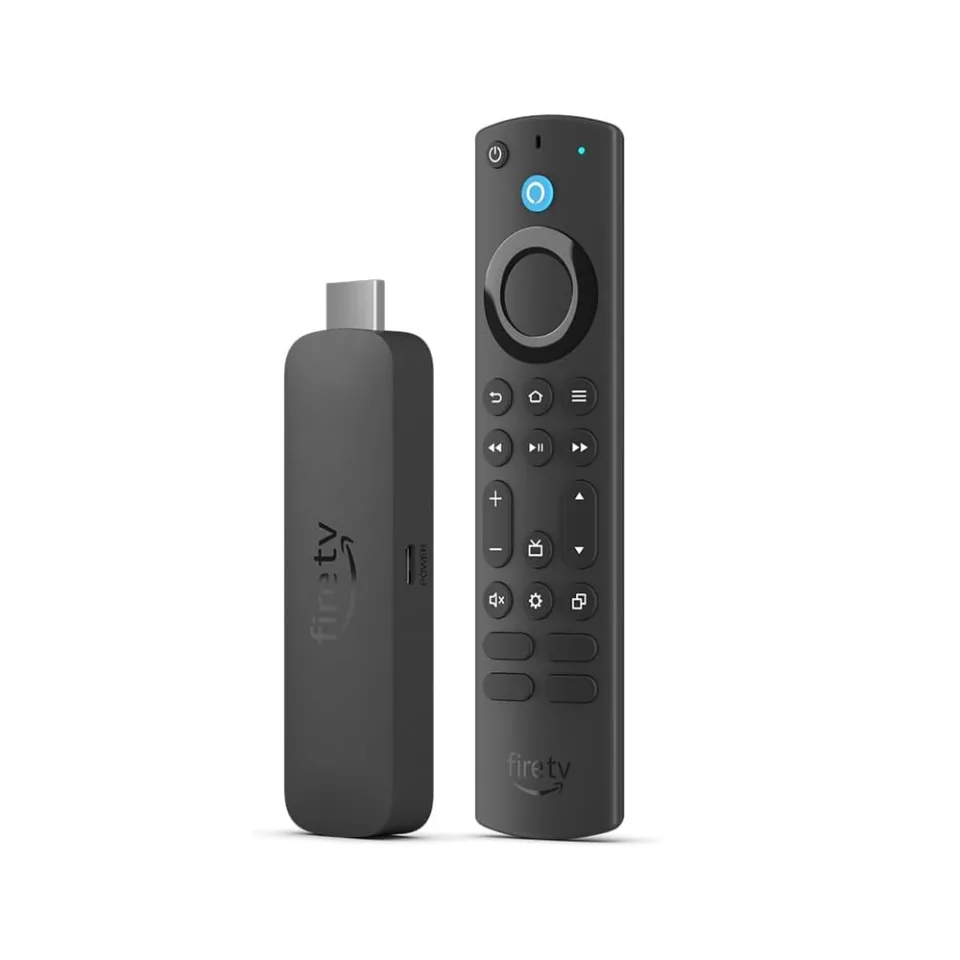 Fire TV Stick 4K Max
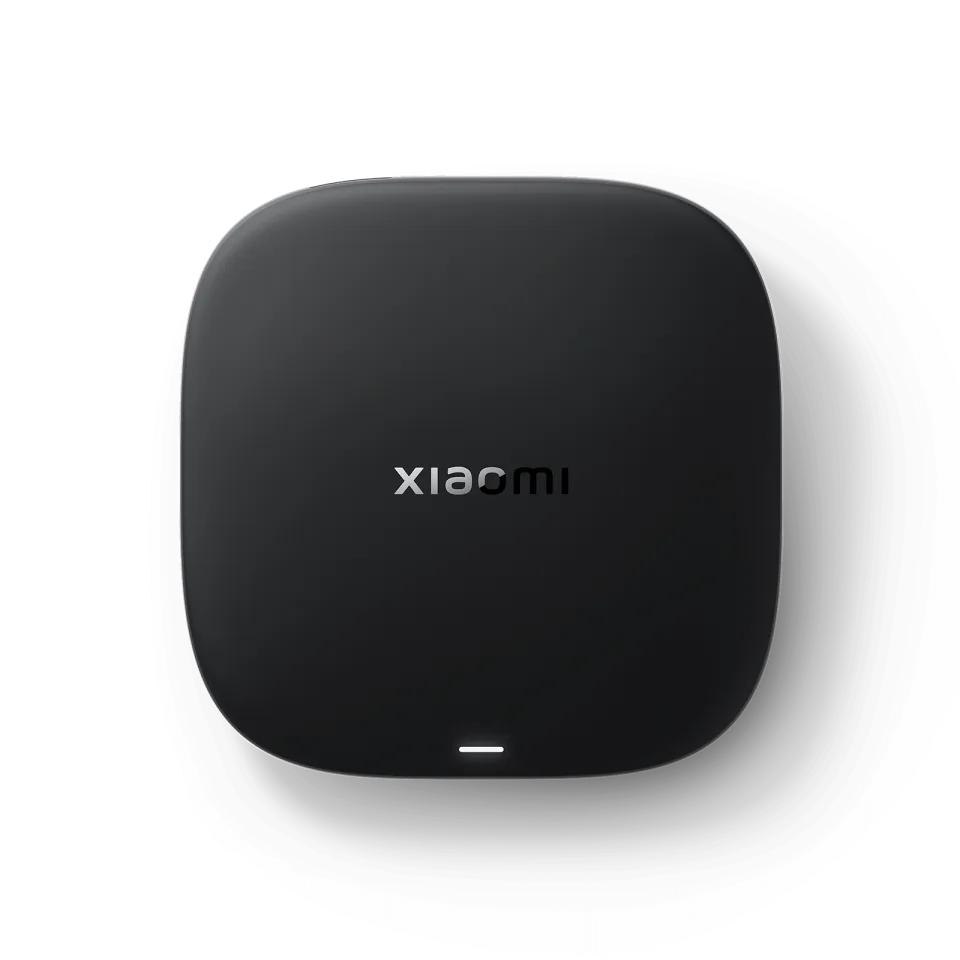 Xiaomi TV Box S
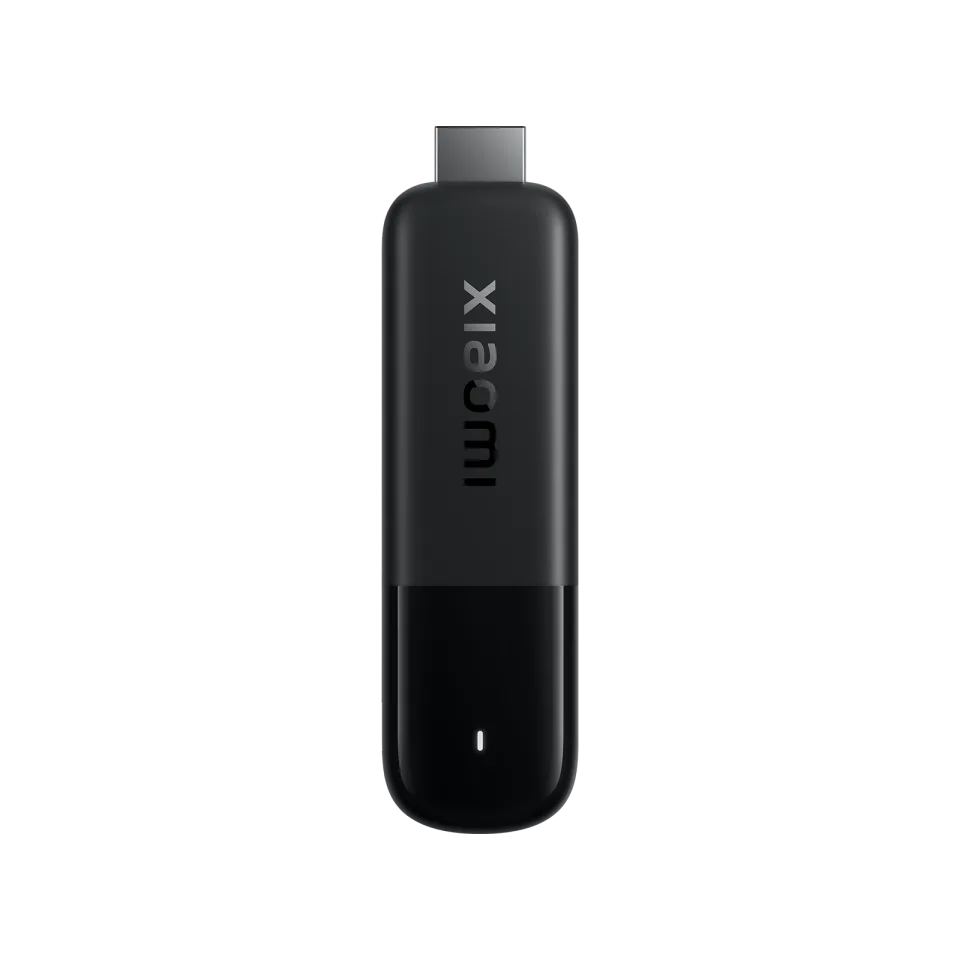 Xiaomi TV Stick 4K
OTT Navigator
Scillarium Studio8.1
IPTV app · review updated 13 October 2026
TiviMate has been the most popular IPTV player for Android TV and Fire TV for years, and that's no accident: no other app has such a fast, clear TV guide.
Runs on
Our verdict
TiviMate is the best IPTV app if you watch on Android TV, Google TV or Fire TV. The TV guide is unrivalled for speed, the controls are built entirely around the remote and premium costs little. The one real drawback: it doesn't run on anything other than Android TVs.
How TiviMate scores on the five points we rate every app on. How we rate.
Screenshots
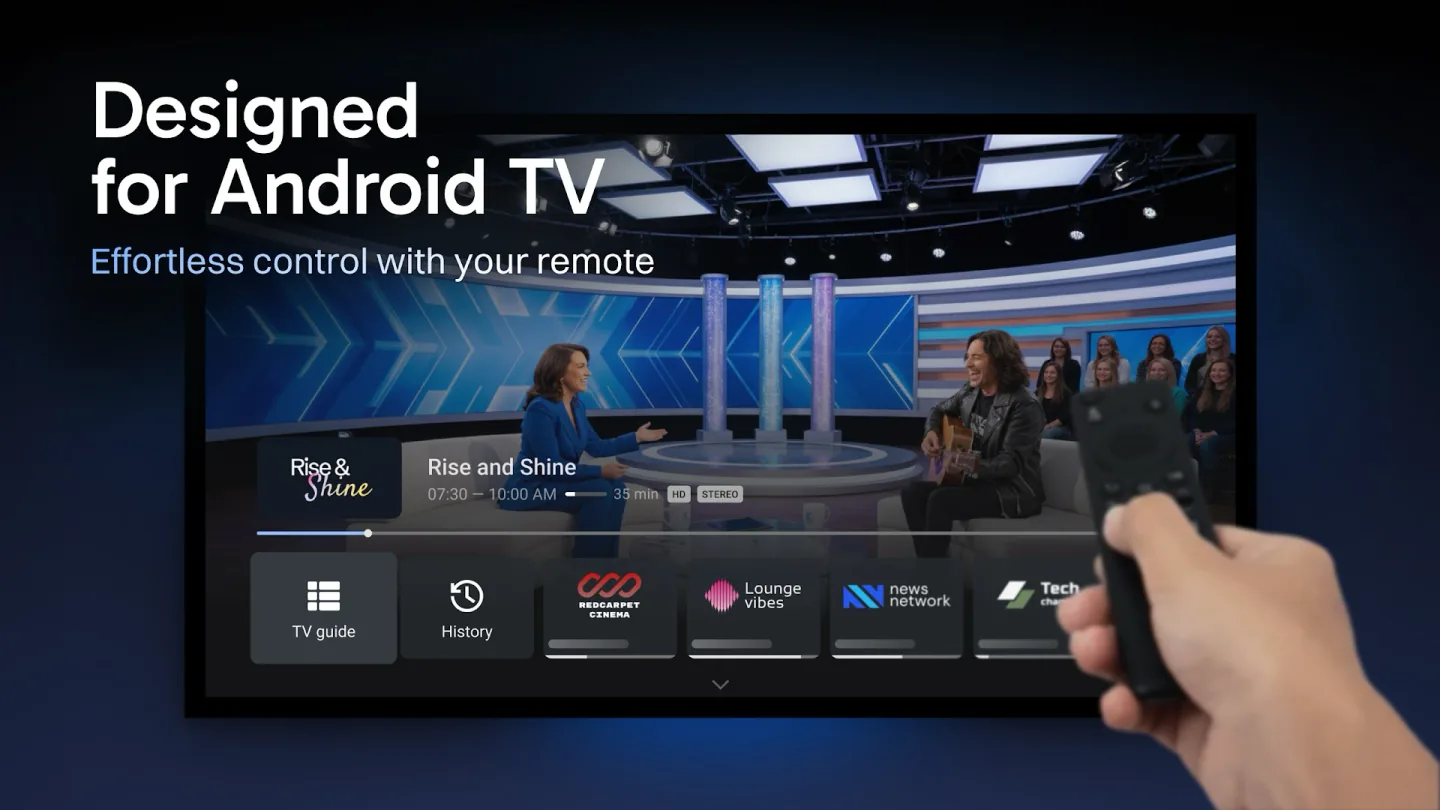 TiviMate TV guide (EPG) on an Android TV screen
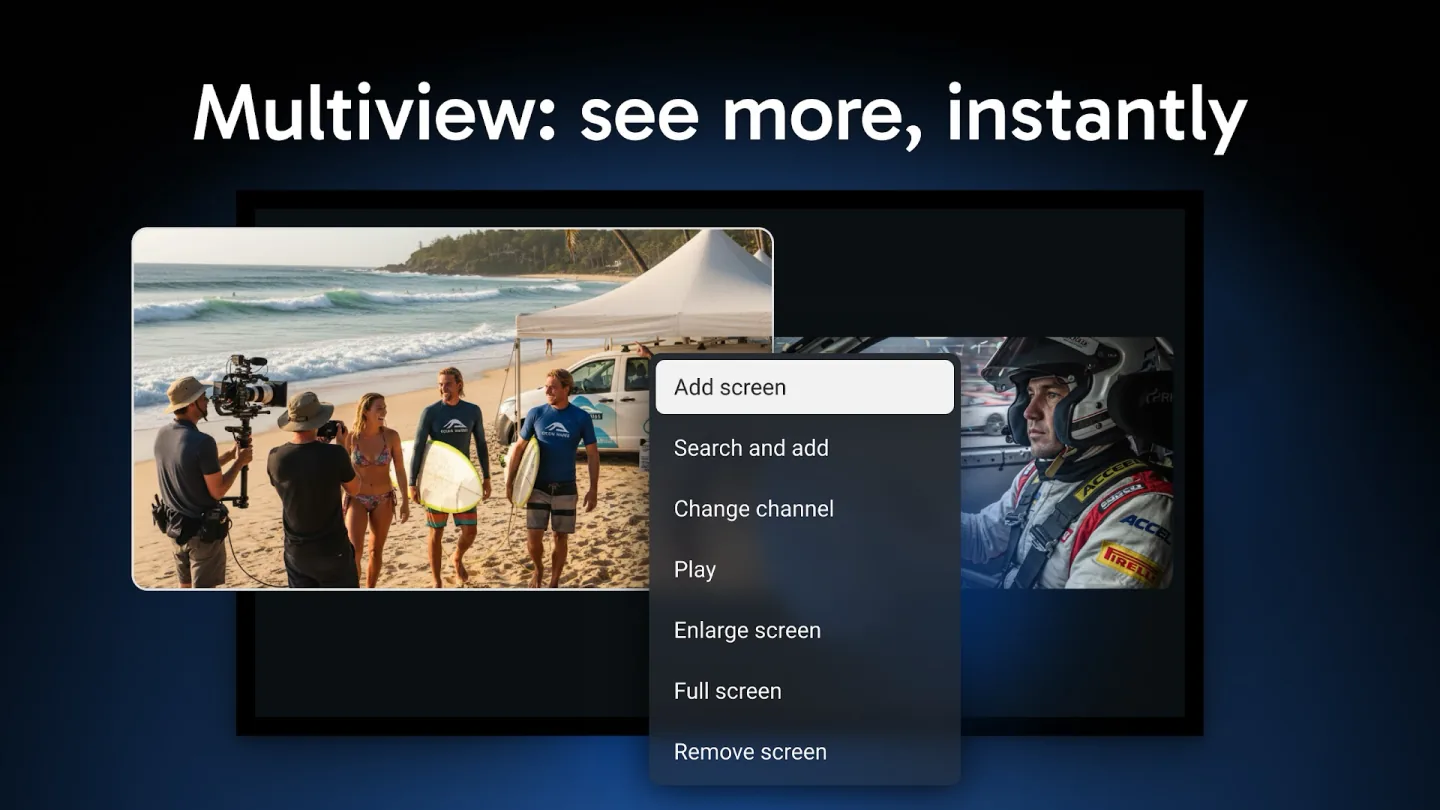 Channel list with preview window in TiviMate
You can try the app for free with one playlist. If you want more playlists, recording, catch-up or multiview, you need premium. That's a subscription of around ten euros a year or a one-off payment, each covering five devices. In this review you'll read what the free version does, what premium adds and how to set up TiviMate with your own subscription.
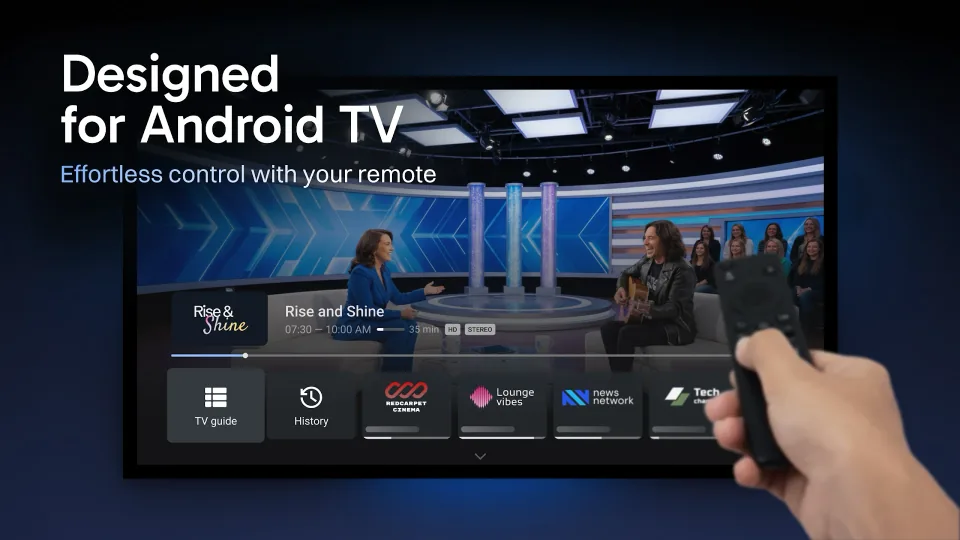
The guide shows a classic TV listing with logos, progress bars and a preview window that keeps playing while you browse. Even with thousands of channels, scrolling stays smooth, where many other apps slow down.
TiviMate takes the programme data from your subscription (Xtream and Stalker usually supply it) or from your own XMLTV source that you add. Sorting channels, hiding groups and changing logos can all be done from the guide itself.
Everything in TiviMate is designed for the remote: channel hopping with the number keys, long presses for options and a start channel you can set. The app remembers your last audio track and aspect ratio for each channel.
Handy for households: profiles for each family member (premium), a night mode for the guide and backups of your settings, so you can pick up again within minutes when you get a new box.
Features
TiviMate runs only on TV devices with Android: Android TV, Google TV, the Fire TV Stick and IPTV boxes such as the Formuler range. You install it from Google Play on your TV or box; on a Fire TV Stick it's in the Amazon environment, or you put it on with the Downloader app. There's no version for phones, tablets, Samsung or LG TVs or PCs.
| General | |
|---|---|
| Developer | AR Mobile Dev |
| Platforms | Android TV, Google TV, Fire TV (and Formuler boxes) |
| Price | Free; premium c. €9.99 a year or c. €33.99 one-off (5 devices) |
| Download | Google Play (on your TV or box) |
| Logging in | |
| Xtream Codes | Yes |
| M3U link | Yes |
| MAC / Stalker portal | Yes |
| Features | |
| TV guide (EPG) | Yes, free too |
| Catch-up | Premium |
| Recording | Premium |
| Multiview | Premium |
| Parental lock | Premium |
Installing
Download
Official sources only. What it costs: Free, premium €9.99 per year. Beware of fake apps with almost the same name and icon.
Prices and stores checked on 13 October 2026. Prices can vary by country and currency; the developer always has the current price.
you watch on an Android TV, Google TV, Fire TV Stick or Formuler box and want the best TV guide; for about a tenner a year, premium is a no-brainer.
you watch on a Samsung or LG TV, Apple TV, iPhone or PC: there's no TiviMate for those, and you're better off with IPTV Smarters or IBO Player.
TV boxes
These boxes from our TV box comparison run TiviMate. Click for the full review.
Genova TV
Genova TV works in TiviMate. Try it for free first: you get trial details via WhatsApp and we help you with the installation step by step.
Alternatives
Installing
Frequently asked questions
Yes, the basic version is free with one playlist and the full TV guide. Multiple playlists, recording, catch-up, multiview and the parental lock need premium: about €9.99 a year or a one-off amount of around €34, for five devices.
Yes, TiviMate runs well on the Fire TV Stick. You buy premium through the TiviMate Companion app on an Android phone, because the Firestick itself doesn't have Google Play.
No. TiviMate only exists for Android TV, Google TV and Fire TV. On a Samsung or LG TV you use an app such as IBO Player, Smart IPTV or IPTV Smarters.
No. TiviMate is only a player. You add the playlist from your IPTV subscription yourself; without a subscription you'll see nothing.
Log in with Xtream Codes or a Stalker portal and the guide usually comes with it automatically. With an M3U playlist, add a separate EPG source (XMLTV link) from your provider if needed.
Prices and stores checked on 13 October 2026. Icon and screenshots: AR Mobile Dev, via Google Play.
Still comparing? See every provider ranked side by side in Best IPTV 2026.