
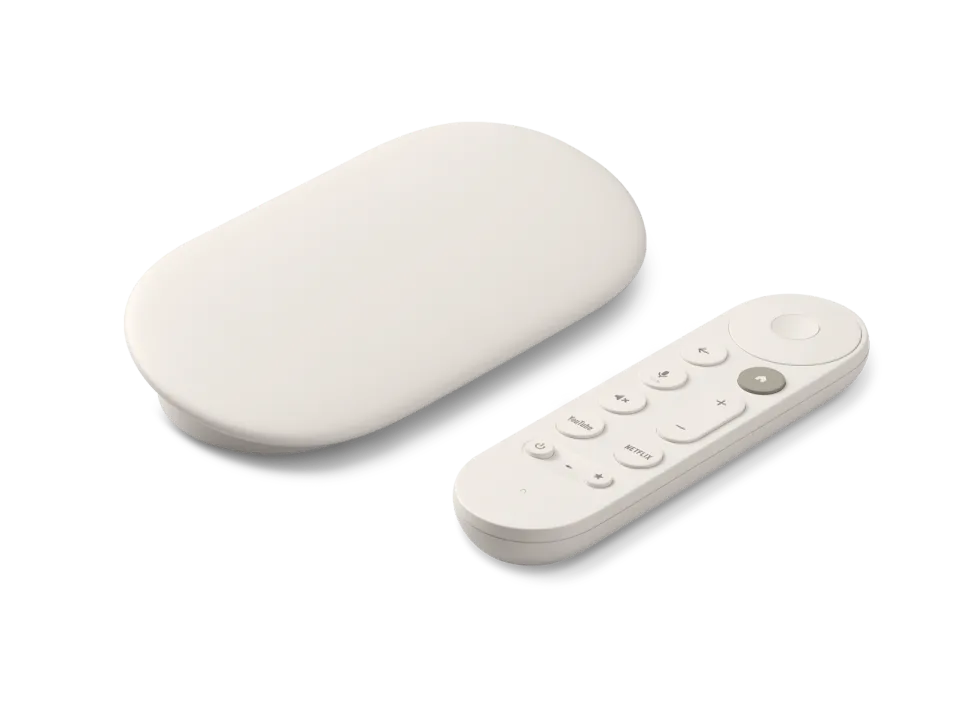
 Google TV Streamer
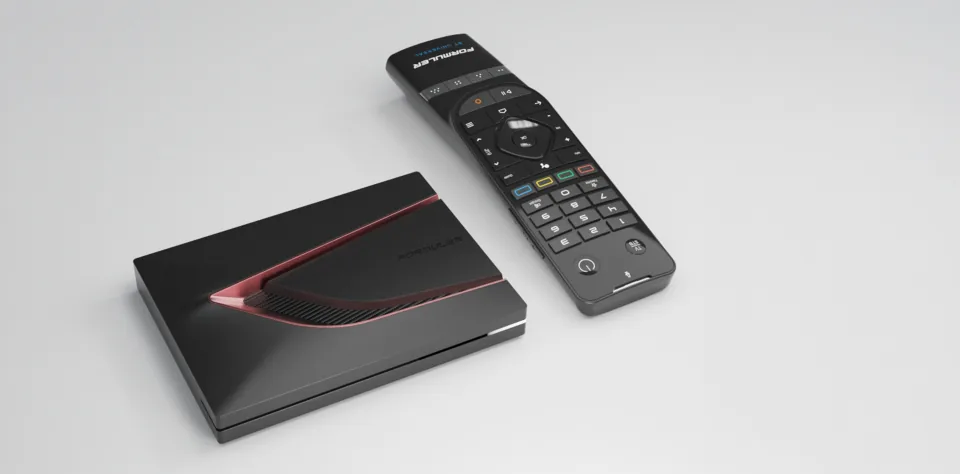 Formuler Z12 Ultra
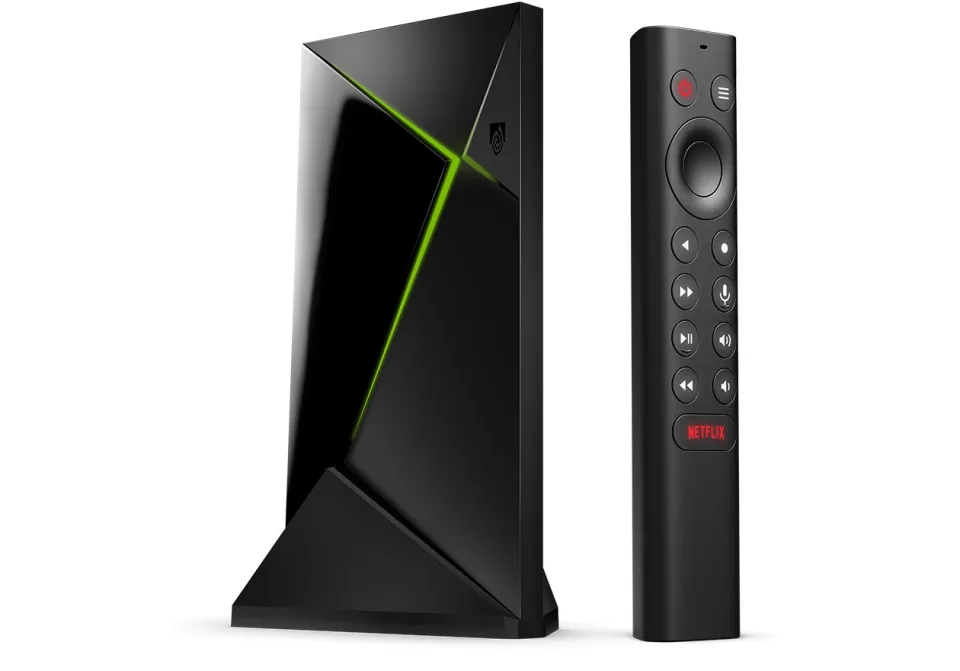 SHIELD TV Pro
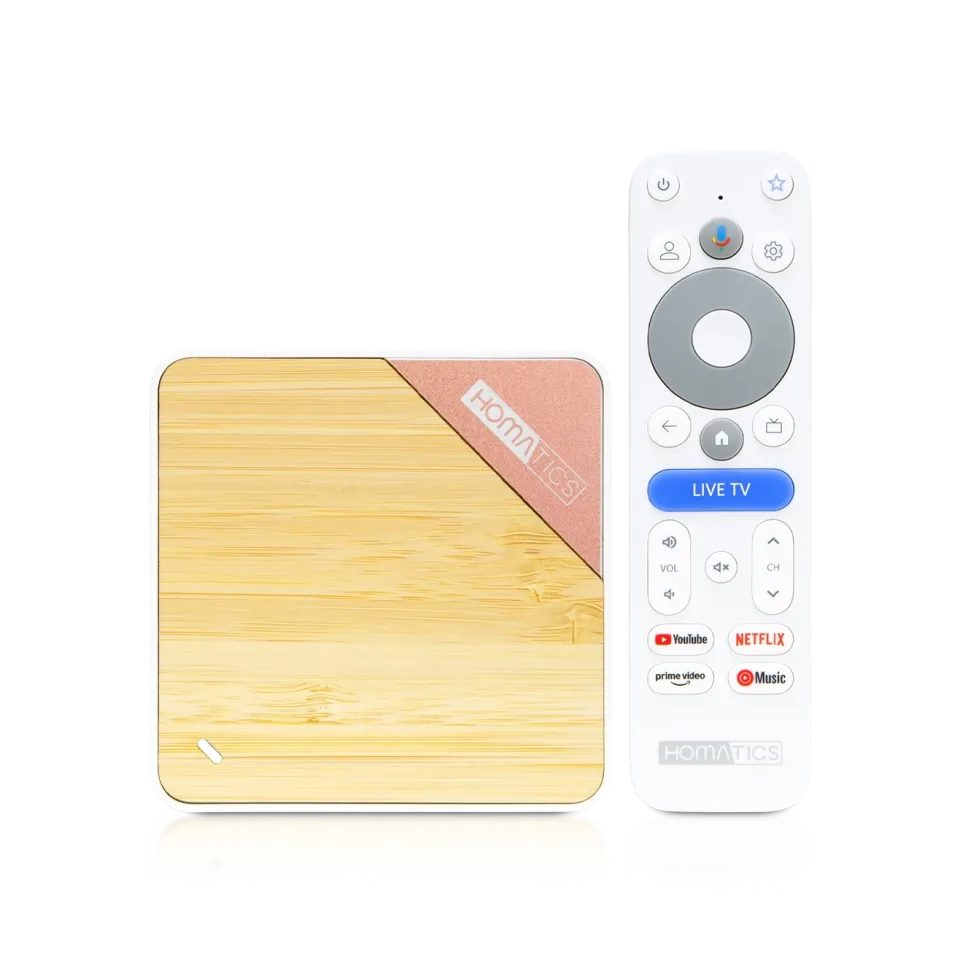 Homatics Box 4K V2
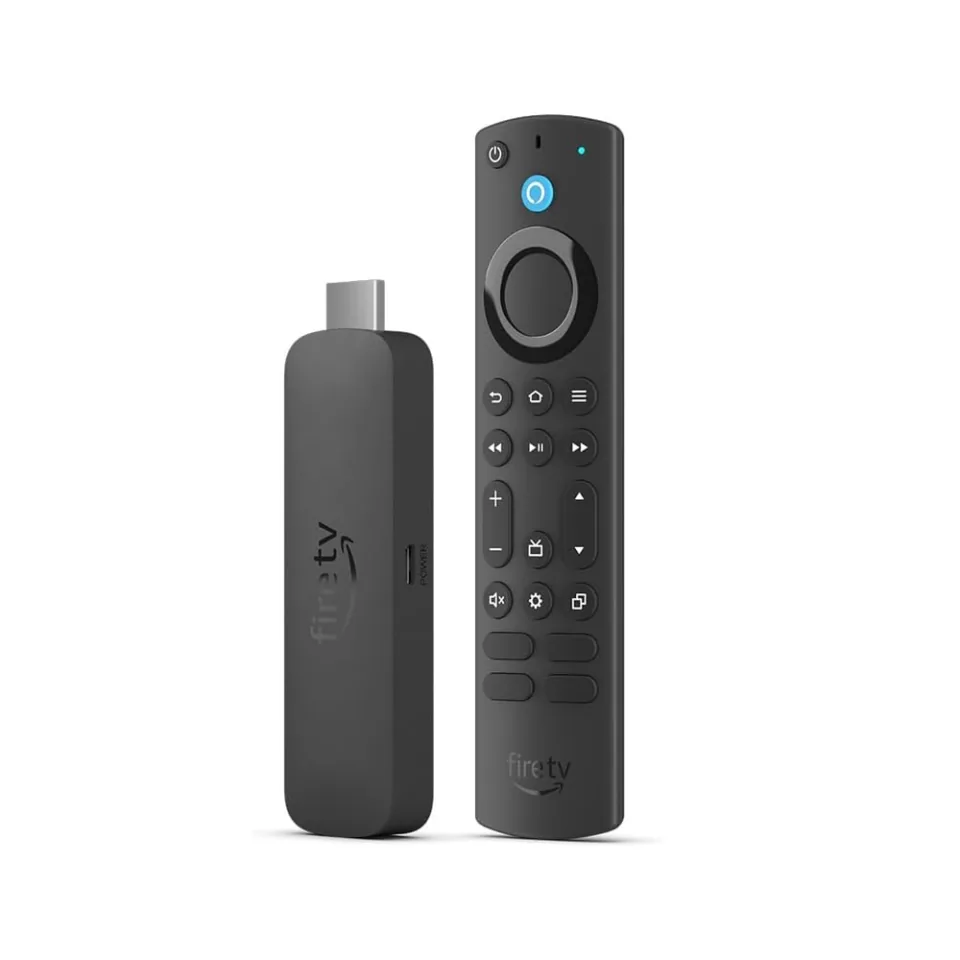 Fire TV Stick 4K Max
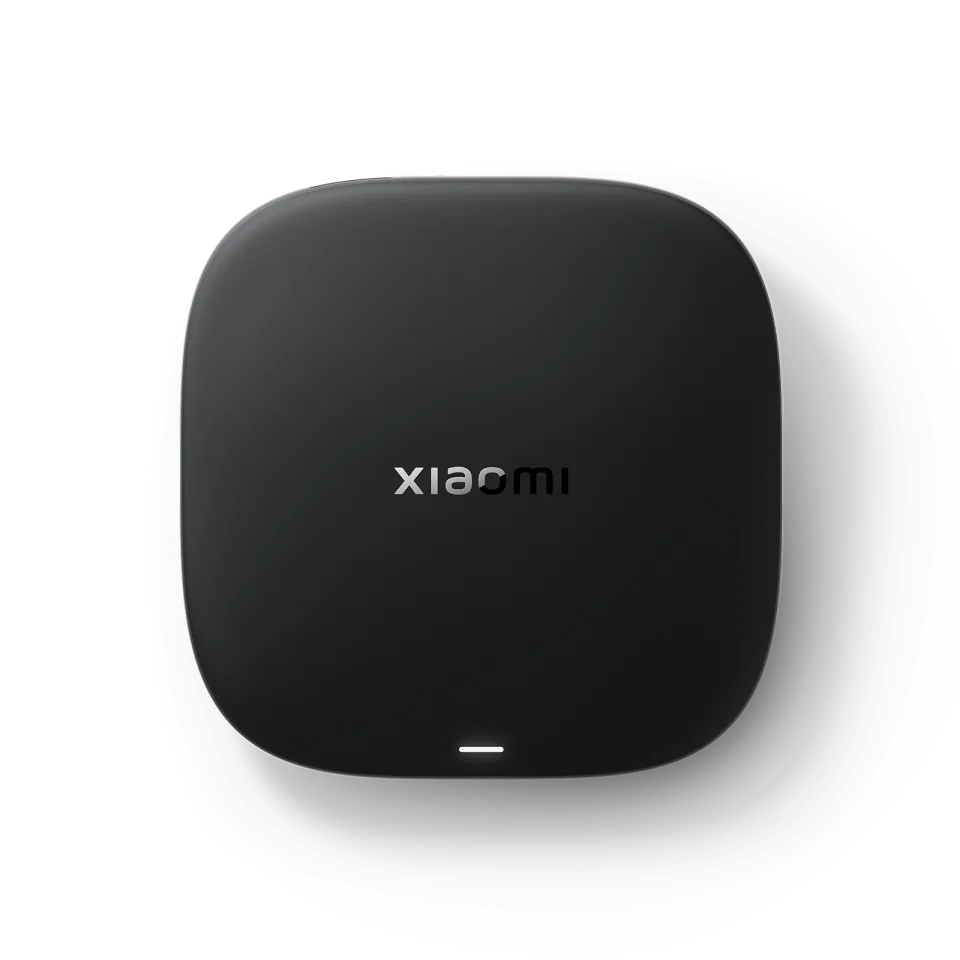 Xiaomi TV Box S
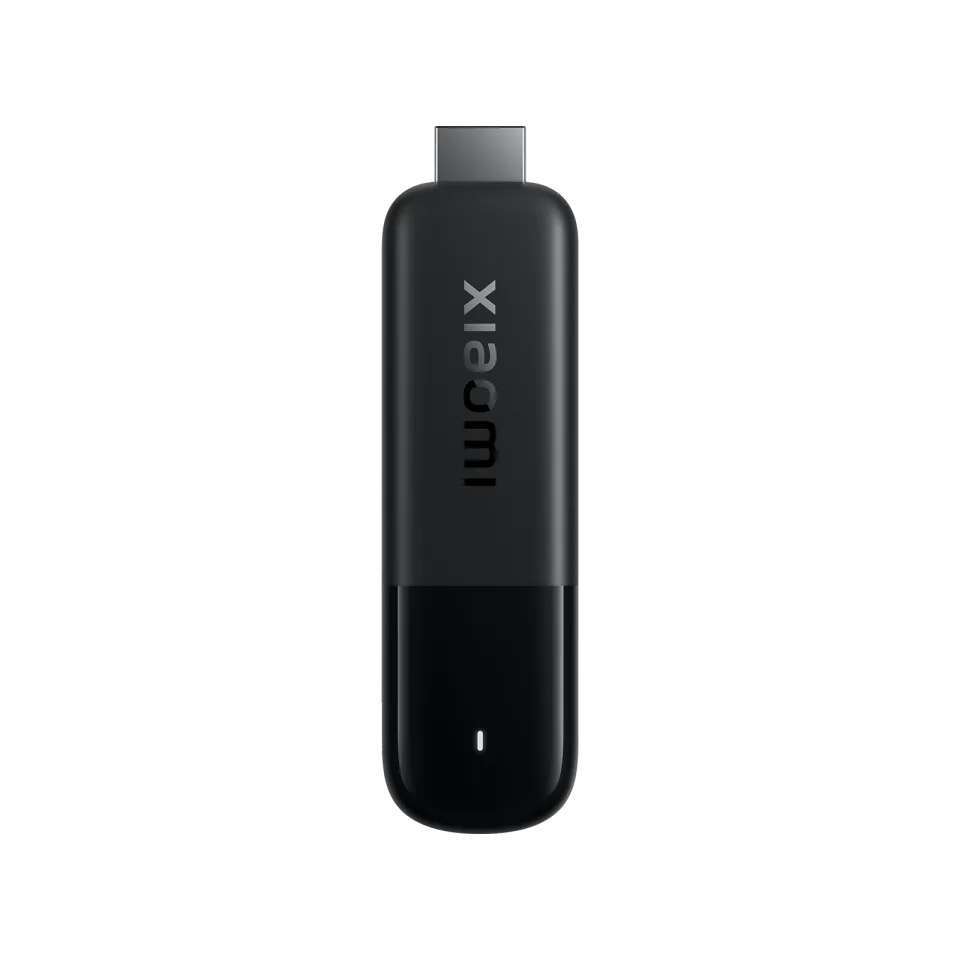 Xiaomi TV Stick 4K
8.7
IPTV app · review updated 13 October 2026
Sparkle TV review 2026: a close alternative to TiviMate
Sparkle TV is an IPTV and TV player from Sweden for Android TV, Google TV and Fire TV.
PriceFreeby HKAB
Where to download Very good
Sparkle TV PlayerHKAB
Runs on
- Android TV
- Fire TV
8.1
8.1Very good
Our verdict
Sparkle TV: very good
Sparkle TV is one of the few apps that comes close to TiviMate for features: a TV guide with programme images, recording, multiview, timeshift and even Stalker portals and an HDHomeRun antenna. Most of the extras are in the Plus version. If you have an Android TV, Google TV or Fire TV, it is worth trying.
Sparkle TV is only a player: to watch TV you still need an IPTV subscription. Compare the providers in Best IPTV 2026.
TV guideWith logos and programme images
RecordingYes, with Plus
MultiviewSeveral channels (Plus)
SourcesIPTV, Stalker, Enigma2, antenna
Score by category
How Sparkle TV scores on the five points we rate every app on. How we rate.
8.1Very good
Pros
- A TV guide with logos and programme images
- Stalker portals and Enigma2 receivers too
- Log in with Xtream Codes, an M3U link or a Stalker portal
- Built-in TV guide (EPG)
- Free to use
Cons
- Many features are Plus only
- Less well known, so fewer guides online
- Catch-up, recording, multiview and films and series: paid version only
- Only runs on Android TV and Fire TV
According to Google Play, Sparkle works with M3U, Xtream Codes and XMLTV, and also with Stalker portals, Enigma2 receivers, Plex, Jellyfin, Tvheadend and an HDHomeRun antenna. The free version gives you the TV guide, search, subtitles and a parental lock; recording, multiview, timeshift, films and series and several sources at once are in Sparkle Plus.
Free or Sparkle Plus?
The free version is already usable: TV guide, search, subtitles, several audio tracks, automatic frame rate and a parental lock. For recording, multiview, timeshift, films and series, catch-up and several sources at once you need Sparkle Plus.
Try the free version with your subscription first. If you like the guide, Plus is the logical next step.
Sparkle TV or TiviMate?
TiviMate is the best-known app for Android TV, and Sparkle comes close on features. Sparkle sets itself apart with extra sources: Stalker portals, Enigma2 receivers, Plex, Jellyfin and an HDHomeRun antenna in one guide.
If you only use IPTV, the two are similar, so try both and pick the one that feels better.
Features
What can Sparkle TV do?
Sparkle TV runs on Android TV and Fire TV. You download the app from Google Play and Official website.
- Xtream Codes
- M3U link
- MAC / Stalker
- TV guide (EPG)
- Catch-uppremium
- Recordingpremium
- Multiviewpremium
- Parental lock
- Films and seriespremium
| General | |
|---|---|
| Developer | HKAB |
| Platforms | Android TV, Fire TV |
| Price | Free |
| Download | Google Play, Official website |
| Logging in | |
| Xtream Codes | Yes |
| M3U link | Yes |
| MAC / Stalker | Yes |
| Features | |
| TV guide (EPG) | Yes |
| Catch-up | Premium only |
| Recording | Premium only |
| Multiview | Premium only |
| Parental lock | Yes |
| Films and series | Premium only |
Installing
How to install Sparkle TV on Android TV
- Open Google Play on your device and search for "Sparkle TV".
- Install the app and open it.
- Add your subscription: choose Xtream Codes (server, username and password), an M3U link or a Stalker portal (MAC) and enter the details from your IPTV provider.
- Want catch-up, recording, multiview or films and series? That's in the paid version of Sparkle TV.
- Wait for the channels and the TV guide to load; with a large playlist the first time takes a while.
Download
Where do you download Sparkle TV?
Official sources only. Beware of fake apps with almost the same name and icon.
- Google PlayAndroid TV / Google TV · Fire TVFree download+ in-app purchaseGo to Google Play (opens in a new window) Sparkle TV Player
- Official websiteAndroid TV / Google TV · Fire TVFree downloadGo to Official website (opens in a new window) Sparkle TV Player
Prices and stores checked on 19 October 2026. Prices can vary by country and currency; the developer always has the current price.
Choose this app if…
you have an Android TV or Fire TV and want a TiviMate alternative with recording and multiview.
Skip it if…
you have a Samsung, LG or Apple device; choose IPTVX or iMPlayer instead.
TV boxes
TV boxes that run Sparkle TV
These boxes from our TV box comparison run Sparkle TV. Click for the full review.
Genova TV
Watching Genova TV in Sparkle TV
Genova TV works in Sparkle TV. Try it for free first: you get trial details via WhatsApp and we help you with the installation step by step.
- 45,000+ channels, including 4K
- Works in Sparkle TV
- Installation help via WhatsApp
- Free trial, no payment
Alternatives
Alternatives to Sparkle TV

Installing
Guides for Sparkle TV
Frequently asked questions
Questions about Sparkle TV
Is Sparkle TV free?
The basic version is free. Recording, multiview, timeshift, films and series and several sources at once are in Sparkle Plus.
Does Sparkle TV work with a Stalker portal?
Yes, Stalker portals are on the list of supported sources, alongside Xtream Codes and M3U.
Does Sparkle TV work on a Philips TV?
On Philips TVs with Google TV or Android TV, yes, through Google Play. On Philips with Titan OS it doesn't.
Which devices does Sparkle TV work on?
Sparkle TV runs on Android TV and Fire TV. You download the app from Google Play and Official website.
How much does Sparkle TV cost?
The developer lists the current price on the official site.
Does my Genova TV subscription work in Sparkle TV?
Yes. You log in with Xtream Codes, an M3U link or a Stalker portal. We help you set it up on WhatsApp.
Sources
Prices and stores checked on 13 October 2026. Icon and screenshots: HKAB, via Google Play.
Still comparing? See every provider ranked side by side in Best IPTV 2026.

Links
Support
