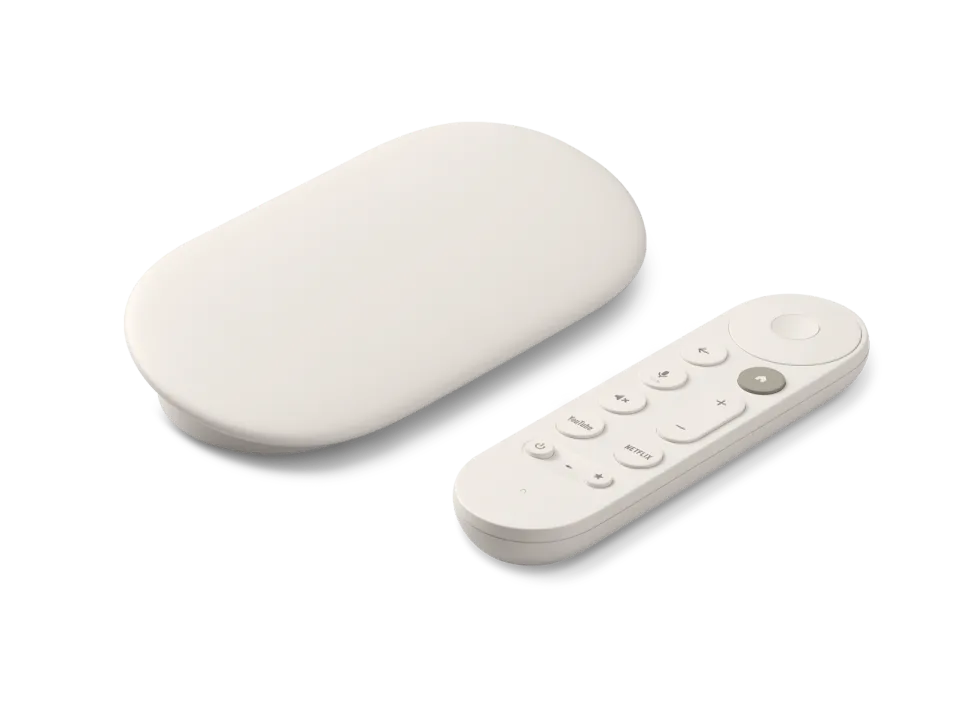
 Google TV Streamer
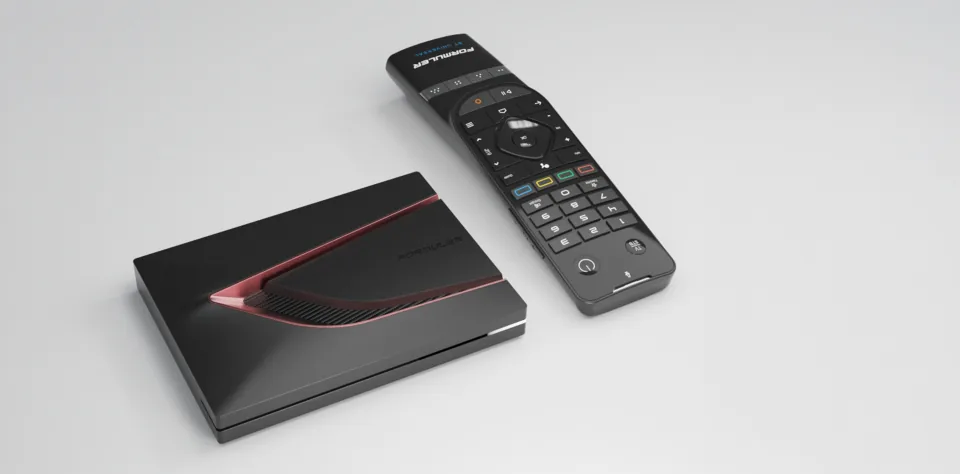 Formuler Z12 Ultra
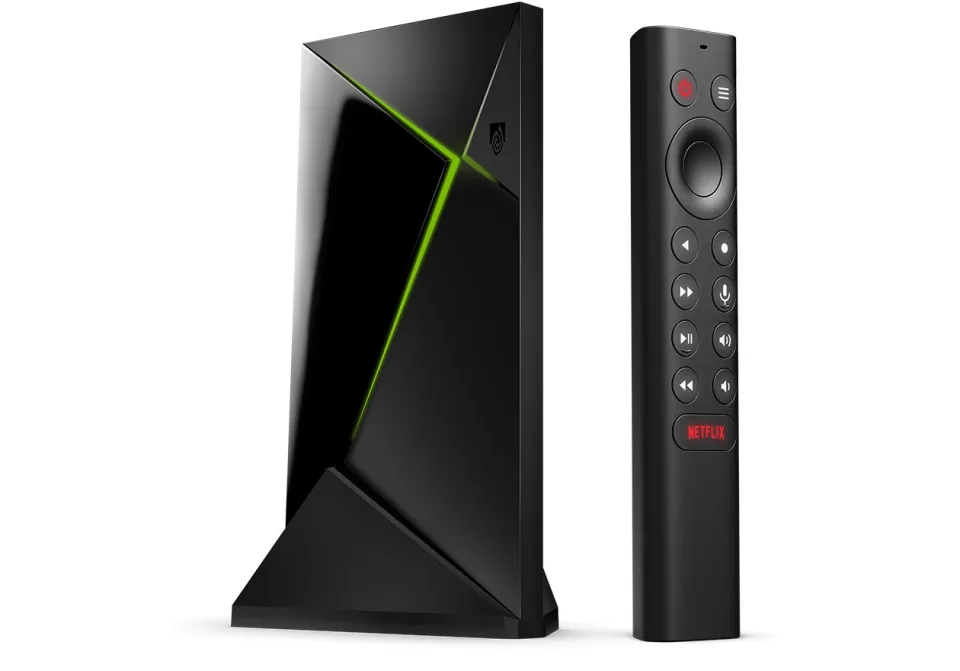 SHIELD TV Pro
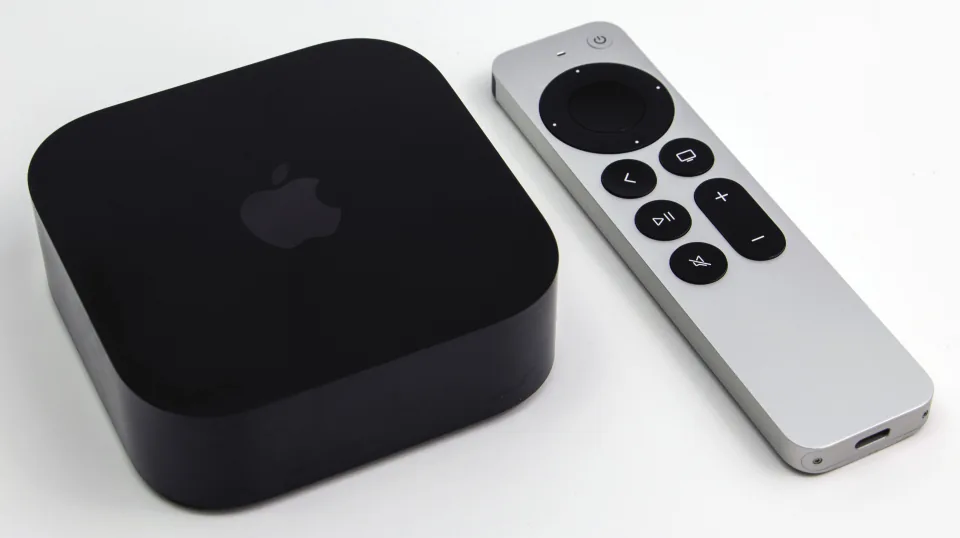 Apple TV 4K
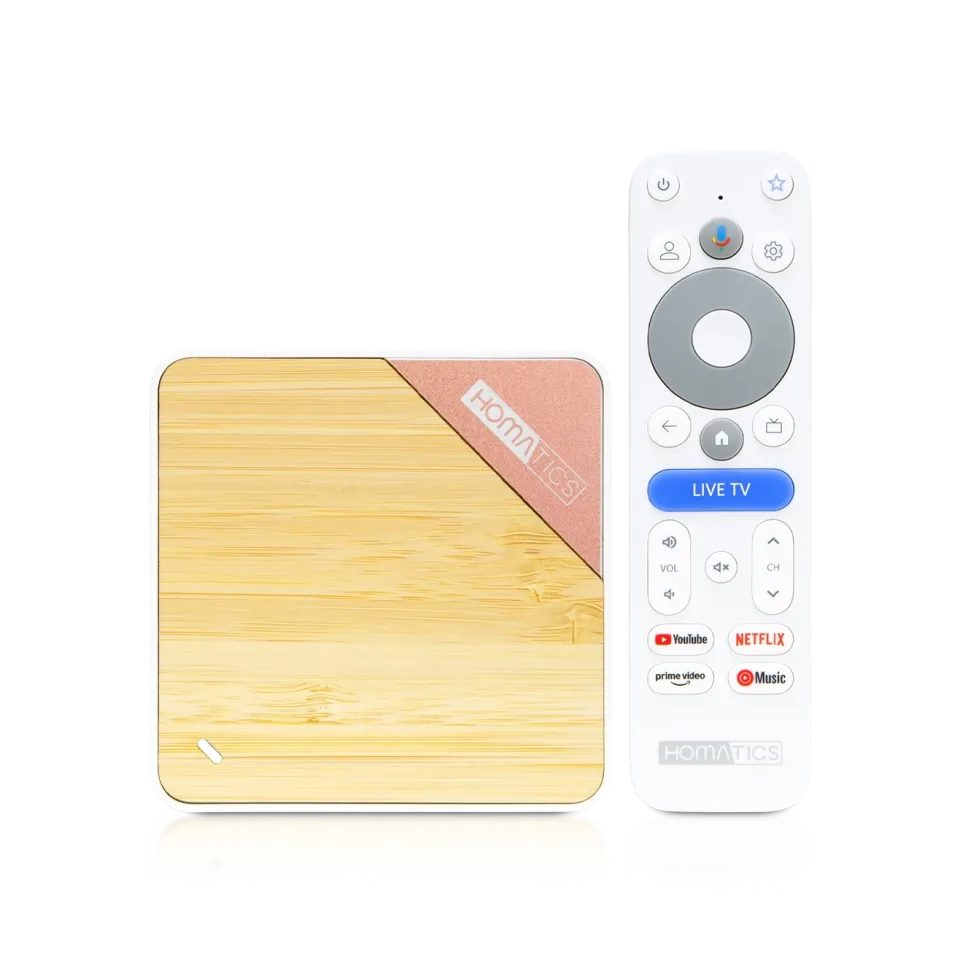 Homatics Box 4K V2
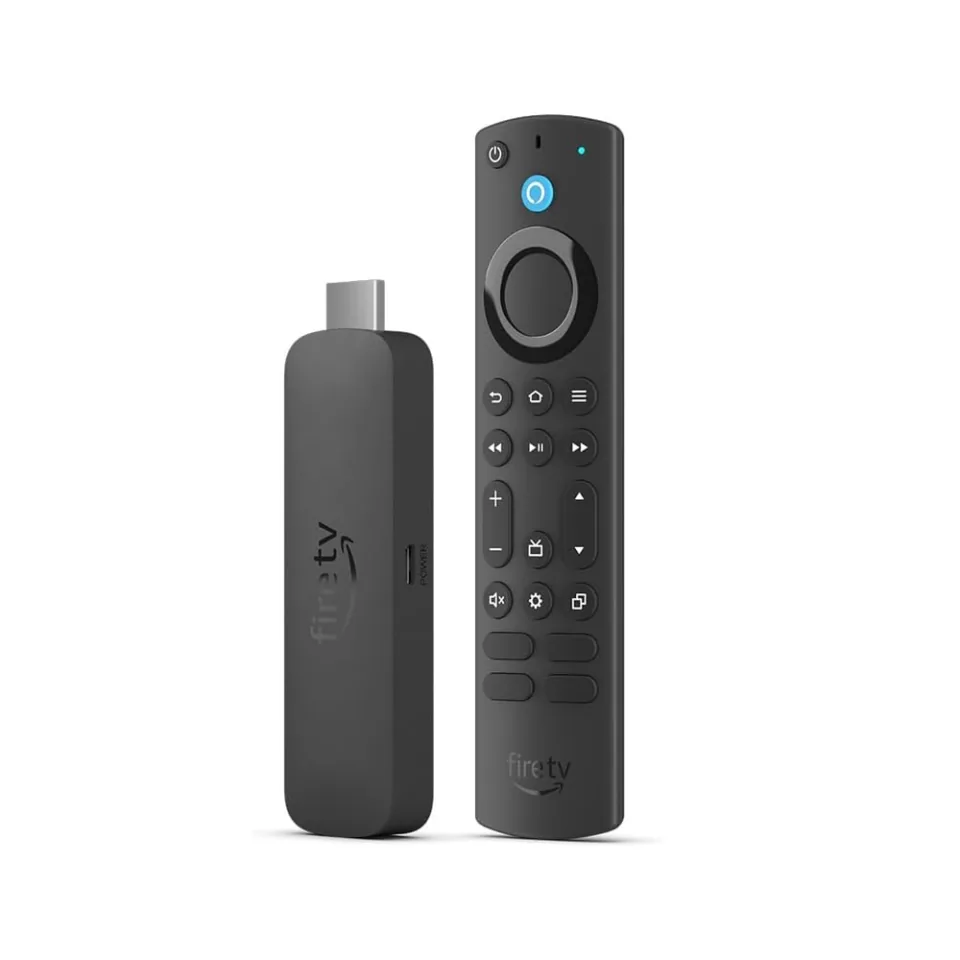 Fire TV Stick 4K Max
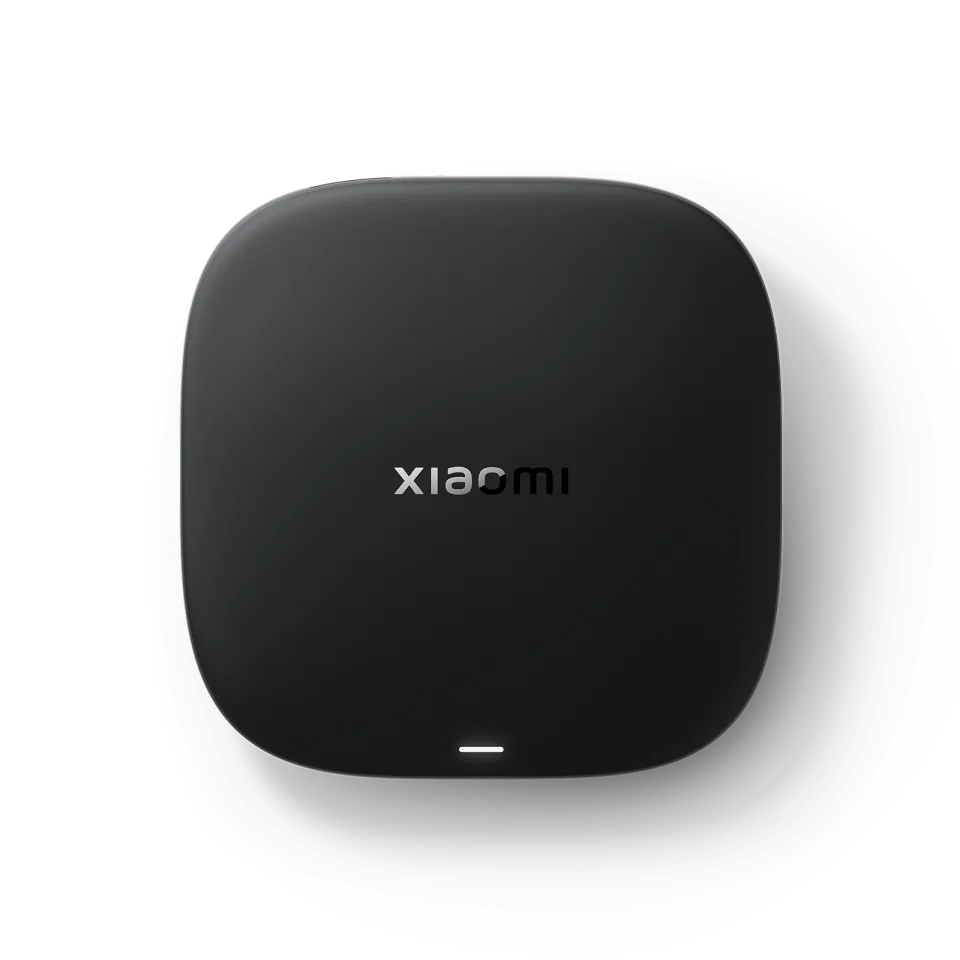 Xiaomi TV Box S
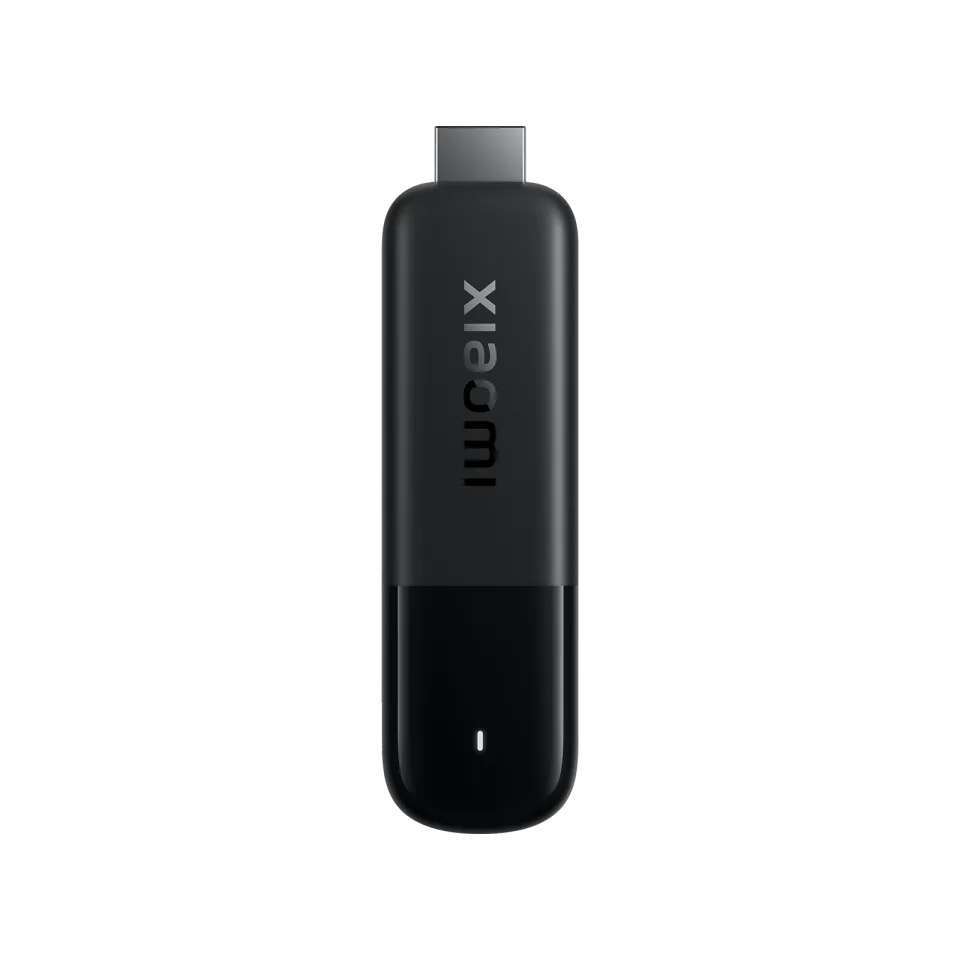 Xiaomi TV Stick 4K
UHF - Love your IPTV
Short Wavelength Applications8.2
IPTV app · review updated 13 October 2026
Channels: Whole Home DVR is a DVR app from Fancy Bits, LLC for Apple TV, iPhone, iPad, Android TV and Fire TV.
Runs on
Our verdict
Channels is for people who want a home DVR setup, with Apple TV as its flagship device. The app is free, but M3U playlists only work through Channels DVR Server, which you install on your own computer or NAS. If you just want to type in a login and watch, it is more work than a normal IPTV player.
Channels is only a player: to watch TV you still need an IPTV subscription. Compare the providers in Best IPTV 2026.
How Channels scores on the five points we rate every app on. How we rate.
Screenshots
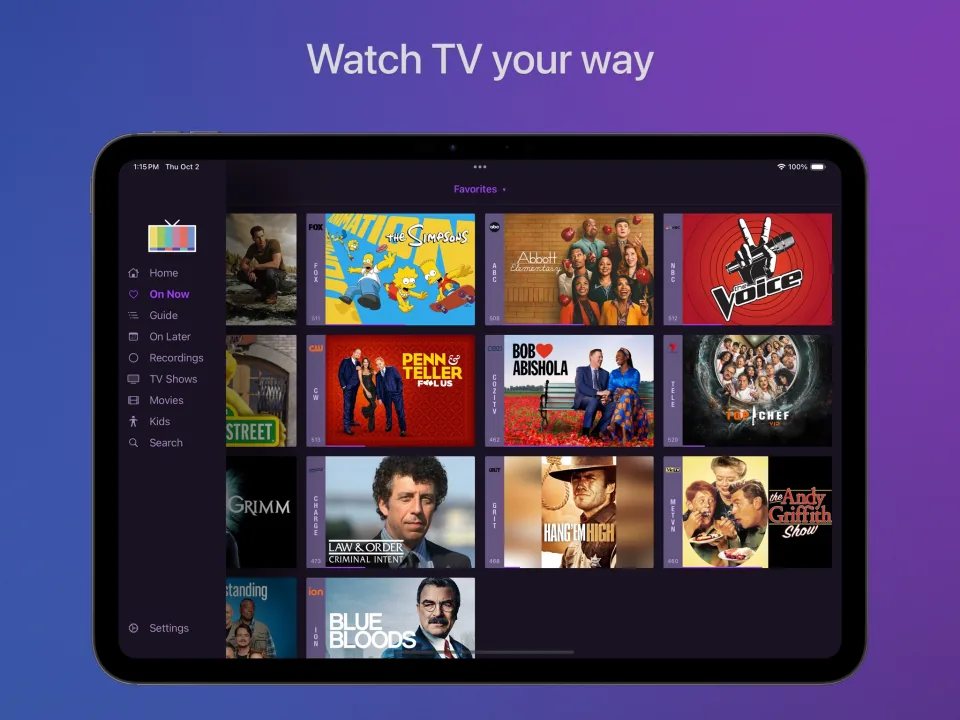
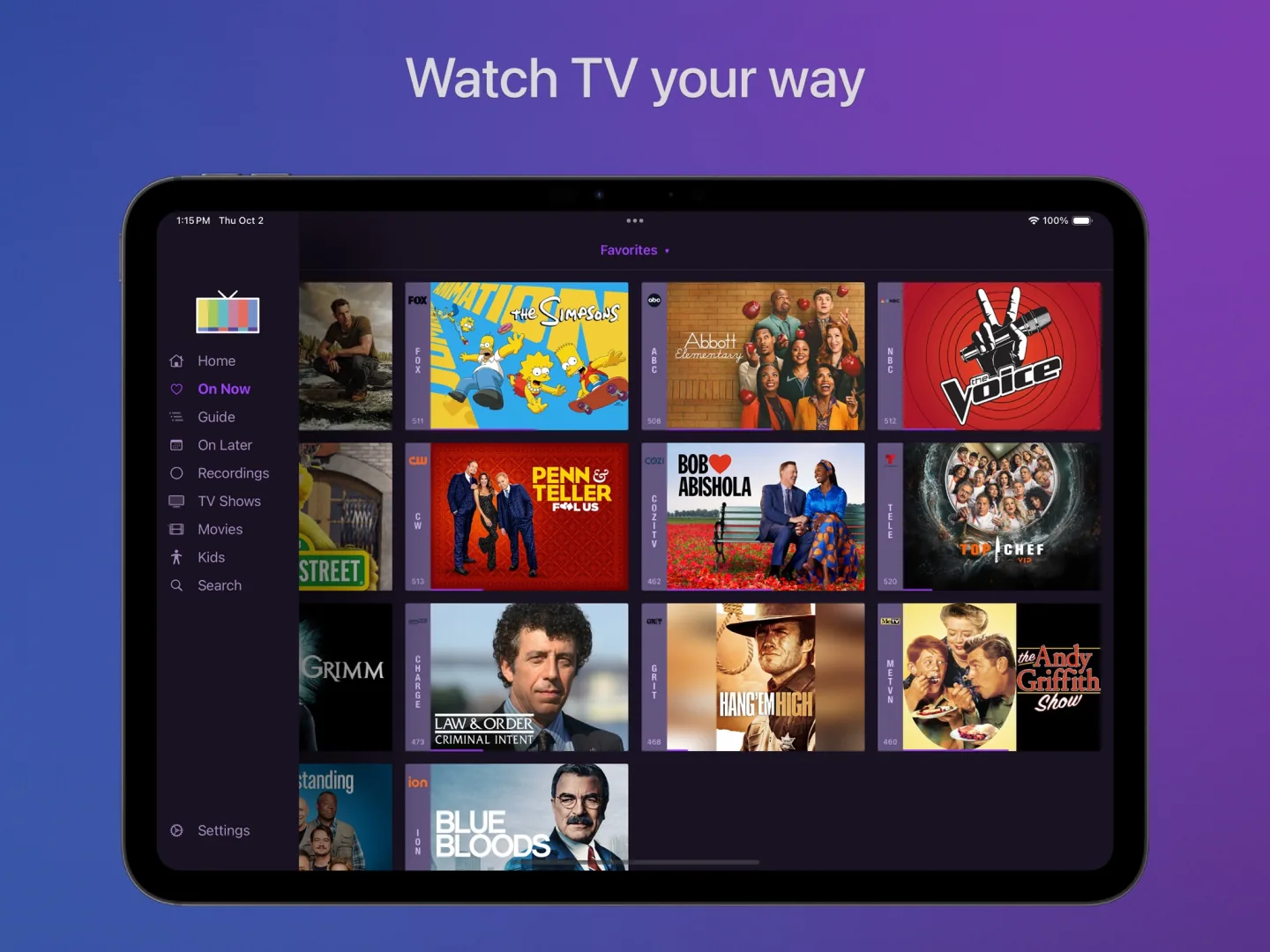 Channels On Now screen on an iPad showing channels that are broadcasting live
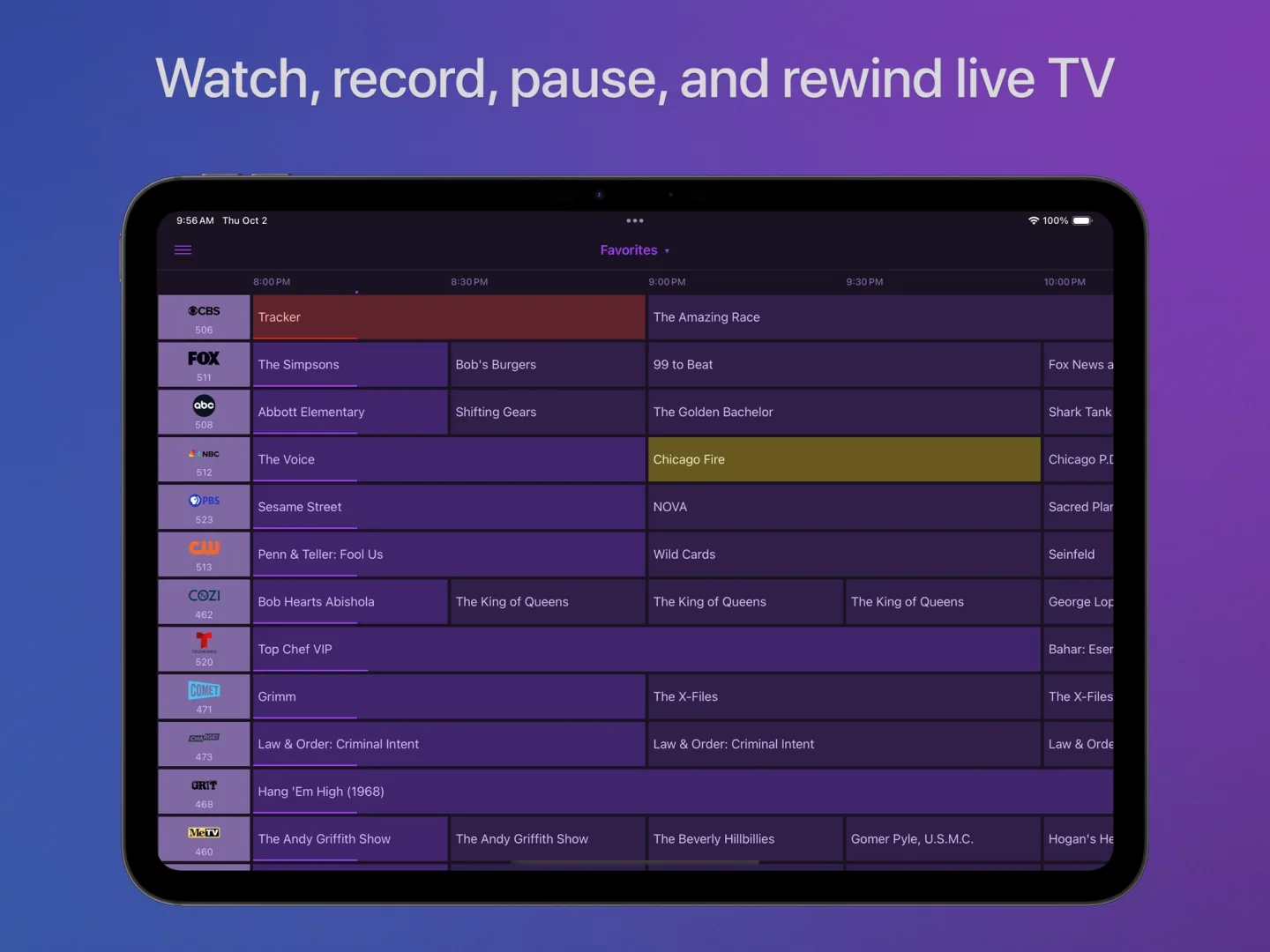 Channels TV guide on an iPad with channels and programmes in half-hour slots
It is not a standard IPTV player. The app talks to Channels DVR Server, software you run on a computer or NAS at home. The server takes your M3U playlist and TV guide, records programmes and streams everything to your devices. The subscription is paid for that DVR and comes with a 30-day trial. This review explains how that changes setup and daily use.
The Channels app itself is free to install, but it does not load an M3U playlist on its own. Playlists, together with an XMLTV guide, work through Channels DVR Server. You install it on your own computer or NAS and leave it running.
That suits a household with a spare machine and some patience. It does not suit someone who wants to log in on a TV and watch within minutes. No Xtream login is documented either.
The subscription pays for the DVR, not for the app. After a 30-day trial it costs $8 a month or $80 a year, in US dollars, so UK and Irish buyers pay the exchange rate on top.
Check the trial before you commit. The server setup takes time, and the trial is the way to find out whether the arrangement fits your home.
The developer treats Apple TV as its flagship device. Multiview is available on Apple TV 4K and iPad, so you can watch several channels at once.
The developer does not support very large IPTV playlists. Channels is aimed at home DVR setups rather than playlists with thousands of channels.
Features
Channels runs on Apple TV, iOS, Android TV, Fire TV and Android. You download the app from App Store, Google Play and Amazon Appstore.
| General | |
|---|---|
| Developer | Fancy Bits, LLC |
| Platforms | Apple TV, iOS, Android TV, Fire TV, Android |
| Price | US$8.00 per month after trial |
| Download | App Store, Google Play, Amazon Appstore |
| Logging in | |
| Xtream Codes | Not mentioned by the developer |
| M3U link | Yes |
| MAC / Stalker | Not mentioned by the developer |
| Features | |
| TV guide (EPG) | Yes |
| Catch-up | Not mentioned by the developer |
| Recording | Yes |
| Multiview | Yes |
| Parental lock | Yes |
| Films and series | Not mentioned by the developer |
Installing
Download
Official sources only. What it costs: US$8.00 per month after trial. Beware of fake apps with almost the same name and icon.
Prices and stores checked on 1 November 2026. Prices can vary by country and currency; the developer always has the current price.
you want a home DVR on Apple TV, are happy to run a server on your own computer or NAS, and have a modest playlist.
you want to sign in and watch straight away; UHF is a plain Apple TV player, or choose TiviMate on Android TV.
TV boxes
These boxes from our TV box comparison run Channels. Click for the full review.
Genova TV
Genova TV works in Channels. Try it for free first: you get trial details via WhatsApp and we help you with the installation step by step.
Alternatives
Installing
Frequently asked questions
The app is free, but M3U playlists only work through Channels DVR Server. You install that on your own computer or NAS.
No Xtream login is documented. The app works with M3U playlists, with an XMLTV guide, through the server.
The developer does not support large IPTV playlists. It is designed for home DVR setups, so a smaller playlist suits it better.
Channels runs on Apple TV, iOS, Android TV, Fire TV and Android. You download the app from App Store, Google Play and Amazon Appstore.
You can try Channels free for 30 days. After that it costs US$8.00 per month.
Yes. You log in with an M3U link. We help you set it up on WhatsApp.
Prices and stores checked on 13 October 2026. Icon and screenshots: Fancy Bits, LLC, via App Store.
Still comparing? See every provider ranked side by side in Best IPTV 2026.