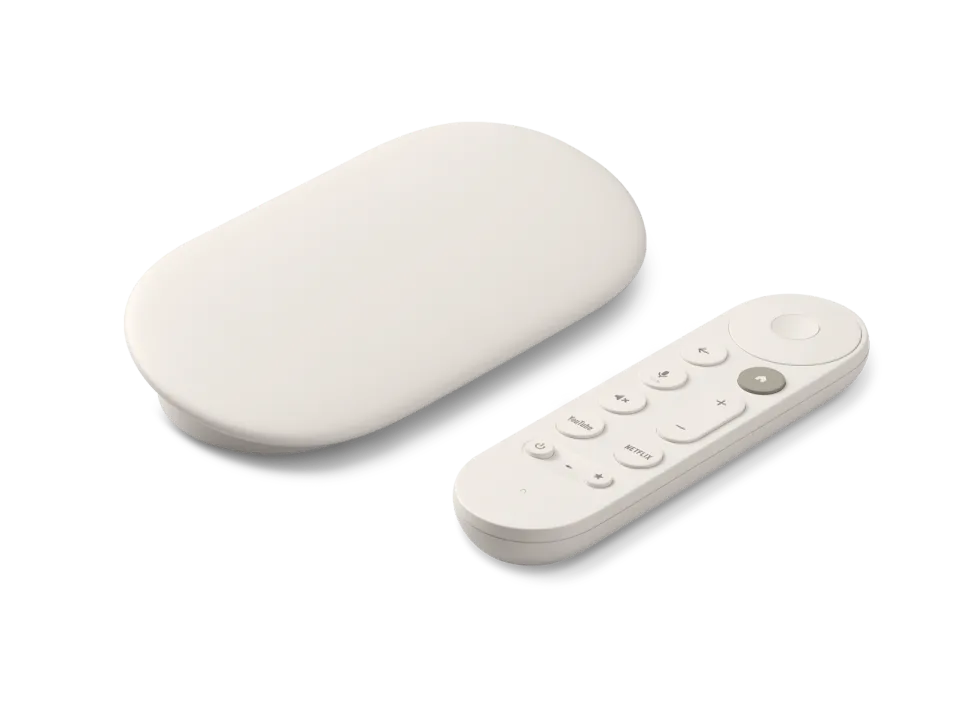
 Google TV Streamer
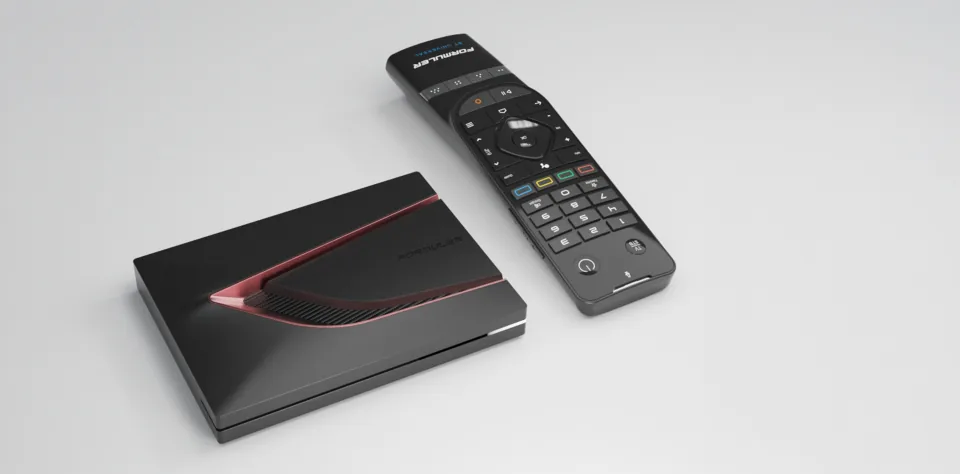 Formuler Z12 Ultra
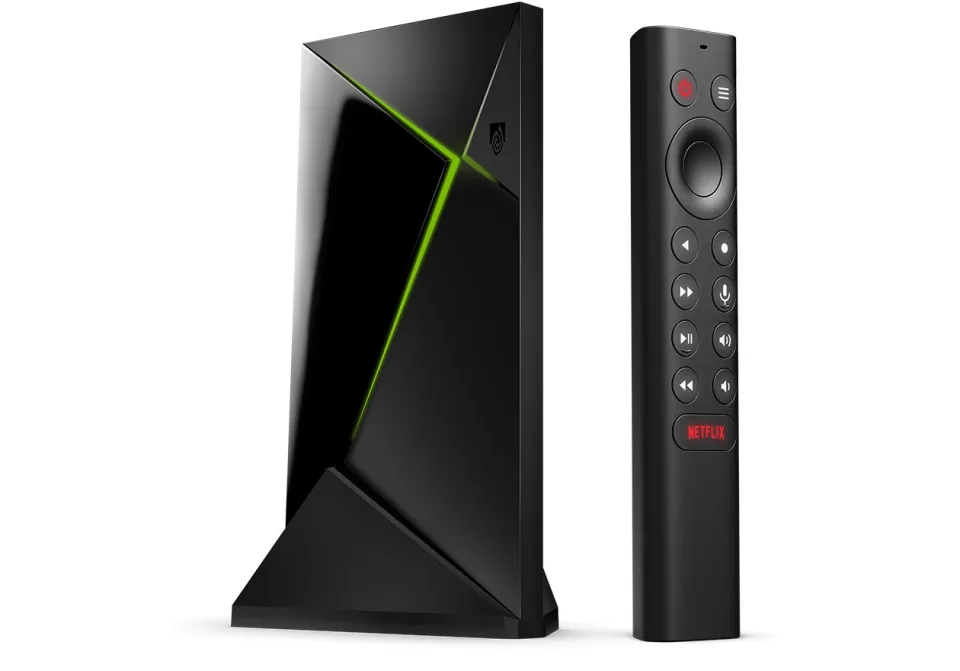 SHIELD TV Pro
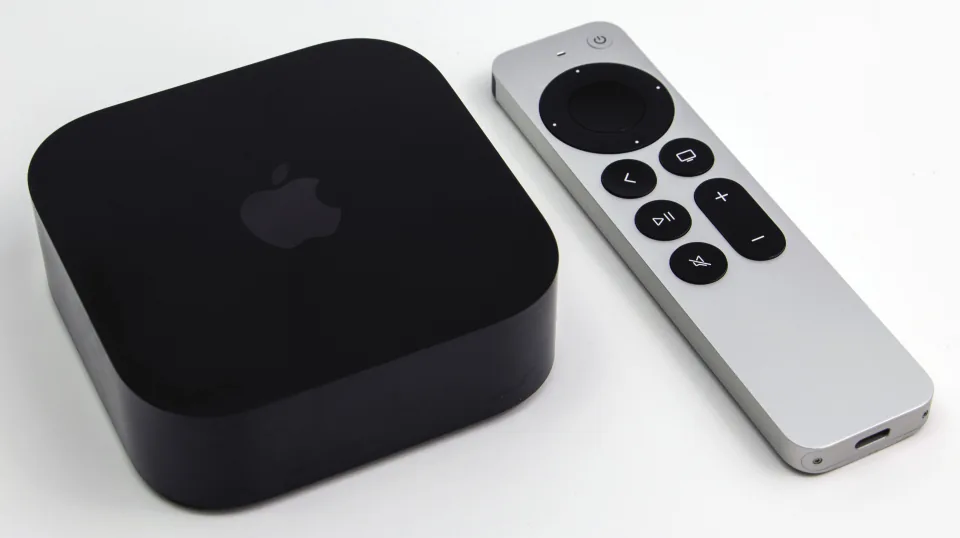 Apple TV 4K
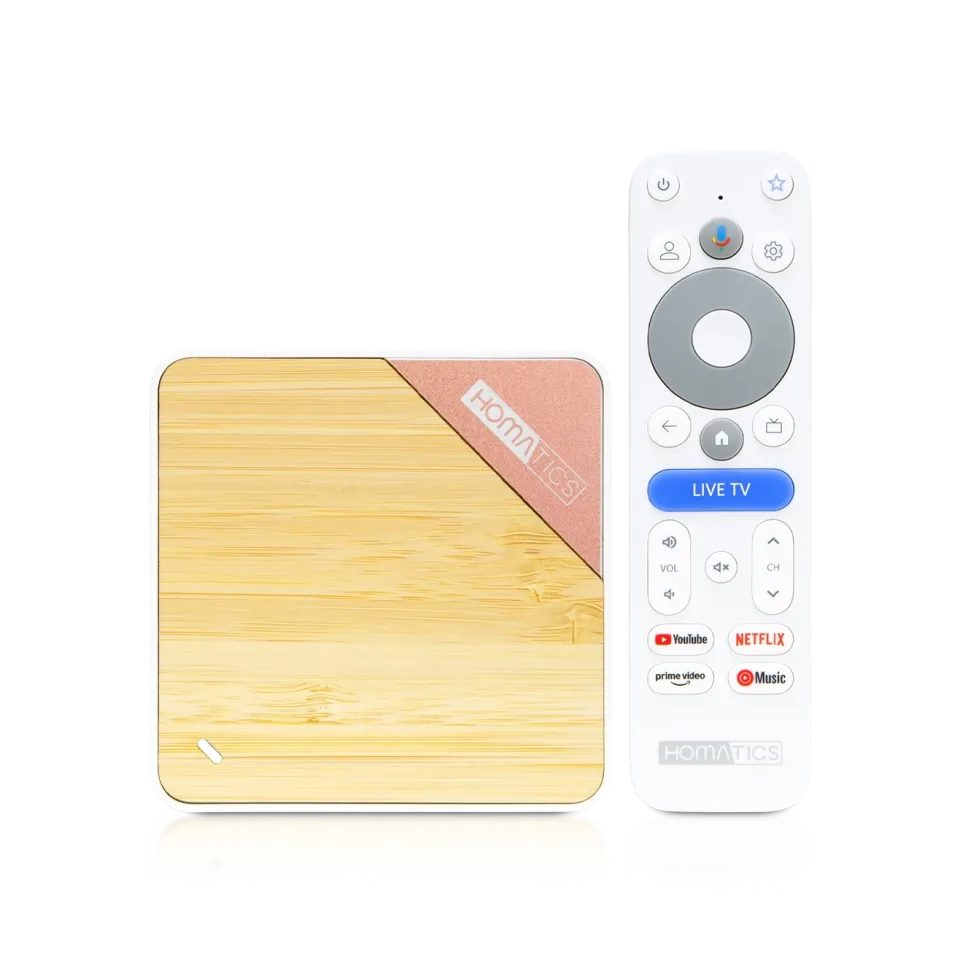 Homatics Box 4K V2
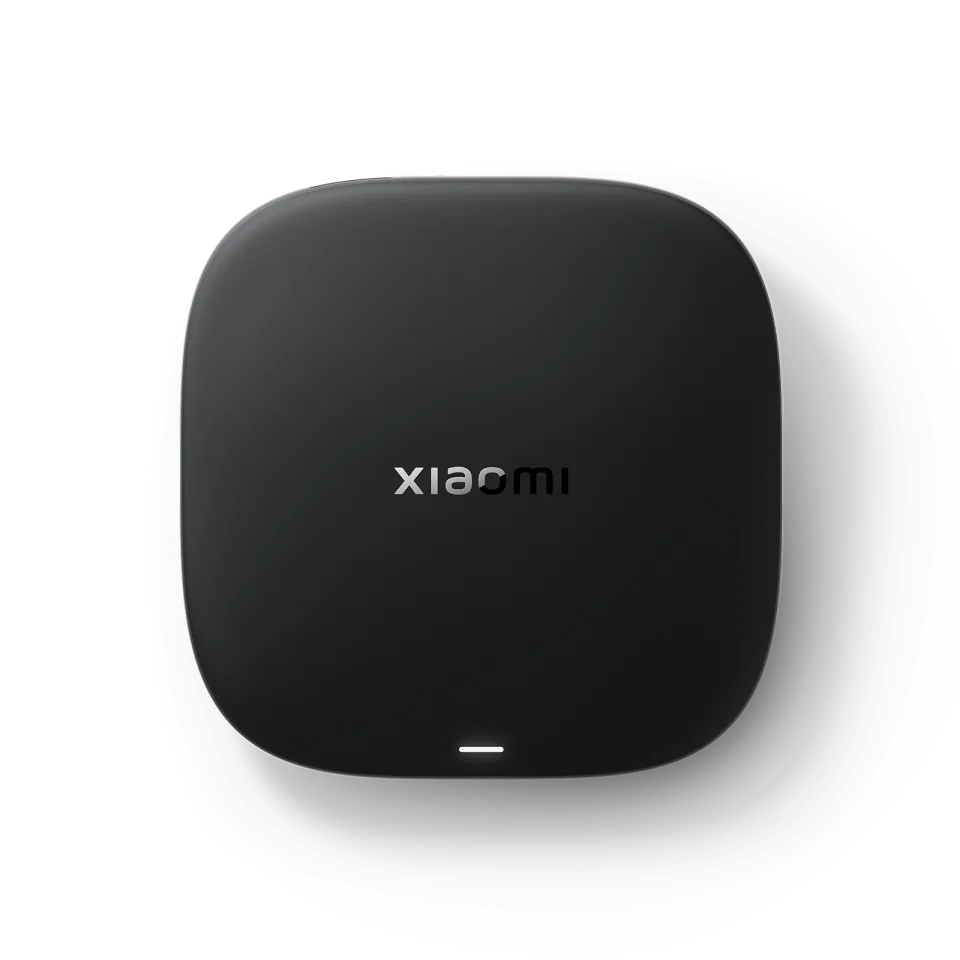 Xiaomi TV Box S
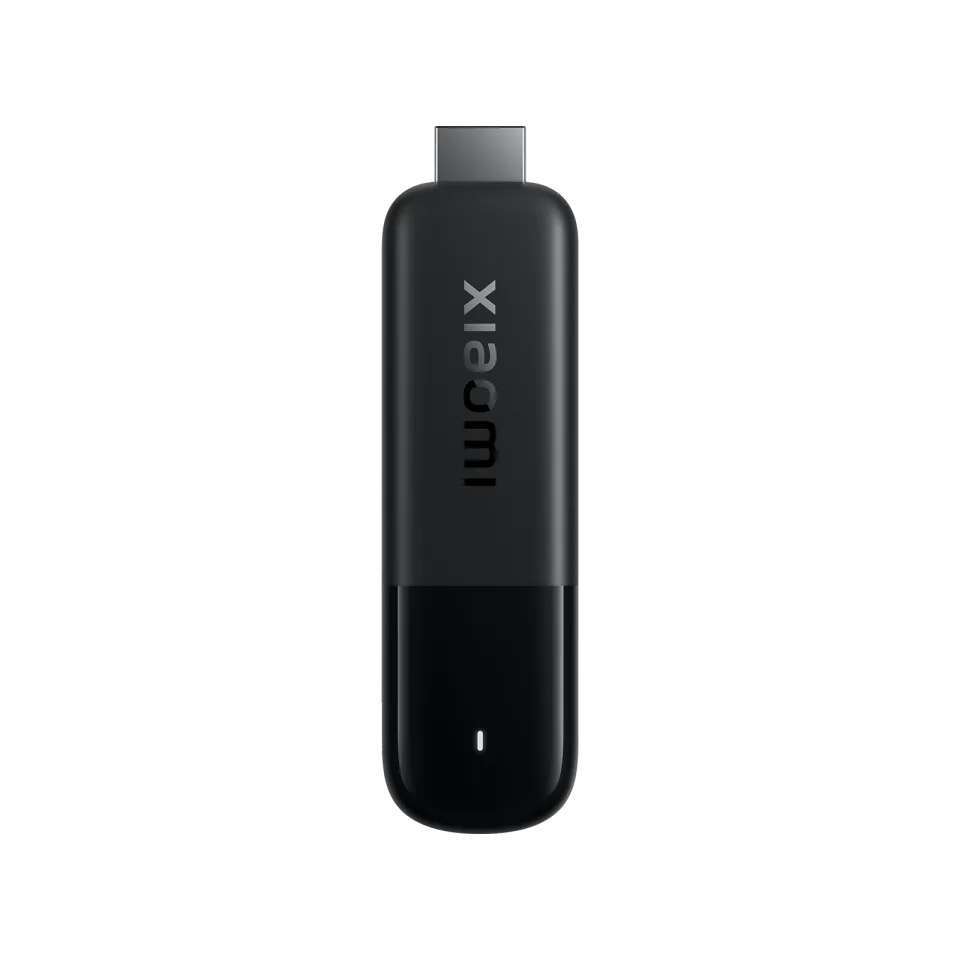 Xiaomi TV Stick 4K
SET IPTV
SET IPTV6.7
IPTV app · review updated 13 October 2026
NET IPTV is a light IPTV player from All Software 24 with a wide reach, from older Samsung and LG TVs to Hisense and Apple TV.

Runs on
Our verdict
NET IPTV is a light player that does well on older and slower TVs. It runs on Samsung (the developer lists models from 2016 to 2020), LG with webOS 1 to 5, Hisense with VIDAA, Android TV and Apple TV. You link your playlist on the website to your TV's MAC address. For a modern TV and plenty of films and series, there are more comfortable apps.
NET IPTV is only a player: to watch TV you still need an IPTV subscription. Compare the providers in Best IPTV 2026.
How NET IPTV scores on the five points we rate every app on. How we rate.
The official site lists Samsung Tizen TVs from 2016 to 2020, LG with webOS 1.0 to 5.0, Hisense and other VIDAA TVs, Android TV (including Sony, TCL, Philips and Xiaomi through the Android stores), Apple TV, iPhone and iPad. The app has no channels of its own: you add your own playlist through the developer's website.
Many newer IPTV apps expect a fast TV. NET IPTV is light and also aims at older models: the developer lists Samsung TVs from 2016 to 2020 and LG with webOS 1.0 to 5.0. If you have one of those, NET IPTV is often one of the apps that still runs smoothly.
On Hisense and other VIDAA TVs you find NET IPTV in the VIDAA App Store, if it is available for your model and country.
The three work in almost the same way: you link your playlist through your TV's MAC address. NET IPTV runs on the most kinds of device, including Apple TV and VIDAA. SET IPTV is a little simpler and focuses on Samsung, LG and Android.
Your device decides it: on an Apple TV, iPhone or a Hisense TV with VIDAA, only NET IPTV is an option. On Samsung, LG or Android either app works, so pick the one whose website and price suit you.
Features
NET IPTV runs on Samsung, LG, VIDAA, Android TV, Android, Apple TV and iOS. You download the app from Official website and VIDAA App Store.
| General | |
|---|---|
| Developer | All Software 24 L.L.C-FZ |
| Platforms | Samsung, LG, VIDAA, Android TV, Android, Apple TV, iOS |
| Price | Price unknown |
| Download | Official website, VIDAA App Store |
| Logging in | |
| Xtream Codes | Not mentioned by the developer |
| M3U link | Yes |
| MAC / Stalker | No |
| Features | |
| TV guide (EPG) | No |
| Catch-up | No |
| Recording | No |
| Multiview | No |
| Parental lock | No |
| Films and series | No |
Installing
Download
Official sources only. Beware of fake apps with almost the same name and icon.
Prices and stores checked on 19 October 2026. Prices can vary by country and currency; the developer always has the current price.
you have an older Samsung or LG, or a Hisense TV, and mostly watch live TV.
you have a modern TV and watch many films and series; choose SmartOne IPTV instead.
TV boxes
These boxes from our TV box comparison run NET IPTV. Click for the full review.
Genova TV
Genova TV works in NET IPTV. Try it for free first: you get trial details via WhatsApp and we help you with the installation step by step.
Alternatives
Installing
Frequently asked questions
According to the developer it does, through the VIDAA App Store. Availability can differ by model and country.
The developer lists Samsung Tizen TVs from 2016 to 2020. For newer Samsung TVs there are other apps, such as SmartOne IPTV.
The app asks for an activation. The current price and terms are on netiptv.eu.
NET IPTV runs on Samsung, LG, VIDAA, Android TV, Android, Apple TV and iOS. You download the app from Official website and VIDAA App Store.
The developer lists the current price on the official site.
Yes. You log in with an M3U link. We help you set it up on WhatsApp.
Prices and stores checked on 13 October 2026. Icon and screenshots: All Software 24, via netiptv.eu.
Still comparing? See every provider ranked side by side in Best IPTV 2026.