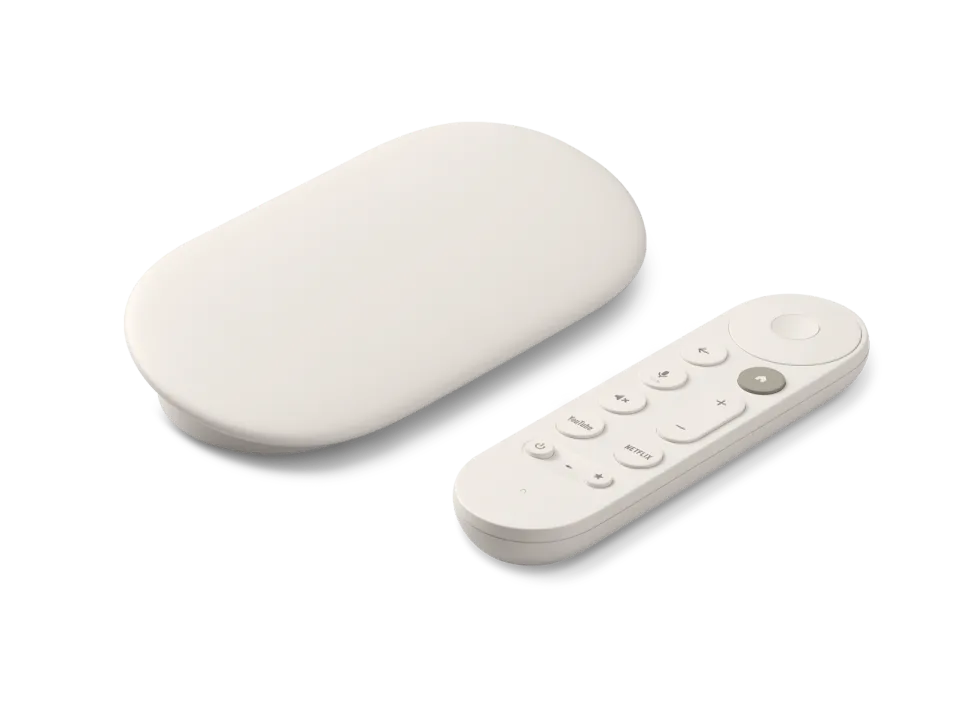
 Google TV Streamer
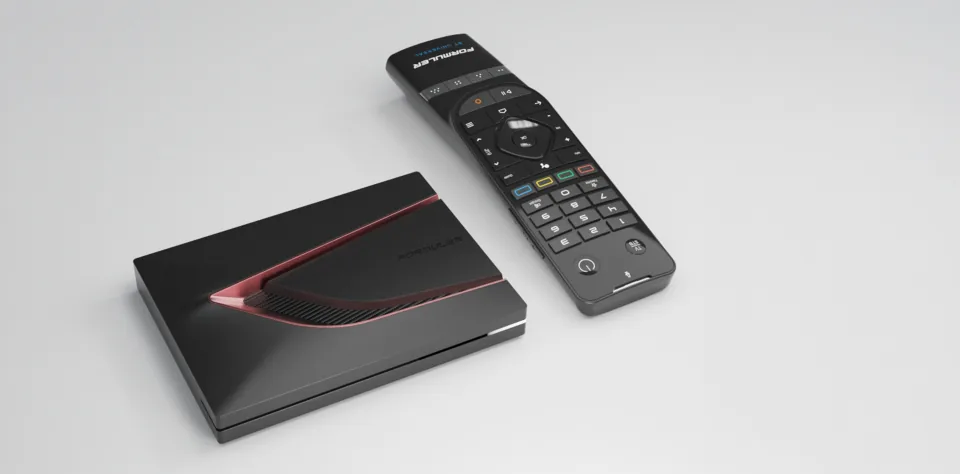 Formuler Z12 Ultra
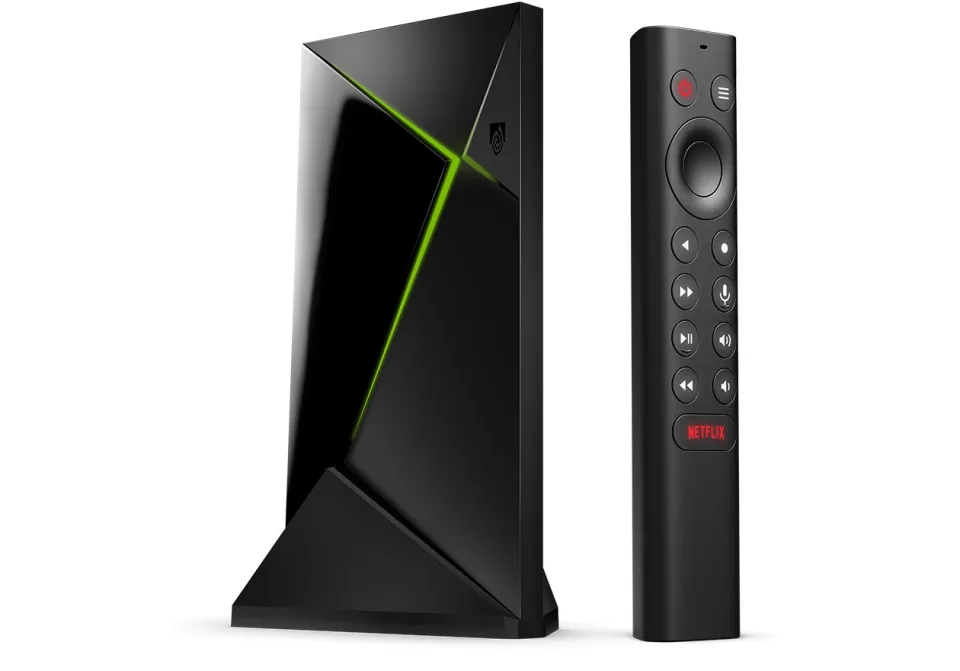 SHIELD TV Pro
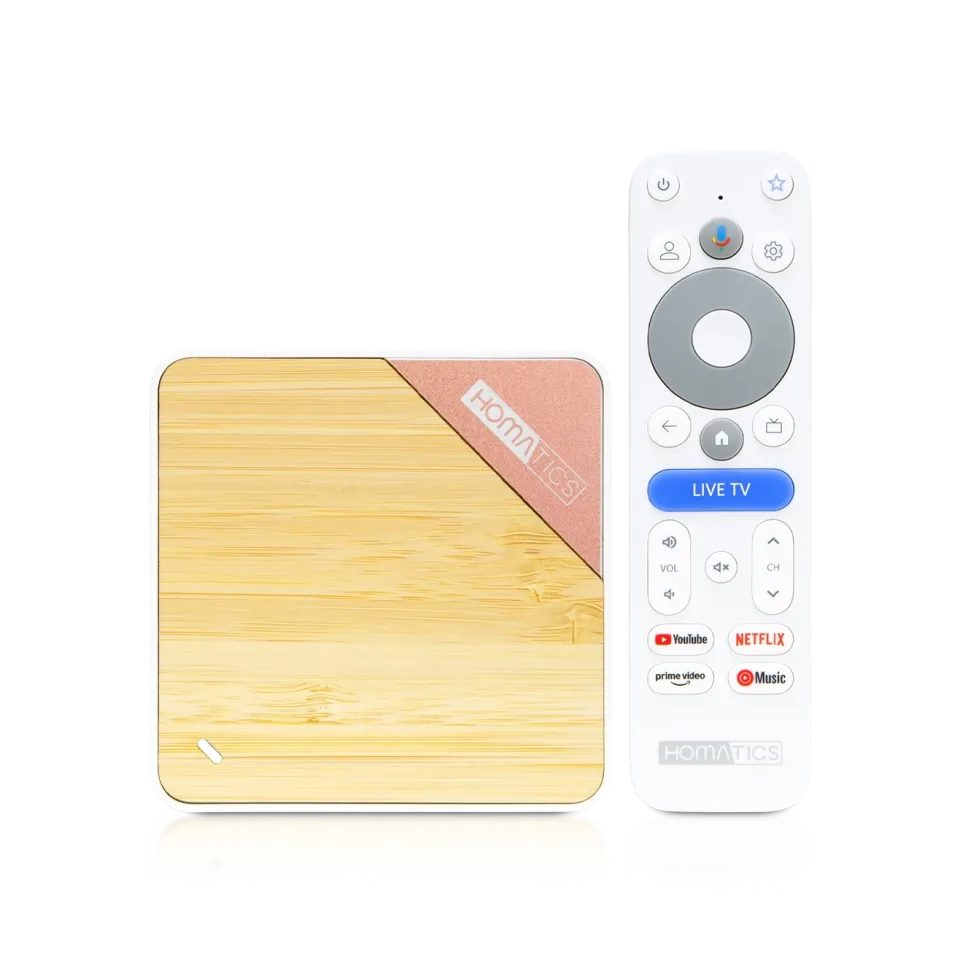 Homatics Box 4K V2
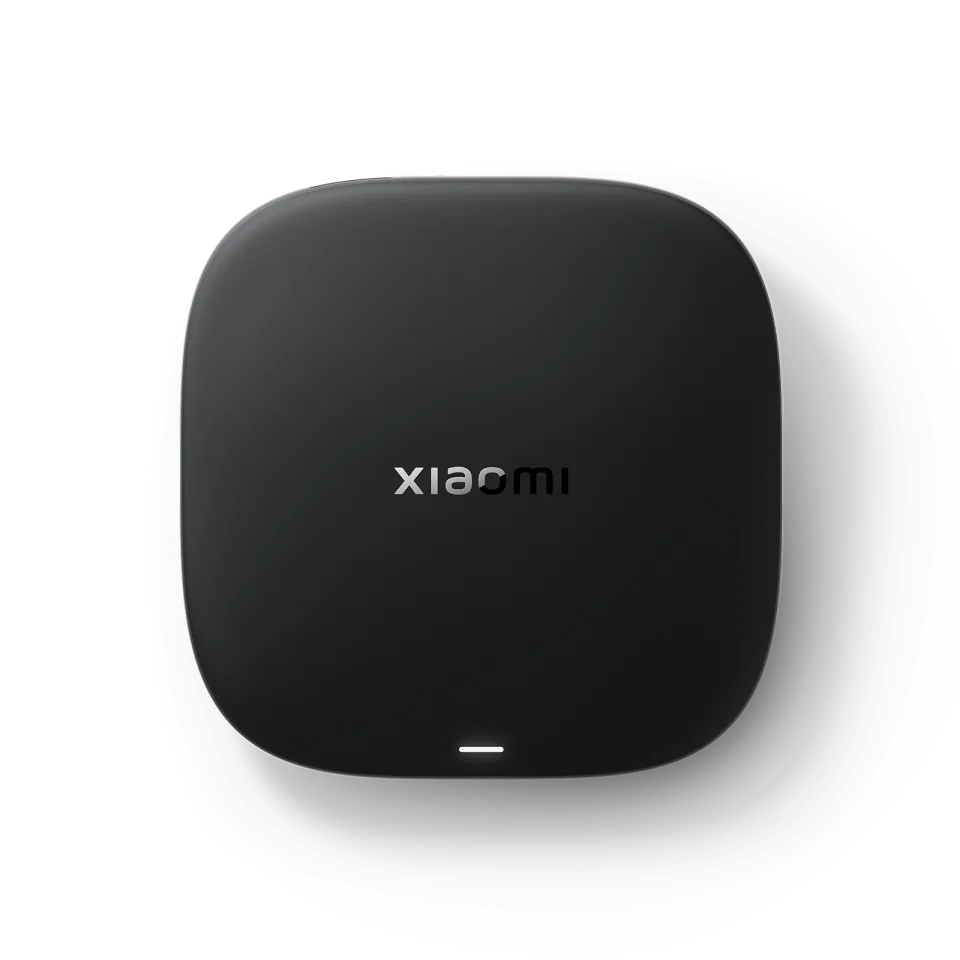 Xiaomi TV Box S
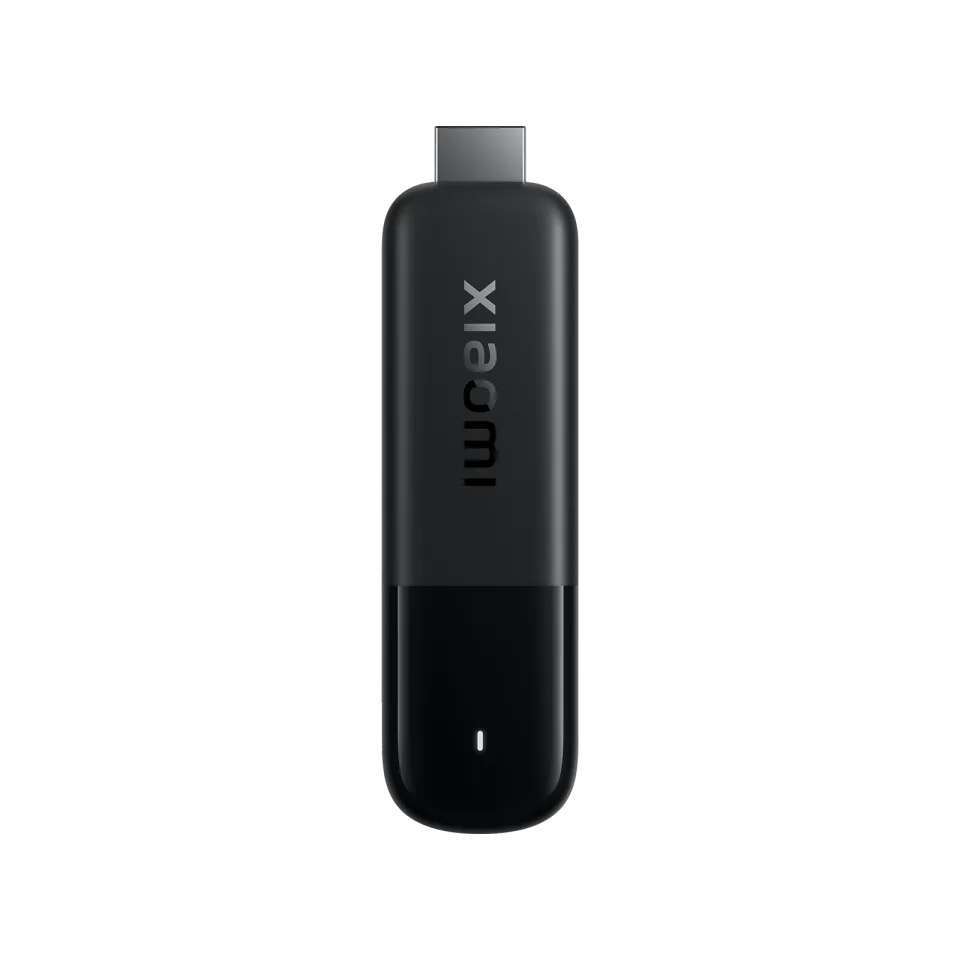 Xiaomi TV Stick 4K

NET IPTV
All Software 24 L.L.C-FZ6.7
IPTV app · review updated 13 October 2026
SET IPTV is a simple player for Samsung, LG and Android TVs, aimed at live TV.
Runs on
Our verdict
SET IPTV is one of the older apps for Samsung and LG, and it does what it promises: live TV from your M3U playlist. You link your list on the website to your TV's MAC address, test for seven days free and then activate once. If you watch a lot of films and series, you're better off with SmartOne IPTV.
SET IPTV is only a player: to watch TV you still need an IPTV subscription. Compare the providers in Best IPTV 2026.
How SET IPTV scores on the five points we rate every app on. How we rate.
The official site lists Android, Android TV, Samsung, LG webOS, TCL and Haier as platforms. You add your M3U playlist on the website, linked to your TV's MAC address. After a seven-day trial you activate the TV once, for good. The app has no channels of its own.
Like NET IPTV and Smart IPTV, SET IPTV links your playlist through your TV's MAC address. You don't type anything on the TV: you paste your M3U link on the website. That's easy with a remote, but if your link changes you have to upload it again.
If a playlist doesn't work, the developer recommends adding it again without stray characters and checking that the source is online.
If you mostly watch live TV and want a simple app with no fuss, SET IPTV is a sensible choice. For a nice library of films and series, SmartOne IPTV or IBO Player are more pleasant.
SET IPTV has no version for Apple devices or VIDAA. If you watch on an Apple TV or a Hisense TV, NET IPTV covers those with the same MAC-address setup.
Features
SET IPTV runs on Samsung, LG, Android TV and Android. You download the app from Official website, Samsung Apps and LG Content Store.
| General | |
|---|---|
| Developer | SET IPTV |
| Platforms | Samsung, LG, Android TV, Android |
| Price | Price unknown |
| Download | Official website, Samsung Apps, LG Content Store |
| Logging in | |
| Xtream Codes | No |
| M3U link | Yes |
| MAC / Stalker | No |
| Features | |
| TV guide (EPG) | Yes |
| Catch-up | No |
| Recording | No |
| Multiview | No |
| Parental lock | No |
| Films and series | No |
Installing
Download
Official sources only. Beware of fake apps with almost the same name and icon.
Prices and stores checked on 19 October 2026. Prices can vary by country and currency; the developer always has the current price.
you mostly watch live TV on a Samsung or LG and want a simple app.
you watch many films and series; choose IBO Player instead.
TV boxes
These boxes from our TV box comparison run SET IPTV. Click for the full review.
Genova TV
Genova TV works in SET IPTV. Try it for free first: you get trial details via WhatsApp and we help you with the installation step by step.
Alternatives
Installing
Frequently asked questions
Open the app and note the MAC address. Then paste your M3U link on the app's website under Upload My List and restart the app.
The developer only mentions M3U playlists. Ask your provider for an M3U link.
You can try it for seven days. After that you activate the TV once, and the current price is on the official site.
SET IPTV runs on Samsung, LG, Android TV and Android. You download the app from Official website, Samsung Apps and LG Content Store.
The developer lists the current price on the official site.
Yes. You log in with an M3U link. We help you set it up on WhatsApp.
Prices and stores checked on 13 October 2026. Icon and screenshots: SET IPTV, via setiptv-app.net.
Still comparing? See every provider ranked side by side in Best IPTV 2026.