
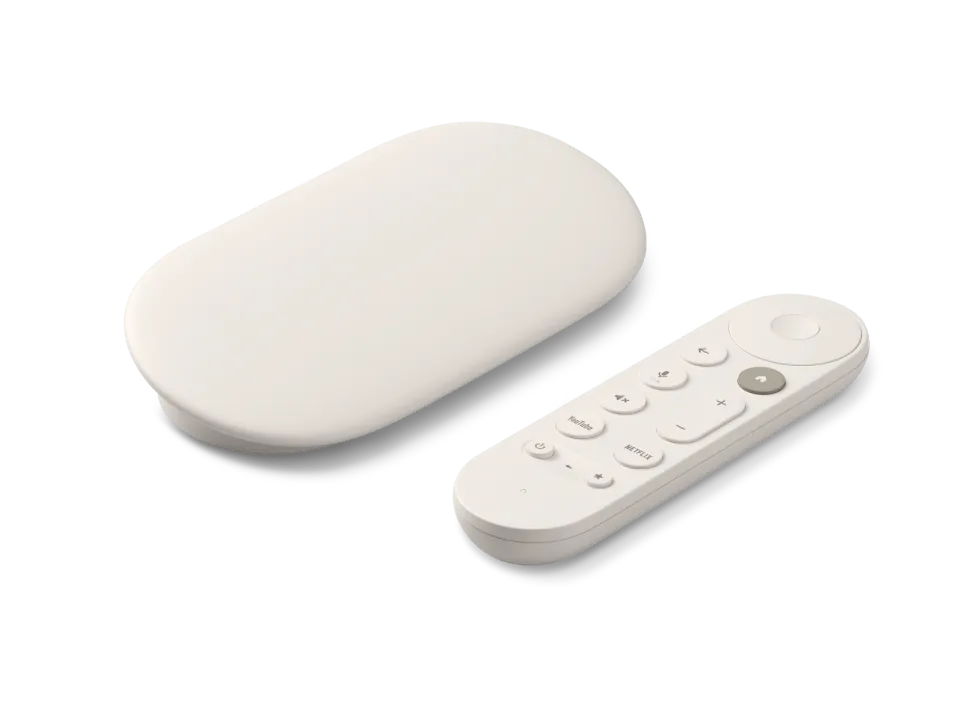
 Google TV Streamer
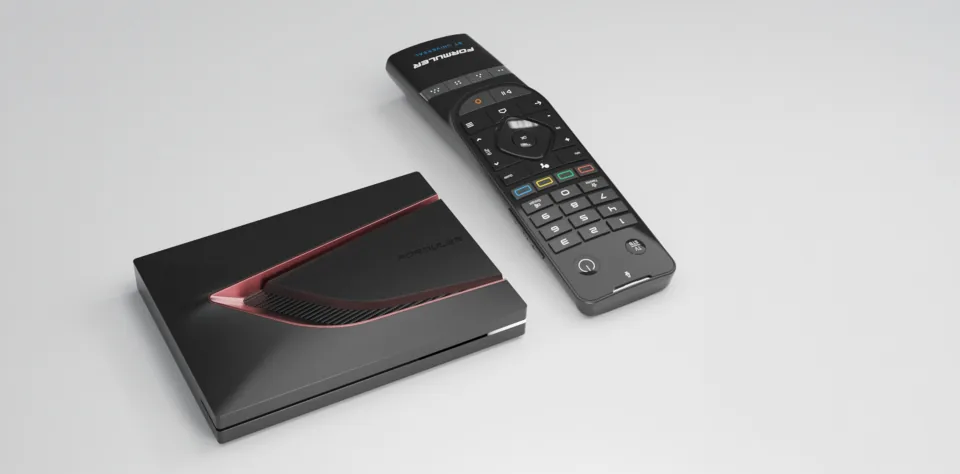 Formuler Z12 Ultra
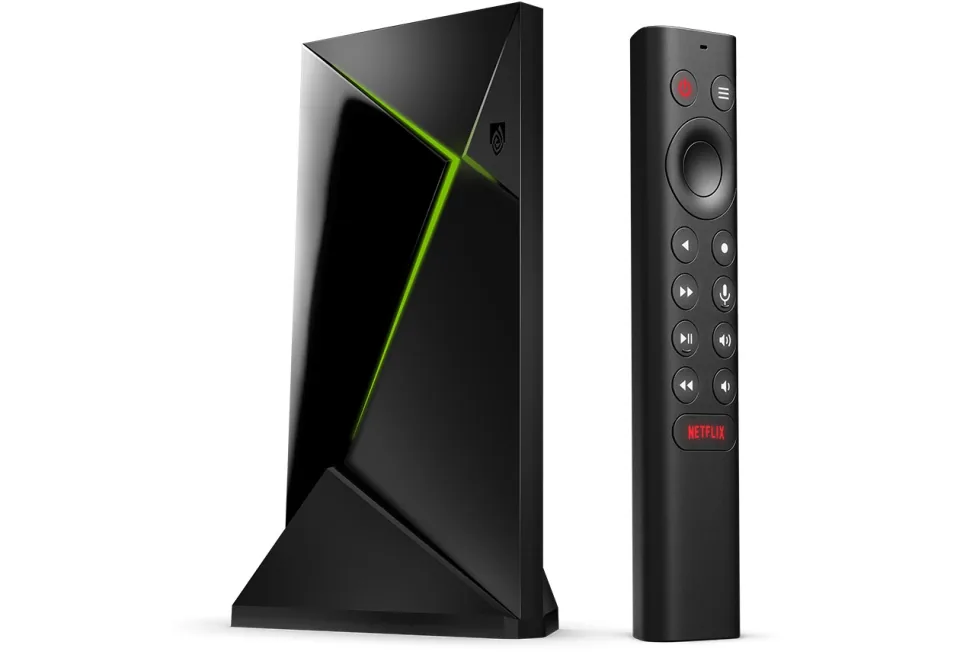 SHIELD TV Pro
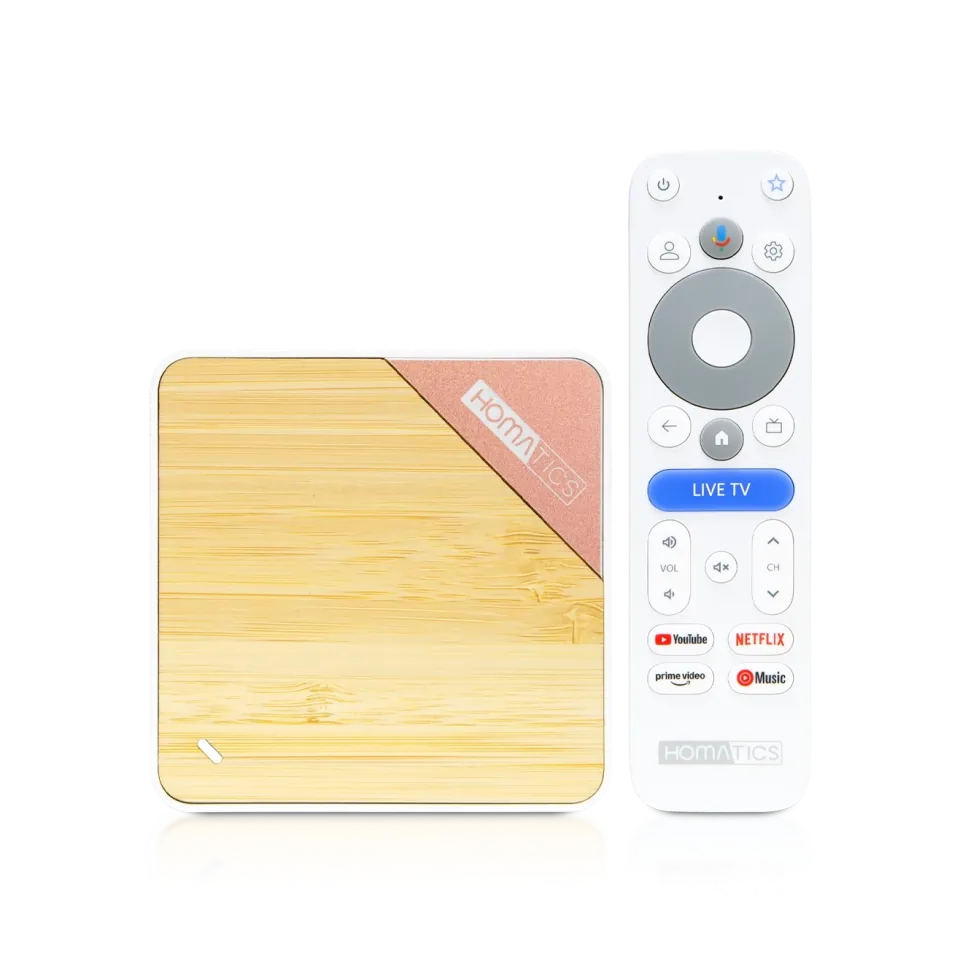 Homatics Box 4K V2
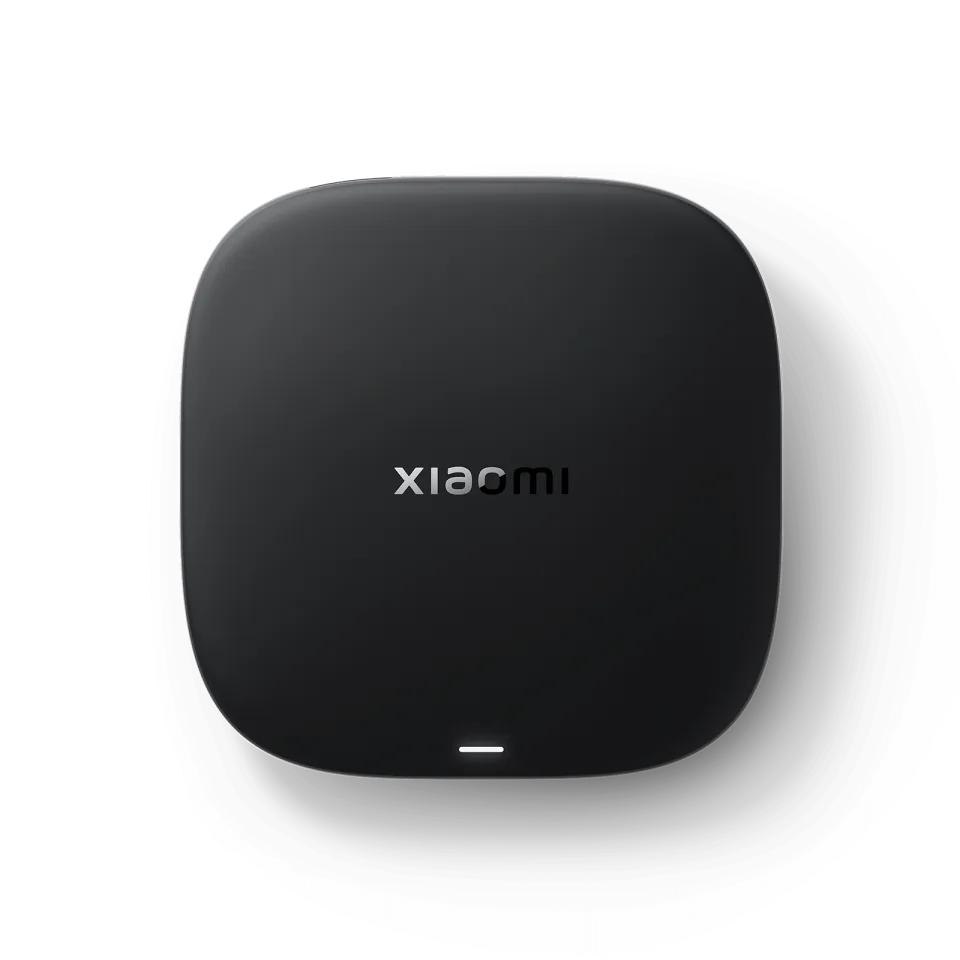 Xiaomi TV Box S
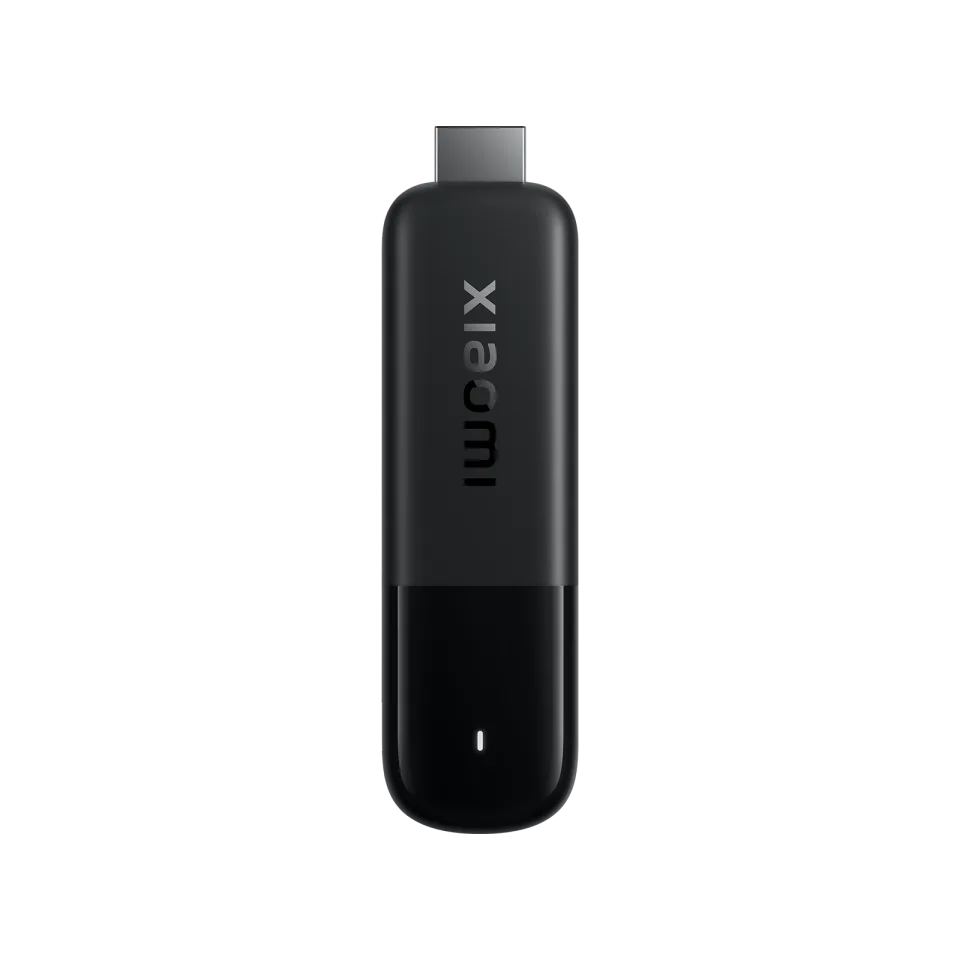 Xiaomi TV Stick 4K
7.7
IPTV app · review updated 13 October 2026
Smart IPTV (SIPTV) review 2026: the smart TV classic
Smart IPTV, often shortened to SIPTV, is one of the oldest IPTV apps for smart TVs and is still hugely popular on Samsung and LG.
Price€5.49 one-off after trialby Smart IPTV
Where to download Good
Smart IPTV (SIPTV)Smart IPTV
Runs on
- Android TV
- Samsung
- LG
7.2
7.2Good
Our verdict
Smart IPTV: good
Smart IPTV has been the budget choice for Samsung and LG TVs for years: €5.49 one-off and your TV starts straight up in your channel list. The app is bare, though, and only works with M3U playlists that you upload via the website. If you want more comfort, go for IBO Player; if you want it cheap and simple, this will do nicely.
Price€5.49 one-off per TV
Smart TVClassic on Samsung and LG
Trial7 days free
Start-upTV starts straight in your channels
Score by category
How Smart IPTV scores on the five points we rate every app on. How we rate.
7.2Good
Pros
- Cheapest paid app: €5.49 one-off per TV
- Runs on almost every Samsung and LG TV
- TV starts straight in your channel list
- 7 days free to try
- Simple enough for the whole family
Cons
- M3U only; no Xtream Codes or portals
- No film library, recording or multiview
- Uploading the playlist via the website is awkward
- Dated look
The idea is simple: you upload your M3U playlist on siptv.app against your TV's MAC address, and the app plays it with a channel list and TV guide. After a seven-day trial you pay €5.49 once per TV. In this review you'll read how that works, what to watch out for and when another app is the smarter choice.
Uploading your playlist: how the MAC system works
Smart IPTV has no login screen. The app shows your TV's MAC address, and on siptv.app you link your M3U playlist to it. The next time it starts, the app fetches the list itself. Note that a TV's Wi-Fi and cable MAC addresses differ, so use the address the app shows.
Only use the official siptv.app for uploads and activation. Because the app is so well known, there are fake pages that look like the original and capture your playlist details or payment.
The €5.49 activation
After a seven-day trial you pay €5.49 once per TV. The maker is blunt about it: don't pay if you don't have a working playlist, because the activation contains no channels and doesn't fix any problems. So test everything first during the trial week.
The activation stays valid as long as the TV keeps the same MAC address. A new TV means a new activation; but a paid smart TV app doesn't get any cheaper than this.
Can you tell the app is old?
Yes and no. The app is bare: no film library with covers, no recording, no Xtream login, and the look clearly dates from a previous era. Modern apps such as IBO Player feel more complete.
At the same time, that simplicity is its strength: the TV starts straight up in your channel list, channel hopping is quick and the whole family understands it immediately. If you only watch live TV on a Samsung or LG, SIPTV remains a perfectly good buy.
Features
What can Smart IPTV do?
Smart IPTV runs on Samsung and LG TVs and on Android TV. On older Samsung models the app isn't always in the store any more; the maker's site explains for each brand how to install it. The €5.49 activation is per TV and tied to the MAC address (a device ID on newer LGs).
- Xtream Codes
- M3U link
- MAC / Stalker
- TV guide (EPG)
- Catch-up
- Recording
- Multiview
- Parental lock
- Films and series
| General | |
|---|---|
| Developer | Smart IPTV |
| Platforms | Samsung (Tizen), LG (webOS), Android TV |
| Price | 7 days free, then €5.49 one-off per TV |
| Download | Your TV's app store; instructions on siptv.app |
| Logging in | |
| Xtream Codes | No |
| M3U link | Yes, via upload on siptv.app |
| MAC / Stalker portal | No (the MAC address is only used for linking) |
| Features | |
| TV guide (EPG) | Yes |
| Catch-up | Yes, if your playlist provides it |
| Recording | No |
| Films and series | No separate library |
| Parental lock | Yes |
Installing
How to install Smart IPTV on Samsung TV
- Install Smart IPTV from your TV's app store and open the app.
- Note the MAC address that appears on the screen.
- On your phone or computer, go to siptv.app and open the "My List" page.
- Enter the MAC address and upload the M3U link from your IPTV subscription.
- Restart the app: your channels and the TV guide load.
- Everything working as you want? Then activate your TV within seven days for a one-off €5.49 on siptv.app.
Download
Where do you download Smart IPTV?
Official sources only. What it costs: €5.49 one-off after trial. Beware of fake apps with almost the same name and icon.
Prices
- 7-day free trial
- €5.49 one-off · up to 1 devices
- Official websiteSamsung (Tizen) · LG (webOS) · Android TV / Google TVFree downloadGo to Official website (opens in a new window) Smart IPTV (SIPTV)
Prices and stores checked on 13 October 2026. Prices can vary by country and currency; the developer always has the current price.
Choose this app if…
you have a Samsung or LG TV, only watch live TV and want the cheapest decent solution.
Skip it if…
your subscription is mostly films and series or you want to log in with Xtream Codes: IBO Player or IPTV Smarters make more sense then.
TV boxes
TV boxes that run Smart IPTV
These boxes from our TV box comparison run Smart IPTV. Click for the full review.
Genova TV
Watching Genova TV in Smart IPTV
Genova TV works in Smart IPTV. Try it for free first: you get trial details via WhatsApp and we help you with the installation step by step.
- 45,000+ channels, including 4K
- Works in Smart IPTV
- Installation help via WhatsApp
- Free trial, no payment
Alternatives
Alternatives to Smart IPTV

8.4
8.7
Installing
Guides for Smart IPTV
Frequently asked questions
Questions about Smart IPTV
What does Smart IPTV cost?
A one-off €5.49 per TV, after a free trial of seven days. There's no subscription; the activation applies to that one device.
My channels have vanished after uploading. What now?
Check that you're using the MAC address the app shows (Wi-Fi and cable differ) and tick "Save online" when uploading. It's best to shorten large playlists; older LG models in particular have little memory.
Does Smart IPTV come with channels?
No, and the maker stresses that itself: the app contains no channels and the activation doesn't add any. You upload the M3U playlist from your own subscription.
Does Smart IPTV work with Xtream Codes?
No, the app only accepts M3U playlists. Most providers can also supply your subscription as an M3U link; ask if you only have Xtream details.
Can I transfer my activation to a new TV?
No. The activation is tied to your TV's MAC address or device ID. For a new TV you pay €5.49 again.
Sources
Prices and stores checked on 13 October 2026. Icon and screenshots: Smart IPTV, via siptv.app.
Still comparing? See every provider ranked side by side in Best IPTV 2026.

Links
Support
