
 Google TV Streamer
 Formuler Z12 Ultra
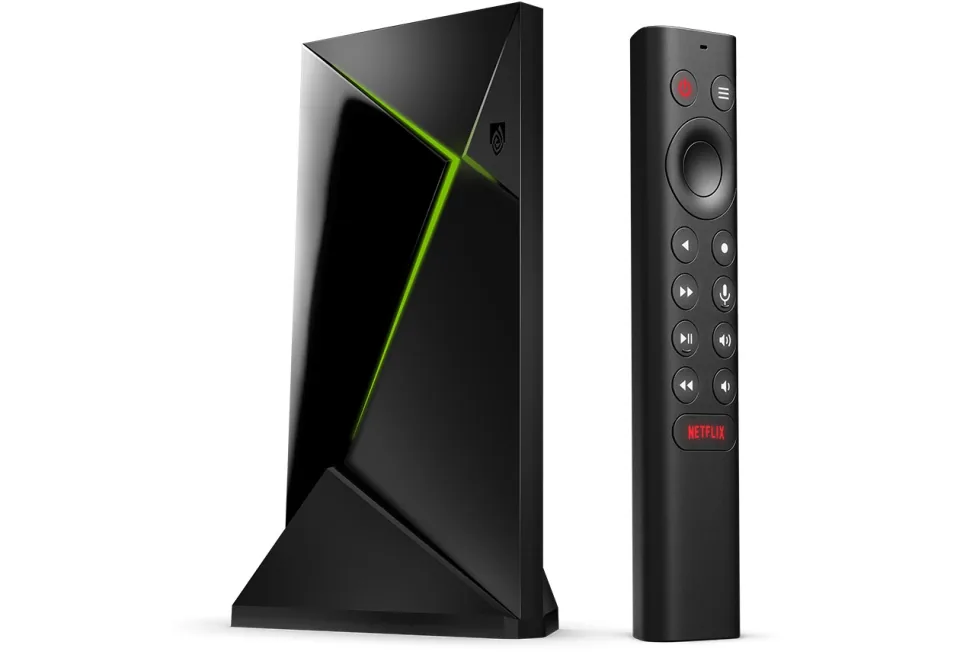 SHIELD TV Pro
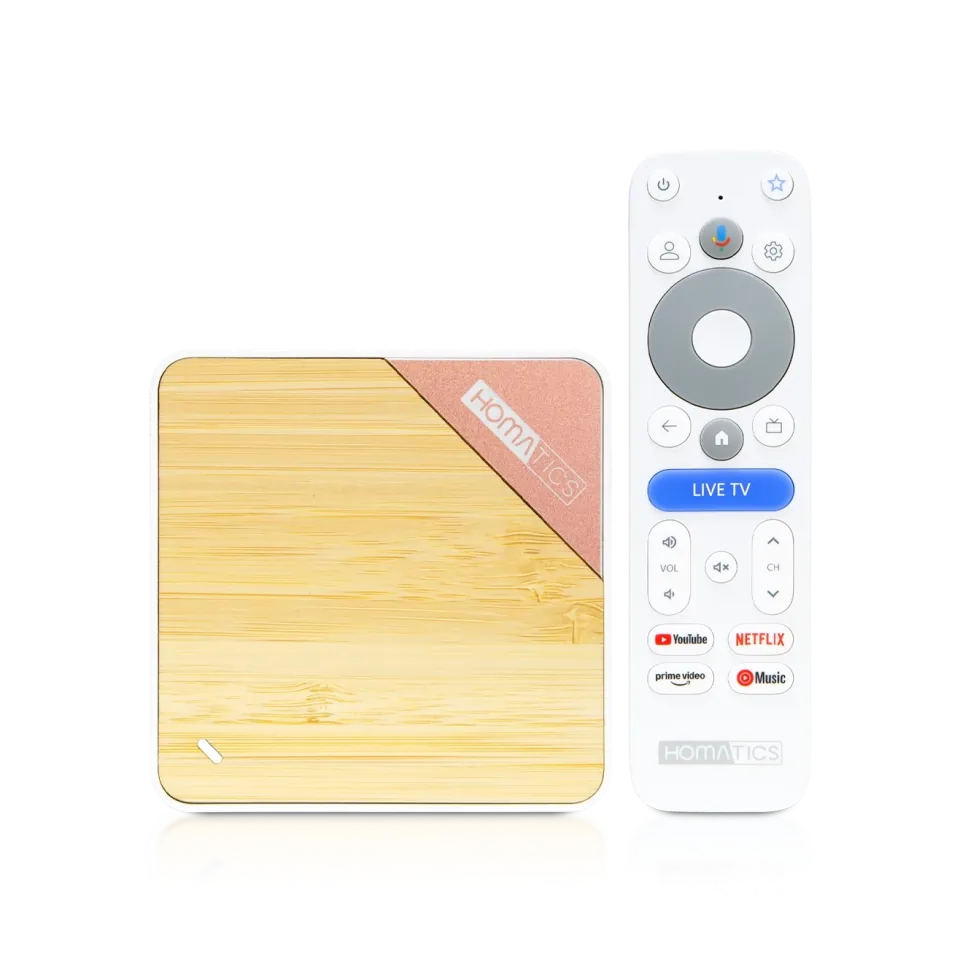 Homatics Box 4K V2
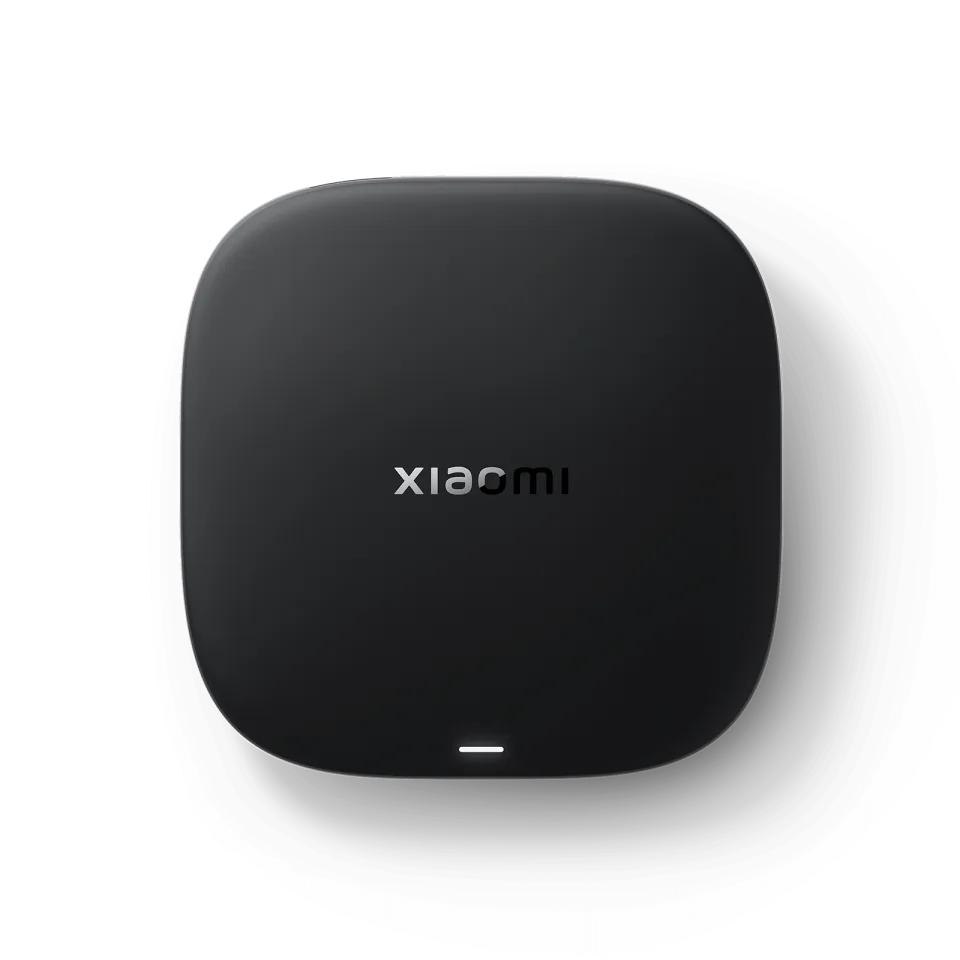 Xiaomi TV Box S
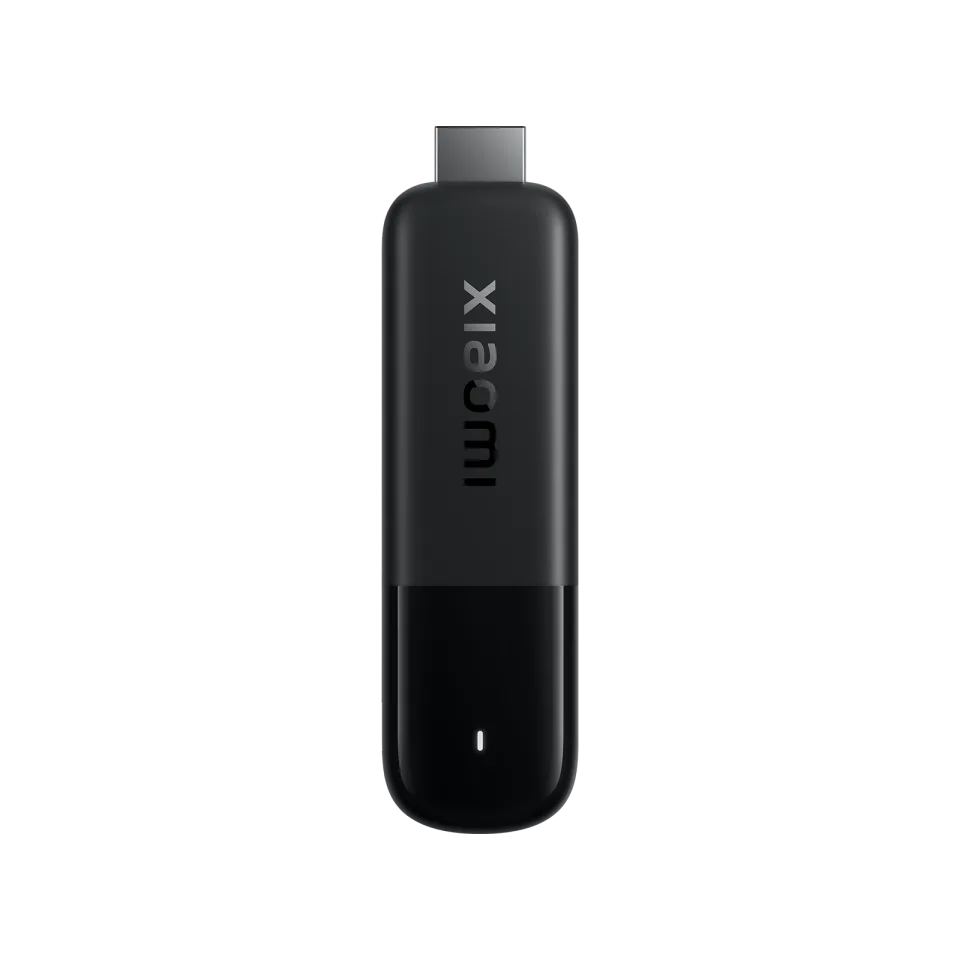 Xiaomi TV Stick 4K
8.7
IPTV app · review updated 13 October 2026
Televizo review 2026: the lightweight IPTV app
Televizo is a relatively young IPTV player that quickly became popular as a lighter alternative to TiviMate, especially on cheaper boxes and older TVs where heavy apps stutter.
PriceFree, premium €9.99 lifetimeby Televizo
Where to download Good
TelevizoTelevizo
Runs on
- Android TV
- Android
7.9
7.9Good
Our verdict
Televizo: good
Televizo is the app for anyone who finds TiviMate just too heavy or too expensive: light, fast, simply on Google Play and with a one-off premium price of around a tenner for five devices. Recording and multiview aren't included, but for everyday live viewing with a good guide it's one of the best bargains.
SpeedLight, even on budget boxes
TV guideFast, with XMLTV support
Premiumc. €10 one-off, 5 devices
MobileGreat on your phone too
Score by category
How Televizo scores on the five points we rate every app on. How we rate.
7.9Good
Pros
- Light and fast, even on cheap boxes and older TVs
- Installs simply via Google Play
- Premium one-off c. €10 for five devices, with a free hour's trial
- Good TV guide with XMLTV support
- Works well on both TV and phone
Cons
- No recording or multiview
- Not officially on the Fire TV Stick
- Adverts in the free version
- No support for MAC / Stalker portals
Screenshots
What Televizo looks like
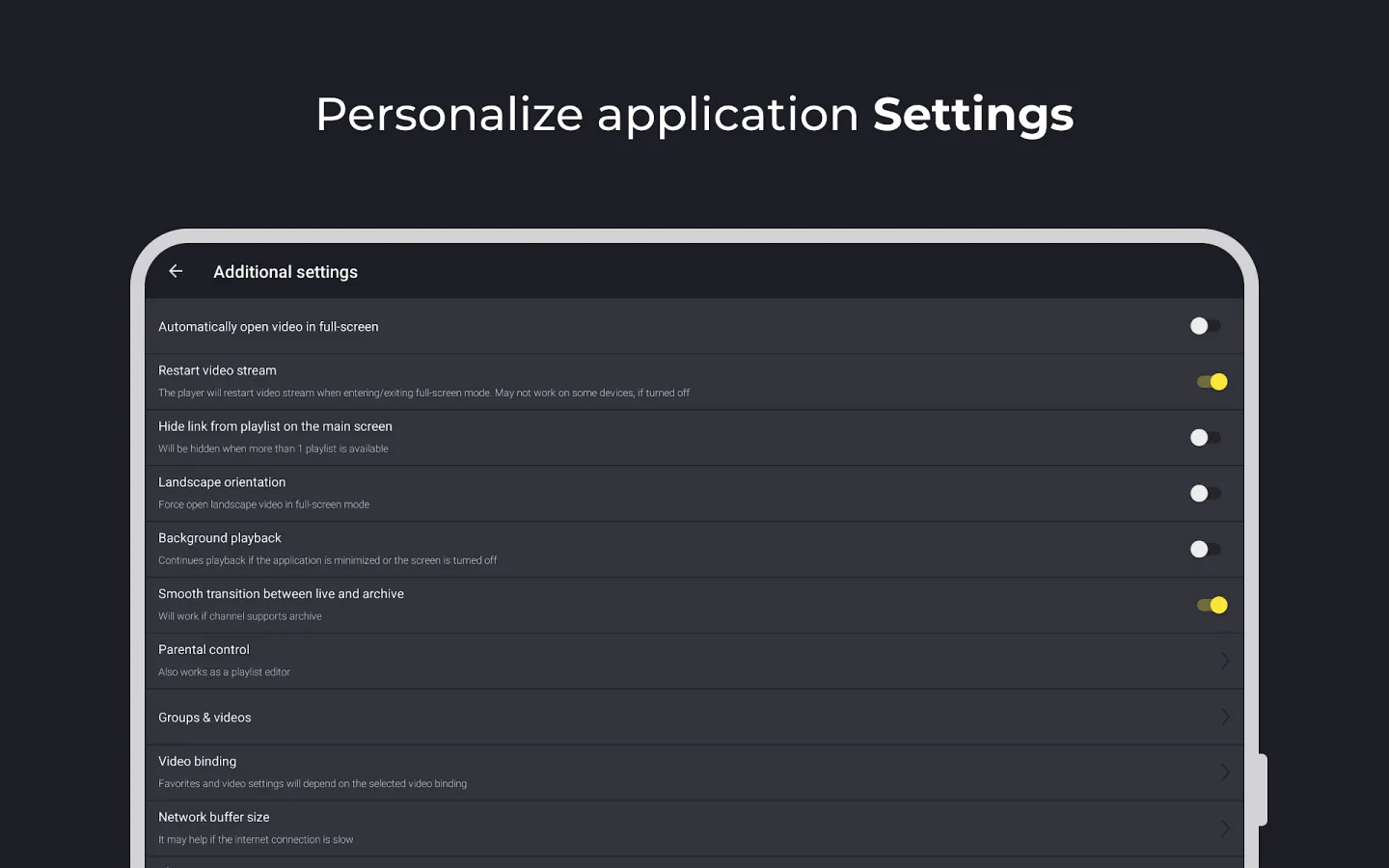
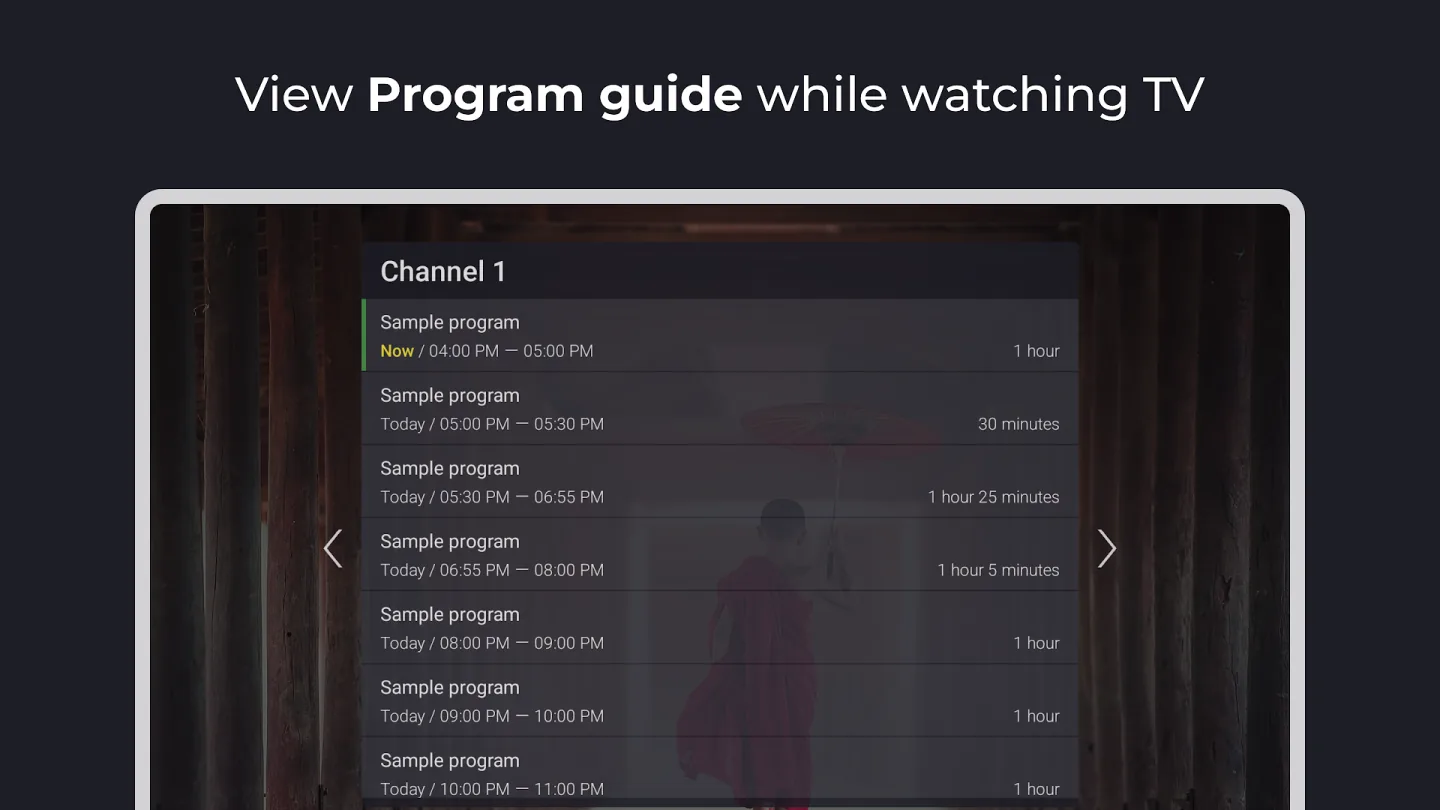
- Channel list with TV guide in Televizo
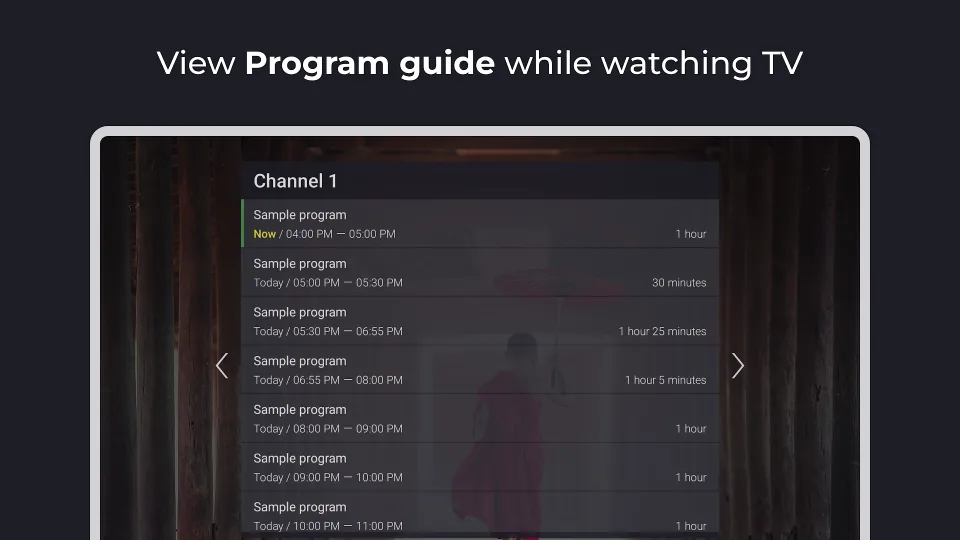 Video playback with channel information in Televizo
The app is free with adverts and works with Xtream Codes and M3U. Premium is a one-off purchase that you pay for through the Televizo Companion app and use on five devices. In this review you'll read what the app can do, what premium adds and who it's the best choice for.
Built to be light
Televizo is only a few tens of megabytes in size and noticeably smooth on hardware where heavier apps slow down, such as older Android boxes and budget TVs. Channels switch quickly and the app supports automatic frame rate switching for smooth picture.
The interface is calm and works just as well with a remote as on a phone screen. That makes Televizo one of the few apps that feels good on both TV and mobile.
What you don't get
Recording and multiview are missing altogether; if you want those, you end up with TiviMate or IPTV Smarters. Televizo doesn't support a Stalker portal (MAC login) either.
Because the app isn't in the Amazon Appstore, on a Firestick you can only get it by sideloading. On those devices TiviMate is the more logical choice.
Features
What can Televizo do?
Televizo is simply on Google Play for Android TV, Google TV and Android phones and tablets. There's no official store version for the Fire TV Stick; there you have to sideload the app, which we'd only recommend to experienced users. You buy premium once and link it to a Televizo account that works on five devices.
- Xtream Codes
- M3U link
- MAC / Stalker
- TV guide (EPG)
- Catch-up
- Recording
- Multiview
- Parental lockpremium
- Films and series
| General | |
|---|---|
| Developer | Televizo |
| Platforms | Android TV, Google TV, Android phone and tablet |
| Price | Free with adverts; premium one-off c. €10 (5 devices) |
| Download | Google Play |
| Logging in | |
| Xtream Codes | Yes |
| M3U link | Yes |
| MAC / Stalker portal | No |
| Features | |
| TV guide (EPG) | Yes, free too |
| Catch-up | Yes, if your subscription provides it |
| Recording | No |
| Chromecast | Yes |
| Parental lock | Premium |
Installing
How to install Televizo on Android TV
- Open Google Play on your Android TV or Google TV and install "Televizo - IPTV player".
- Open the app and choose "Add playlist".
- Enter your Xtream Codes details or M3U link from your IPTV subscription.
- If needed, add your provider's EPG link (XMLTV) for the TV guide.
- Wait for the channels and guide to load and put your favourite channels at the top.
- Want premium? Create a Televizo account in the settings and pay through the Televizo Companion app.
Download
Where do you download Televizo?
Official sources only. What it costs: Free, premium €9.99 lifetime. Beware of fake apps with almost the same name and icon.
Prices
- €9.99 lifetime · up to 5 devices
- Google PlayAndroid TV / Google TV · Android phoneFree downloadGo to Google Play (opens in a new window) Televizo
Prices and stores checked on 13 October 2026. Prices can vary by country and currency; the developer always has the current price.
Choose this app if…
you want a smooth, affordable app for an Android TV or phone, especially on somewhat older or cheaper hardware.
Skip it if…
you want recording or multiview, or you watch on a Firestick: TiviMate or IPTV Smarters are the better choice then.
TV boxes
TV boxes that run Televizo
These boxes from our TV box comparison run Televizo. Click for the full review.
Genova TV
Watching Genova TV in Televizo
Genova TV works in Televizo. Try it for free first: you get trial details via WhatsApp and we help you with the installation step by step.
- 45,000+ channels, including 4K
- Works in Televizo
- Installation help via WhatsApp
- Free trial, no payment
Alternatives
Alternatives to Televizo


Installing
Guides for Televizo
Frequently asked questions
Questions about Televizo
Is Televizo free?
Yes, the free version works fully but shows adverts and lacks a few extras such as the parental lock and backups. Premium is a one-off purchase of around ten euros for five devices.
How do I buy Televizo Premium?
Create a Televizo account in the app and pay through the Televizo Companion app from Google Play. You can try premium free for an hour first.
Does Televizo work on a Firestick?
Not via the Amazon Appstore. You can sideload the app, but that isn't officially supported; on a Firestick we recommend TiviMate or IPTV Smarters.
Does Televizo come with channels?
No, Televizo is only a player. You log in with the Xtream Codes details or M3U link from your own IPTV subscription.
Sources
Prices and stores checked on 13 October 2026. Icon and screenshots: Televizo, via Google Play.
Still comparing? See every provider ranked side by side in Best IPTV 2026.

Links
Support
