
 Google TV Streamer
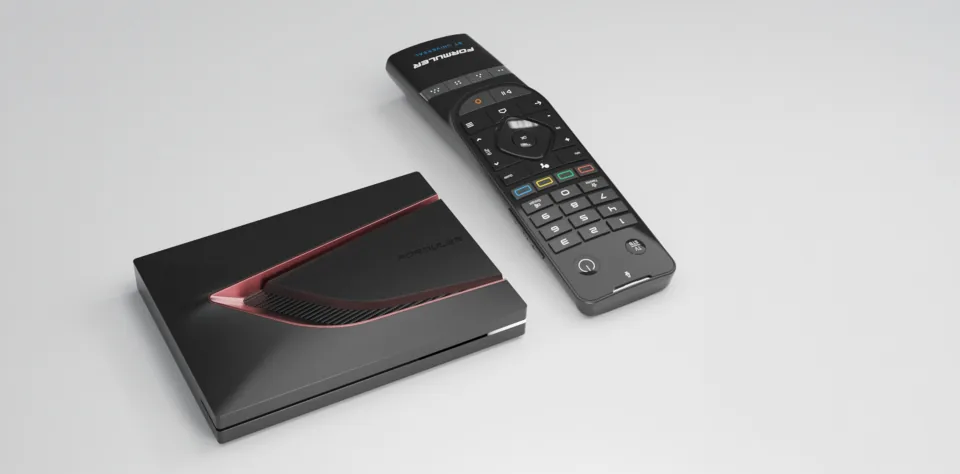 Formuler Z12 Ultra
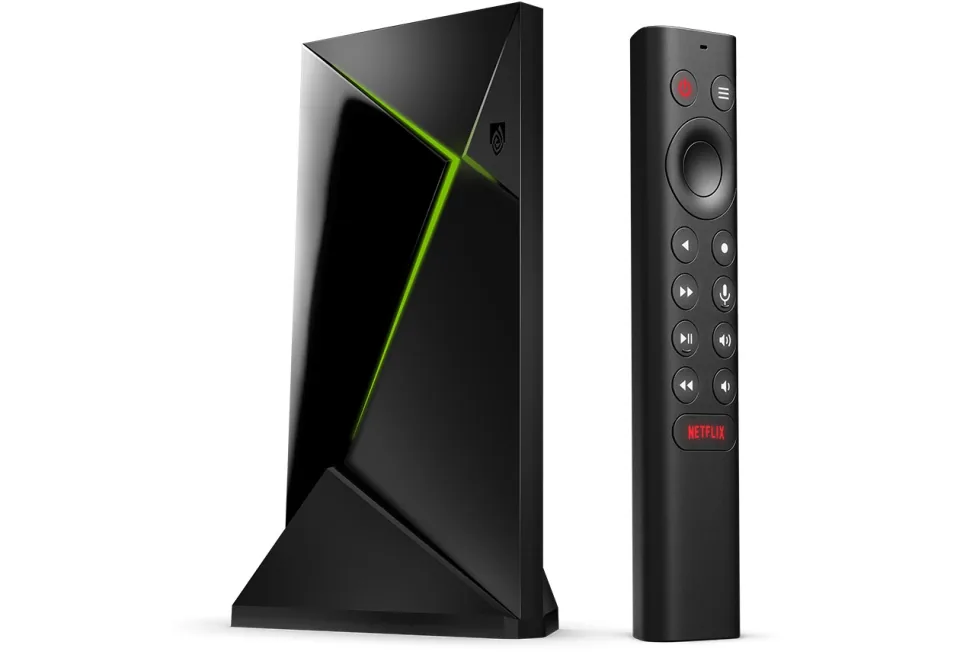 SHIELD TV Pro
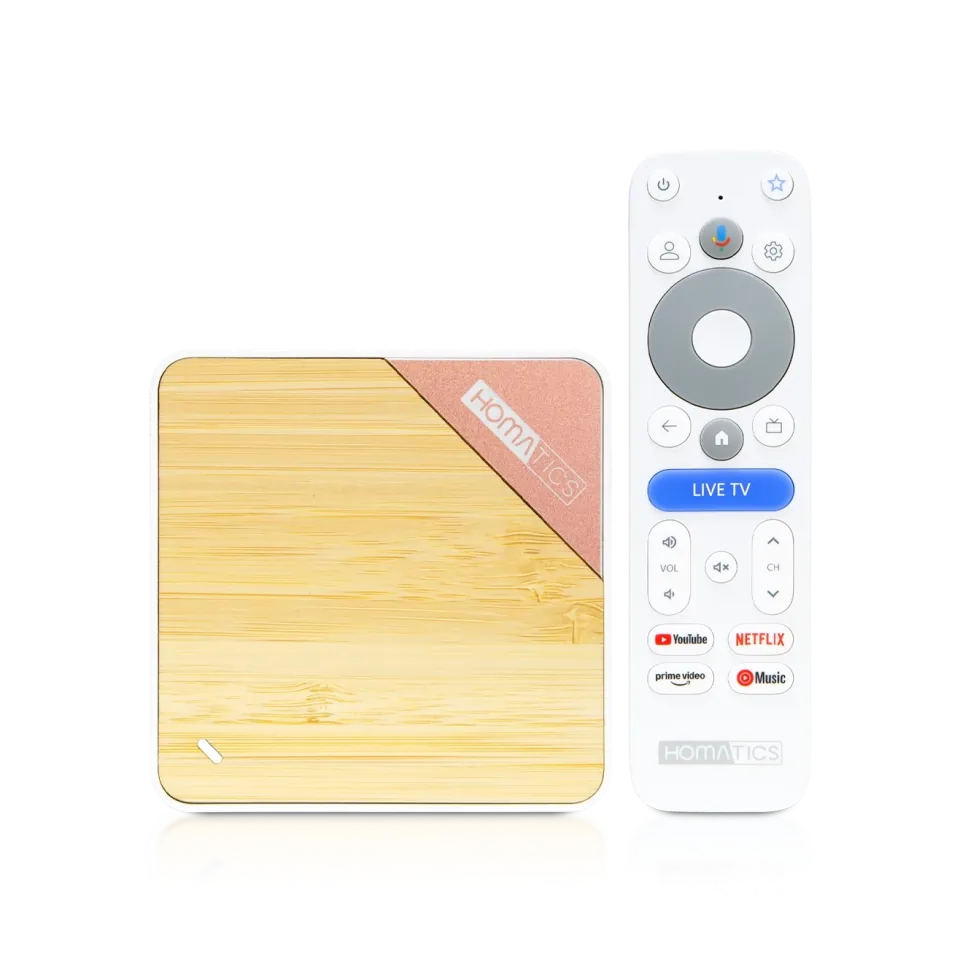 Homatics Box 4K V2
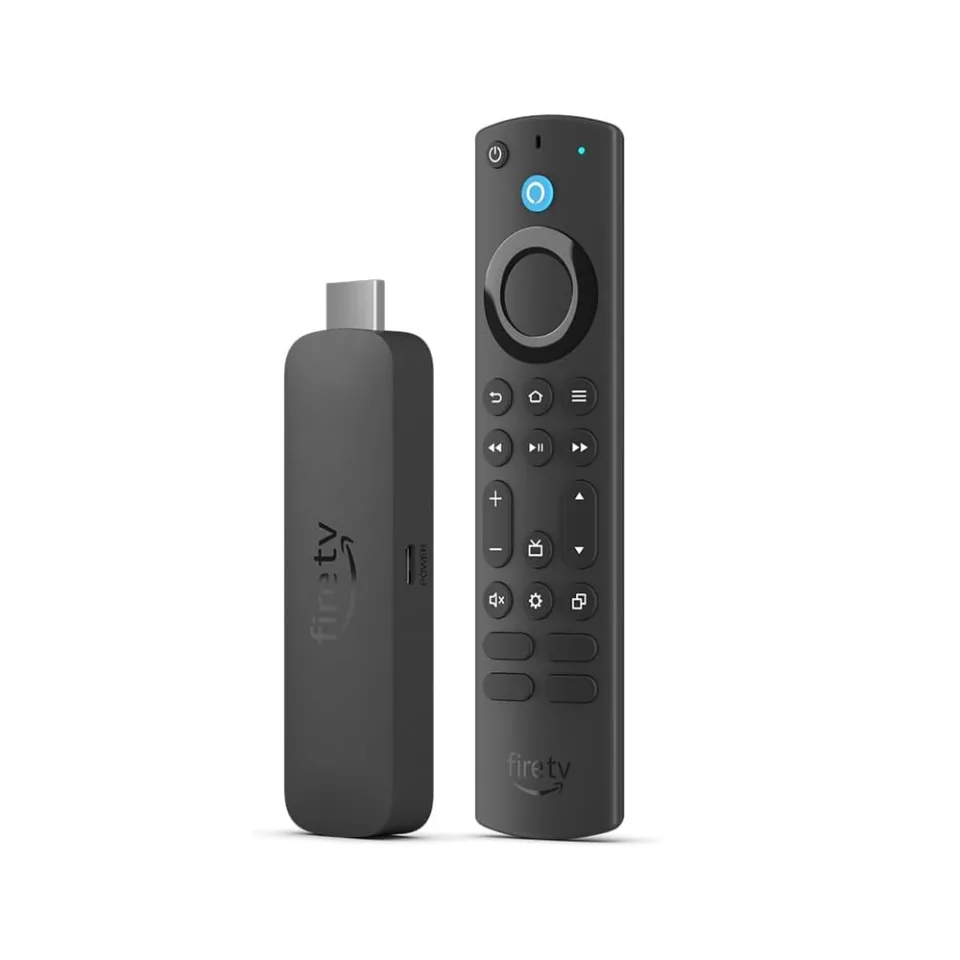 Fire TV Stick 4K Max
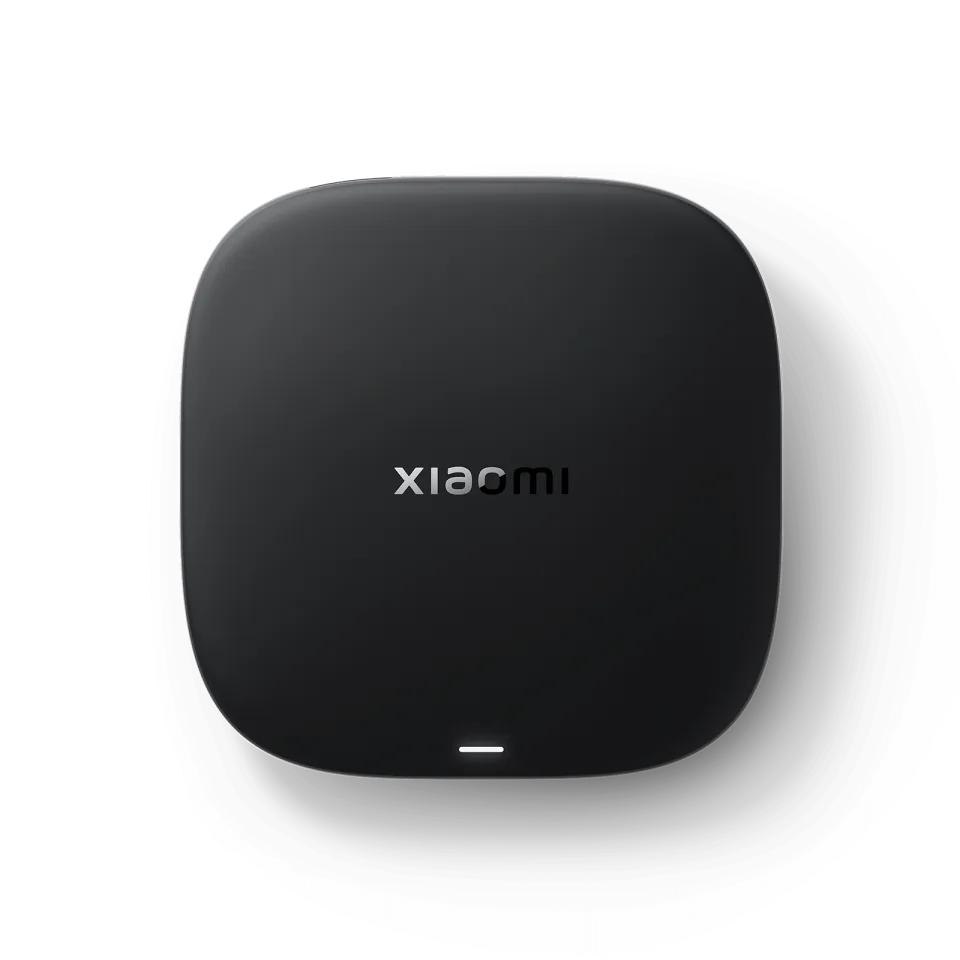 Xiaomi TV Box S
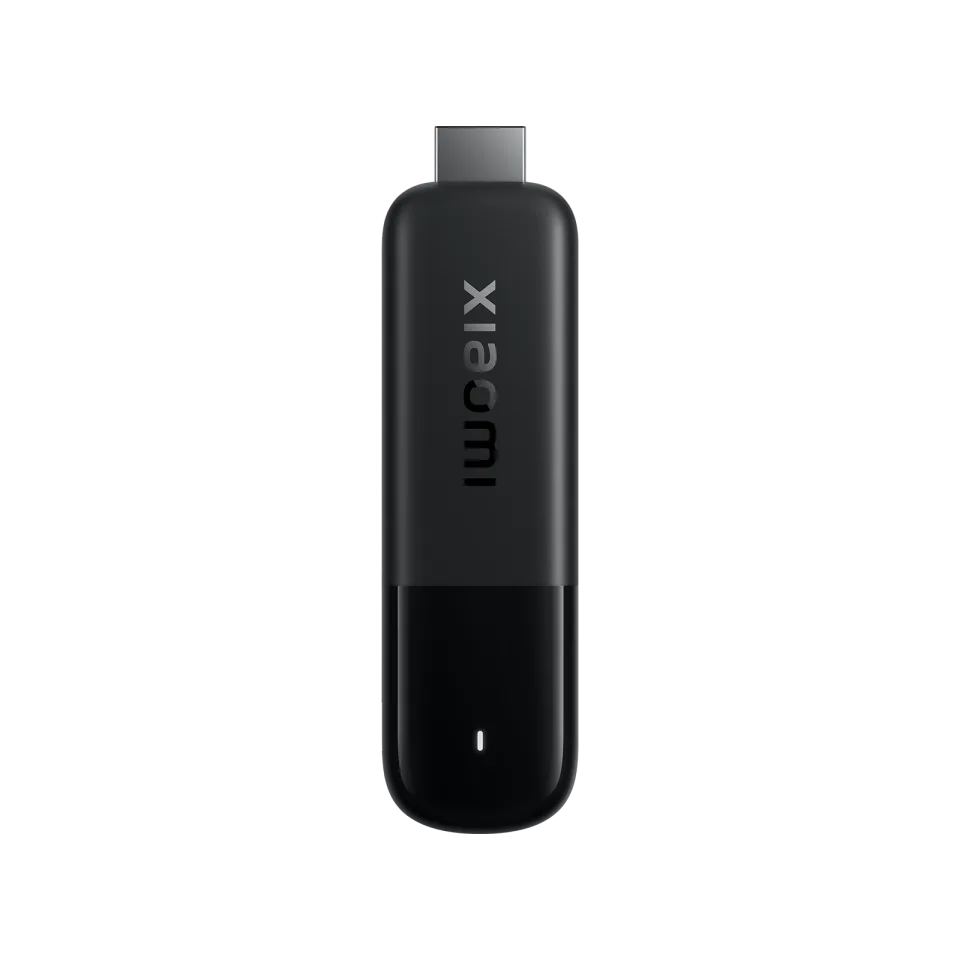 Xiaomi TV Stick 4K
8.7
IPTV app · review updated 13 October 2026
OTT Navigator review 2026: the most customisable IPTV app
OTT Navigator is the secret favourite among IPTV enthusiasts: an Android app where you can genuinely change everything, from the layout of the channel list to how the TV guide handles multiple sources.
No longer on Google Play: beware of fakes
The original OTT Navigator from Scillarium Studio has not been on Google Play since 2023; an app with the same name from a different maker is not the original. Only download the app from the developer's official page and avoid "premium unlocked" APKs.
PriceFree, premium US$19.99 lifetimeby Scillarium Studio
Where to download Very good
OTT NavigatorScillarium Studio
Runs on
- Android TV
- Fire TV
- Android
8.1
8.1Very good
Our verdict
OTT Navigator: very good
OTT Navigator is the app for anyone who wants to set everything up their own way: every list, button and guide view is adjustable and the free version is the most generous of all the apps. Against that, the app has disappeared from Google Play and the interface overwhelms you at first. For tweakers it's number one; if you want it simple, choose TiviMate.
CustomisableAlmost everything adjustable
TV guideMultiple views and sources
Free versionMost generous of all the apps
Logging inXtream, M3U and Stalker
Score by category
How OTT Navigator scores on the five points we rate every app on. How we rate.
8.1Very good
Pros
- The most customisable IPTV app there is
- Strong TV guide with multiple views and sources
- Generous free version with no time limit
- Works with Xtream Codes, M3U and Stalker portals
- Premium is one-off for five devices
Cons
- No longer on Google Play: installation via APK
- Overwhelmingly many settings for beginners
- Android devices only
- Premium price varies by region and package
Screenshots
What OTT Navigator looks like
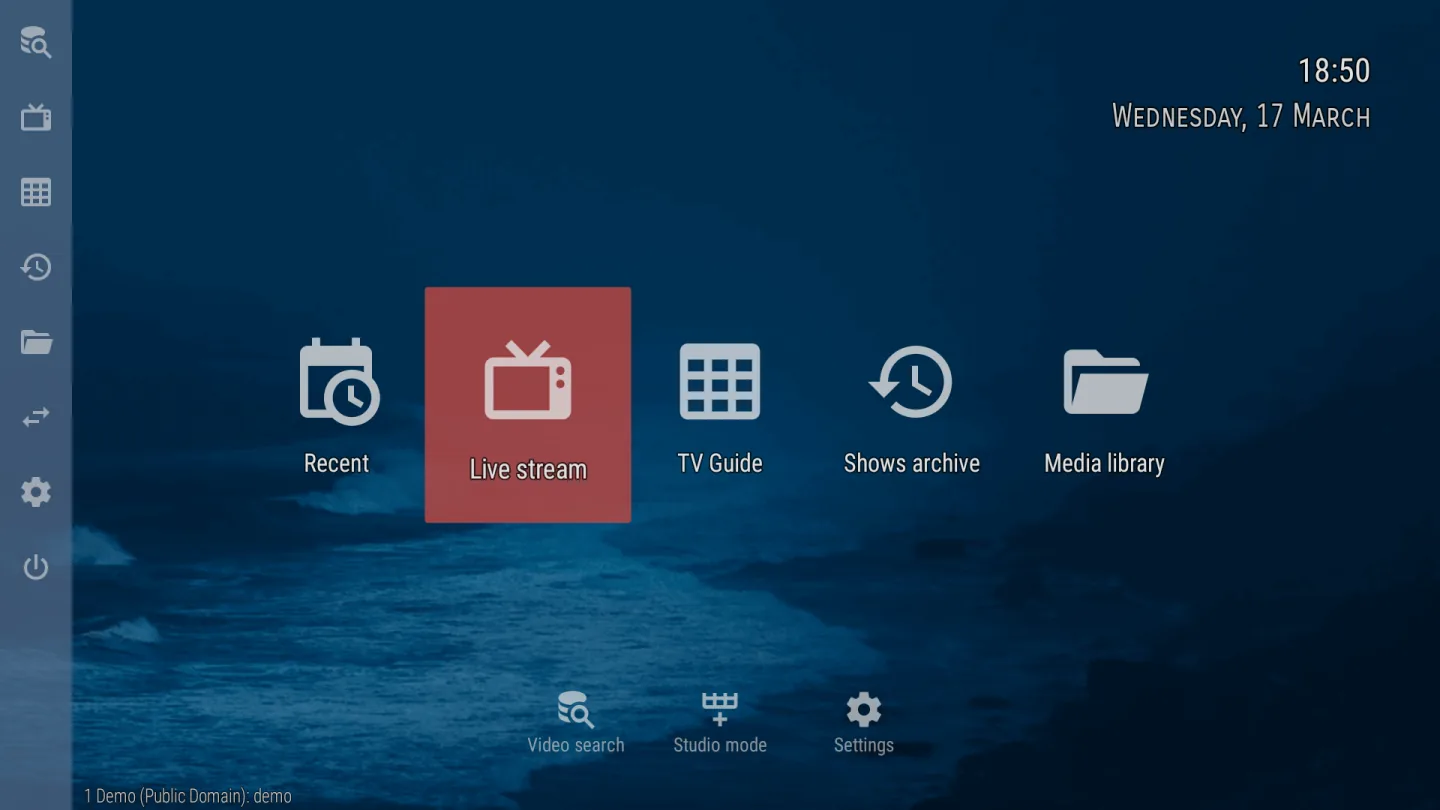
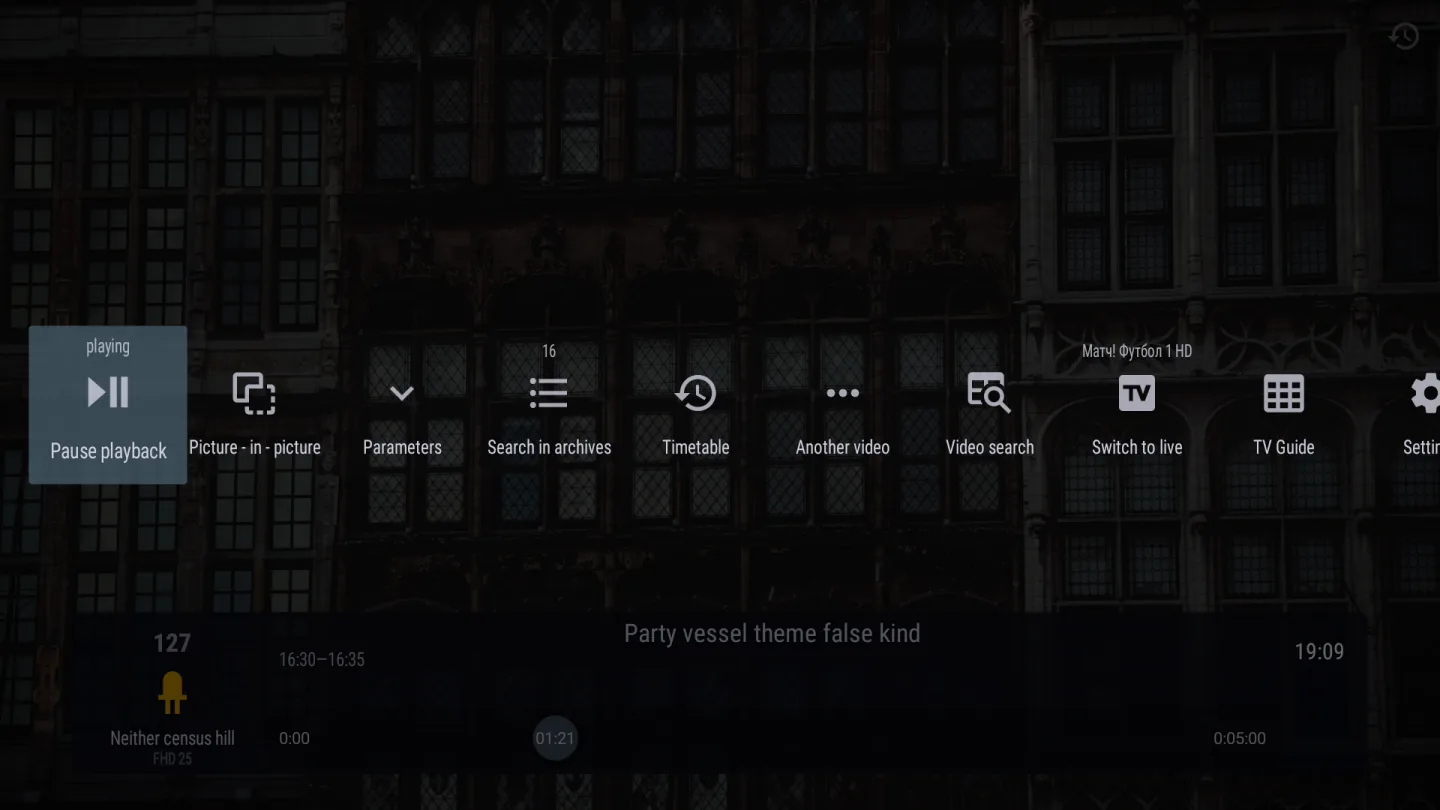
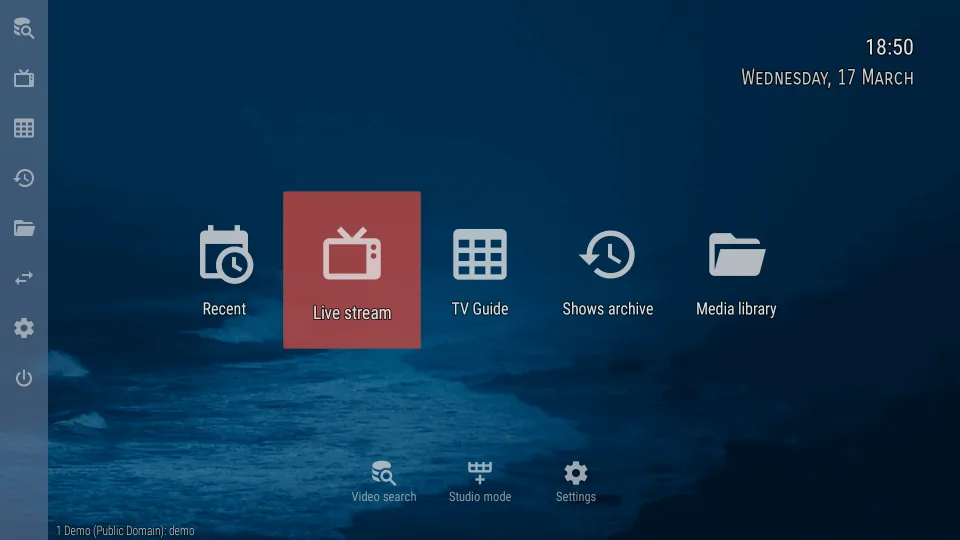
- OTT Navigator channel overview with TV guide
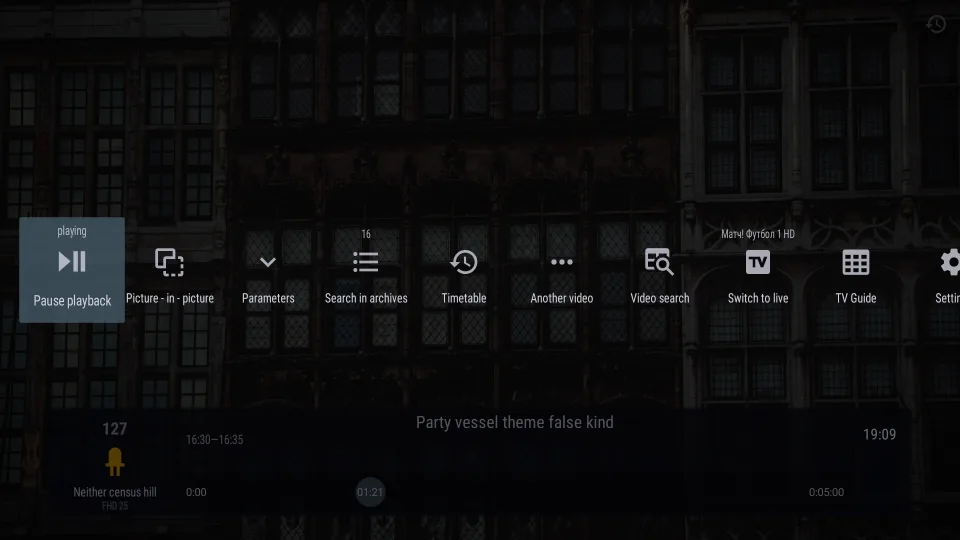 OTT Navigator TV guide
Since the app was removed from Google Play, you download it as an APK via the official page of developer Scillarium Studio; you sort out premium with the separate OttNav Companion app. In this review you'll read what makes the app special, how to install it safely and whether premium is worth it.
The app for tweakers
Where other apps have one fixed layout, OTT Navigator lets you decide everything: how channels are grouped, what information the guide shows, what each button on your remote does and even how long previews keep playing. It merges multiple EPG sources smartly.
That freedom has a price: the settings menus are deep and the default view is busy. Allow an evening of trying things out before the app works exactly the way you want. After that, you won't want anything else.
Off Google Play: how to install the original
The original OTT Navigator from Scillarium Studio disappeared from Google Play in 2023. The developer has stayed active and distributes the app through its official page, with its own update channel in the app.
Watch out for two things. Google Play now has a different app with the same name from a different maker: that isn't the original. And APK sites offering "premium unlocked" versions distribute modified copies; on TV boxes that's a notorious source of malware. Only use the official download.
Features
What can OTT Navigator do?
OTT Navigator is only available for Android: Android TV, Google TV, Fire TV and Android phones and tablets. You install it via the maker's official APK; on a Firestick you use the Downloader app with code 982469 for that. For premium you create a free ottnav account and buy device slots through the OttNav Companion app on your phone.
- Xtream Codes
- M3U link
- MAC / Stalker
- TV guide (EPG)
- Catch-up
- Recording
- Multiviewpremium
- Parental lock
- Films and series
| General | |
|---|---|
| Developer | Scillarium Studio |
| Platforms | Android TV, Google TV, Fire TV, Android phone and tablet |
| Price | Free; premium (including 5 devices) one-off around $20, varies by region |
| Download | Official APK via ottnav.github.io (Downloader code 982469) |
| Logging in | |
| Xtream Codes | Yes |
| M3U link | Yes |
| MAC / Stalker portal | Yes |
| Features | |
| TV guide (EPG) | Yes, with archive and multiple views |
| Catch-up | Yes, if your subscription provides it |
| Picture-in-picture / multiview | Premium |
| Parental lock | Yes |
| Films and series | Yes |
Installing
How to install OTT Navigator on Android TV
- On your TV or box, allow apps from unknown sources and install the Downloader app.
- In Downloader, enter the code 982469 to fetch the official OTT Navigator APK.
- Install the APK and open the app.
- Add your subscription as a source: Xtream Codes, an M3U link or a Stalker portal.
- Let the app load the channels and the TV guide and choose the guide view you like.
- Want premium? Create an account in the app or in OttNav Companion and log in on your TV with that same account.
Download
Where do you download OTT Navigator?
Official sources only. What it costs: Free, premium US$19.99 lifetime. Beware of fake apps with almost the same name and icon.
Prices
- US$19.99 lifetime · up to 5 devices
- APK from the developerAndroid TV / Google TV · Fire TV · Android phoneFree downloadGo to APK from the developer (opens in a new window) OTT Navigator
Prices and stores checked on 13 October 2026. Prices can vary by country and currency; the developer always has the current price.
Choose this app if…
you like setting everything up yourself and have an Android TV, box or Firestick: no app gives you more control, and the free version already gets you almost everything.
Skip it if…
you just want to channel-hop without fuss or have a Samsung or LG smart TV: choose TiviMate, IBO Player or IPTV Smarters instead.
TV boxes
TV boxes that run OTT Navigator
These boxes from our TV box comparison run OTT Navigator. Click for the full review.
Genova TV
Watching Genova TV in OTT Navigator
Genova TV works in OTT Navigator. Try it for free first: you get trial details via WhatsApp and we help you with the installation step by step.
- 45,000+ channels, including 4K
- Works in OTT Navigator
- Installation help via WhatsApp
- Free trial, no payment
Alternatives
Alternatives to OTT Navigator


Installing
Guides for OTT Navigator
Frequently asked questions
Questions about OTT Navigator
Is OTT Navigator free?
Yes, the free version is very complete and keeps working. Premium removes the last restrictions and covers five devices as standard; the price varies by region, so expect around $20 one-off.
Why isn't OTT Navigator on Google Play?
The original app from Scillarium Studio hasn't been on the Play Store since 2023. The maker distributes it through its official page; the app with the same name that is on Google Play now is from a different developer.
How do I install OTT Navigator on a Firestick?
Install the Downloader app, allow unknown sources and enter code 982469. That gets you the maker's official APK. Then install the app and add your subscription.
Does OTT Navigator work with a MAC portal?
Yes, besides Xtream Codes and M3U the app also supports Stalker portals. That makes it one of the few free apps that handles all three login methods.
Does OTT Navigator come with channels?
No. It's a player: you add the playlist or portal from your IPTV subscription yourself. Without a subscription the app is no use to you.
Sources
Prices and stores checked on 13 October 2026. Icon and screenshots: Scillarium Studio, via Google Play.
Still comparing? See every provider ranked side by side in Best IPTV 2026.

Links
Support
