
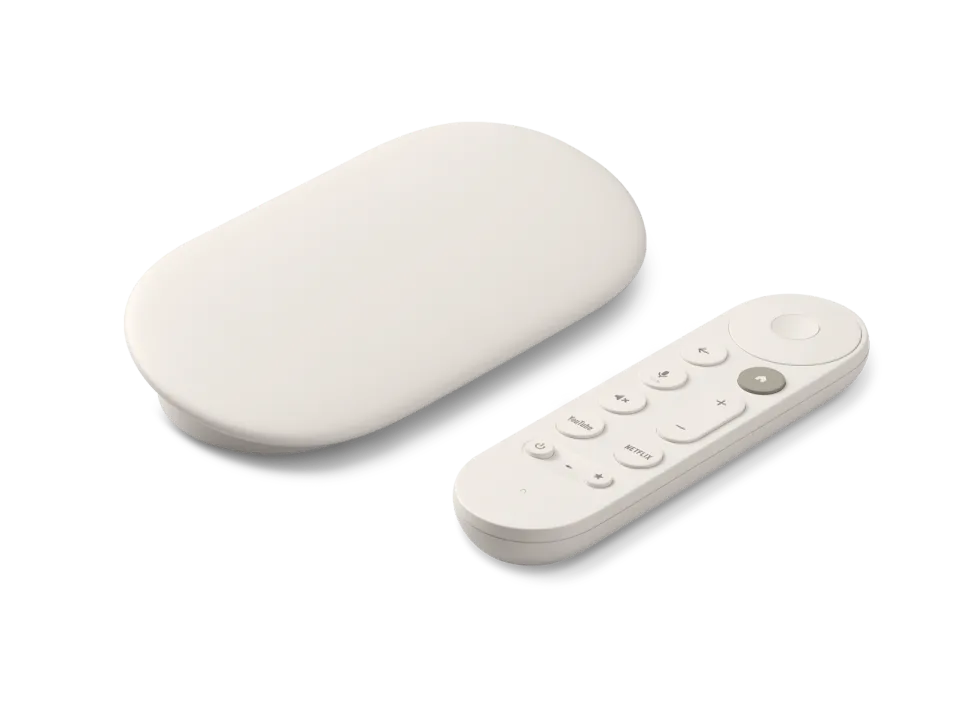
 Google TV Streamer
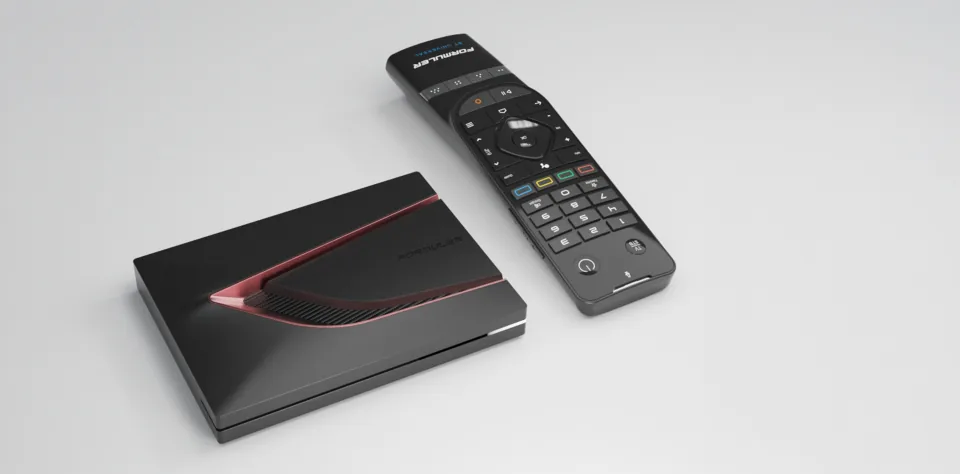 Formuler Z12 Ultra
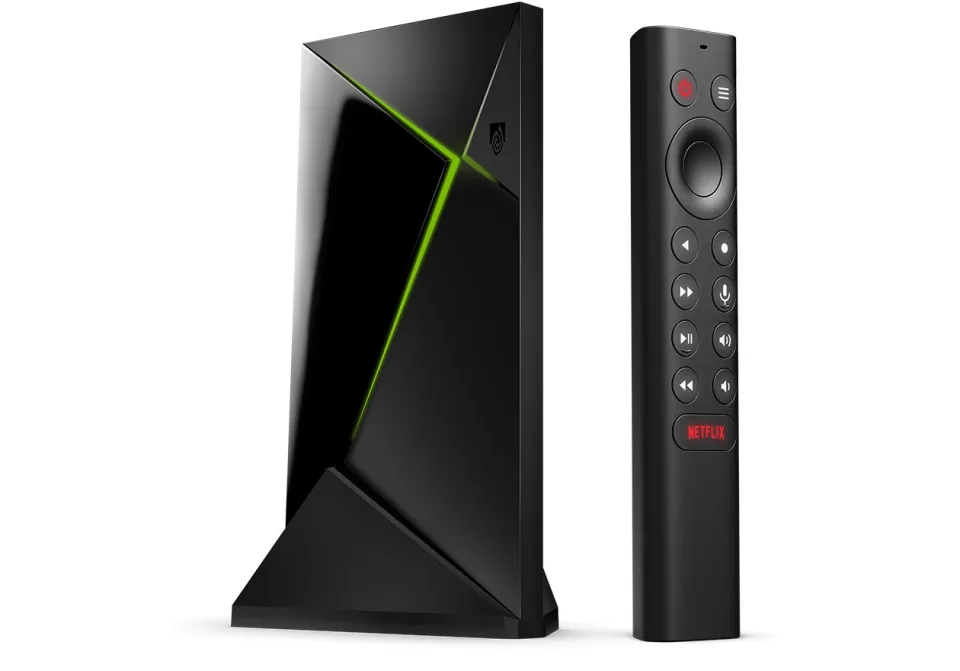 SHIELD TV Pro
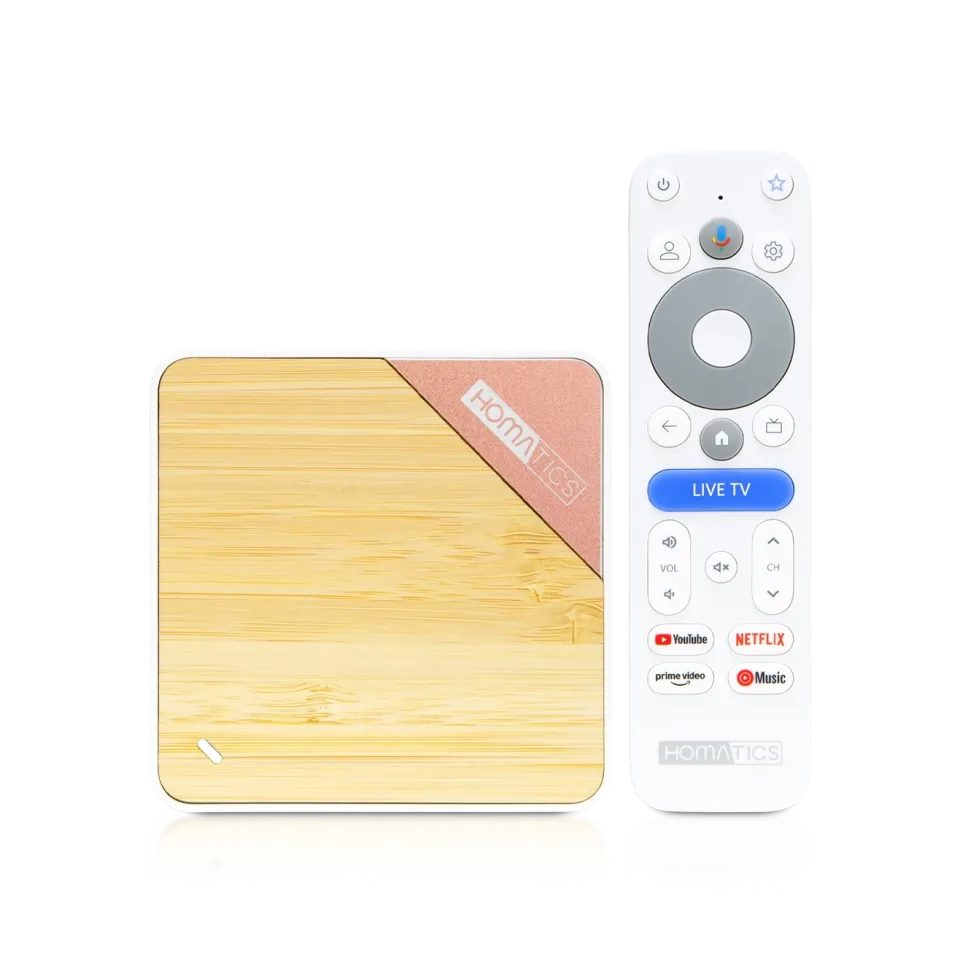 Homatics Box 4K V2
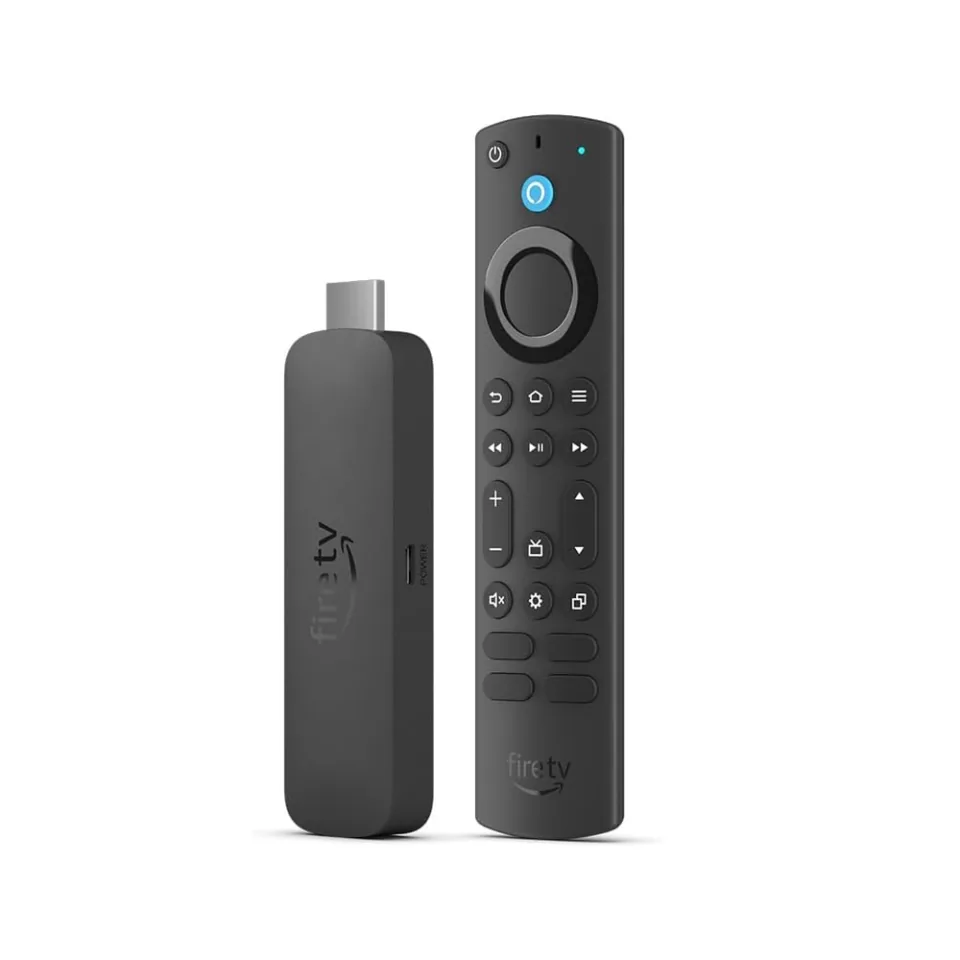 Fire TV Stick 4K Max
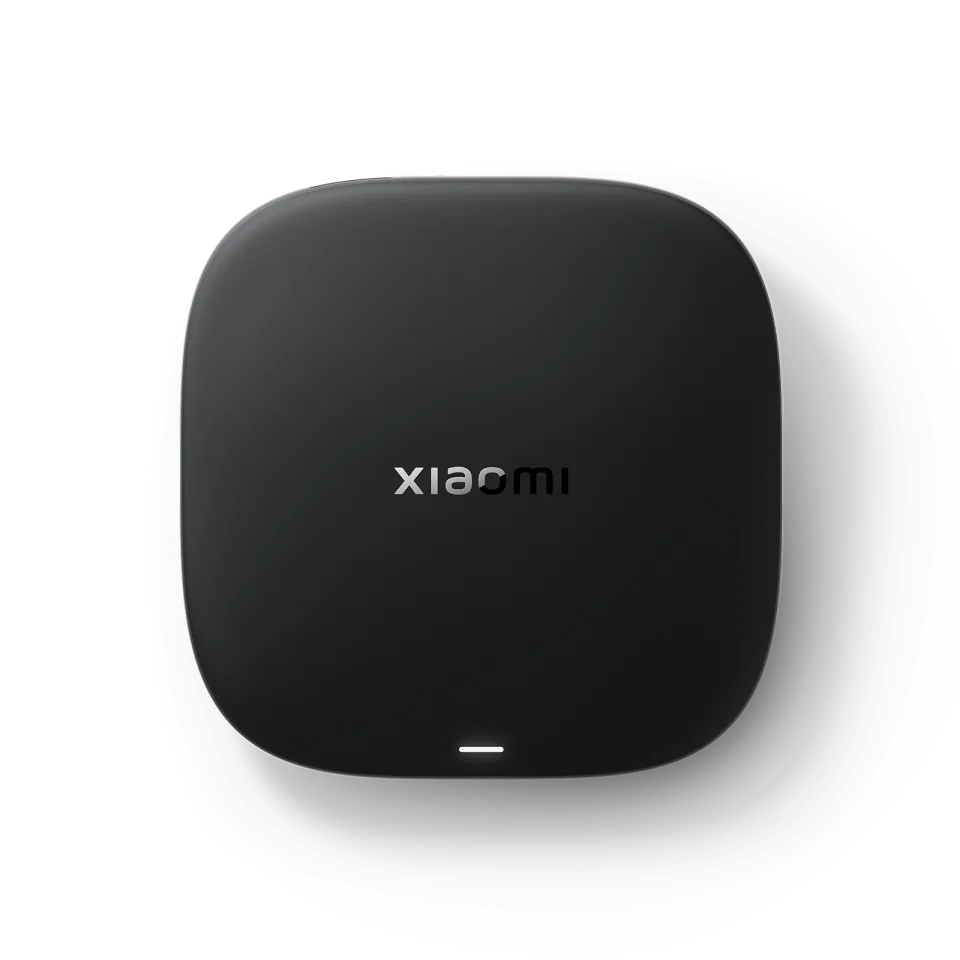 Xiaomi TV Box S
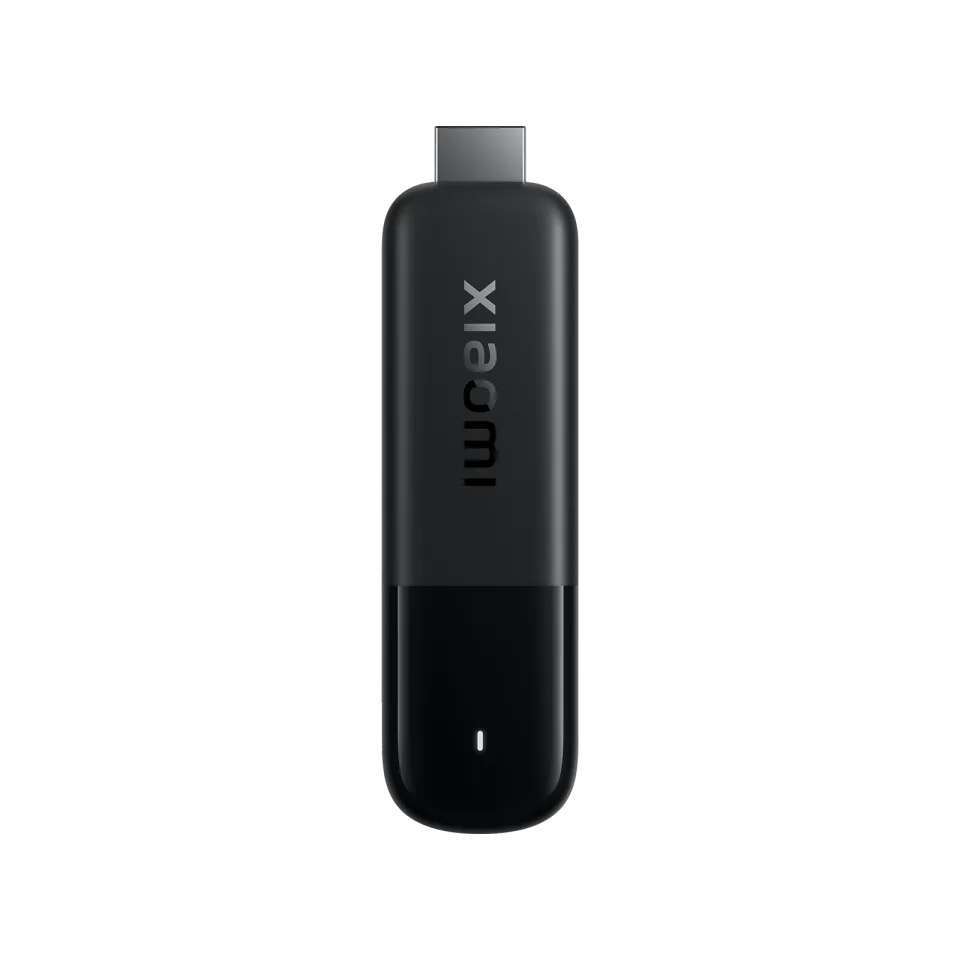 Xiaomi TV Stick 4K
7.7
IPTV app · review updated 13 October 2026
IBO Player Pro review 2026: not the same app as IBO Player
IBO Player Pro is an IPTV player for Samsung, LG, Android TV, Fire TV, iPhone and Windows, separate from the better-known IBO Player.
Mind the name
IBO Player Pro (iboproapp.com) is a different app from IBO Player (iboplayer.com). Activations and playlists from one don't work in the other.
PricePrice unknownby IBO Player Pro
Where to download Good
IBO Player ProIBO Player Pro
Runs on
- Android TV
- Fire TV
- Samsung
- LG
- iOS
- Android
- Windows
7.0
7.0Good
Our verdict
IBO Player Pro: good
IBO Player Pro is a separate app from IBO Player with a similar idea: you add your M3U playlist and watch live TV, films and series. It runs on Samsung, LG, Android TV, Fire TV, iPhone and even Windows. Mind the name, because activations aren't interchangeable with IBO Player.
IBO Player Pro is only a player: to watch TV you still need an IPTV subscription. Compare the providers in Best IPTV 2026.
DevicesTV, phone and Windows
PlaylistsM3U in the app or on the site
WindowsAlso as a desktop app
Watch outNot the same as IBO Player
Score by category
How IBO Player Pro scores on the five points we rate every app on. How we rate.
7.0Good
Pros
- Runs on TVs, phones and Windows
- Manage playlists in the app or on the website
- Runs on 7 kinds of device
Cons
- Easy to confuse with IBO Player
- No recording or multiview
- No TV guide (EPG)
- No Xtream Codes login
The official site lists apps for Google Play, the App Store, Samsung, LG, Roku and Windows. The Android version also runs on Fire TV, and the app is on ZEASN/Whale OS. You register for free and add your M3U playlists in the app or on the website, and activation is an in-app purchase. The app has no channels of its own.
IBO Player or IBO Player Pro?
The names are close, but these are two apps with their own websites and activations: IBO Player at iboplayer.com and IBO Player Pro at iboproapp.com. If you buy an activation, check that it belongs to the app on your TV.
On Samsung and LG, IBO Player is the better known of the two. IBO Player Pro is interesting if you also want the same app on Windows or Fire TV.
Managing your playlists
You can add playlists in the app itself or manage them on the website. That helps when you'd rather not type a long link with a remote control.
The developer says you should only use your own legal playlists, and the app doesn't sell content.
Features
What can IBO Player Pro do?
IBO Player Pro runs on Samsung, LG, Android TV, Fire TV, Android, iOS and Windows. You download the app from Official website, Samsung Apps and LG Content Store.
- Xtream Codes
- M3U link
- MAC / Stalker
- TV guide (EPG)
- Catch-up
- Recording
- Multiview
- Parental lock
- Films and series
| General | |
|---|---|
| Developer | IBO Player Pro |
| Platforms | Samsung, LG, Android TV, Fire TV, Android, iOS, Windows |
| Price | Price unknown |
| Download | Official website, Samsung Apps, LG Content Store |
| Logging in | |
| Xtream Codes | Not mentioned by the developer |
| M3U link | Yes |
| MAC / Stalker | No |
| Features | |
| TV guide (EPG) | No |
| Catch-up | No |
| Recording | No |
| Multiview | No |
| Parental lock | No |
| Films and series | Yes |
Installing
How to install IBO Player Pro on a Samsung TV
- Open Samsung Apps on your device and search for "IBO Player Pro".
- Install the app and open it.
- Add your subscription: choose an M3U link and enter the details from your IPTV provider.
- Check the name carefully: IBO Player Pro is a different app from IBO Player.
- Register for free in the app, then add your M3U playlist there or on iboproapp.com.
- Wait for the channels to load; with a large playlist the first time takes a while.
Download
Where do you download IBO Player Pro?
Official sources only. Beware of fake apps with almost the same name and icon.
Prices
- Activation price: see the app's official site
- Official websiteSamsung (Tizen) · LG (webOS) · Android TV / Google TV · Fire TV · Android phone · iPhone and iPad · WindowsFree downloadGo to Official website (opens in a new window) IBO Player Pro
- Samsung AppsSamsung (Tizen)Free download
- LG Content StoreLG (webOS)Free download
Prices and stores checked on 19 October 2026. Prices can vary by country and currency; the developer always has the current price.
Choose this app if…
you want the same app on your TV and your Windows PC.
Skip it if…
you already have an activation for IBO Player; it won't work here, so stick with IBO Player.
TV boxes
TV boxes that run IBO Player Pro
These boxes from our TV box comparison run IBO Player Pro. Click for the full review.
Genova TV
Watching Genova TV in IBO Player Pro
Genova TV works in IBO Player Pro. Try it for free first: you get trial details via WhatsApp and we help you with the installation step by step.
- 45,000+ channels, including 4K
- Works in IBO Player Pro
- Installation help via WhatsApp
- Free trial, no payment
Alternatives
Alternatives to IBO Player Pro

8.4
7.7
Installing
Guides for IBO Player Pro
Frequently asked questions
Questions about IBO Player Pro
Is IBO Player Pro the same as IBO Player?
No. They are two apps with their own websites and activations, and an activation for one doesn't work in the other.
How much does IBO Player Pro cost?
Registering is free and activation is an in-app purchase. You see the price in the app.
Does IBO Player Pro work on Fire TV?
According to the developer, the Android version (APK) also works on Amazon Fire TV.
Which devices does IBO Player Pro work on?
IBO Player Pro runs on Samsung, LG, Android TV, Fire TV, Android, iOS and Windows. You download the app from Official website, Samsung Apps and LG Content Store.
How much does IBO Player Pro cost?
The developer lists the current price on the official site.
Does my Genova TV subscription work in IBO Player Pro?
Yes. You log in with an M3U link. We help you set it up on WhatsApp.
Sources
Prices and stores checked on 13 October 2026. Icon and screenshots: IBO Player Pro, via iboproapp.com.
Still comparing? See every provider ranked side by side in Best IPTV 2026.

Links
Support
