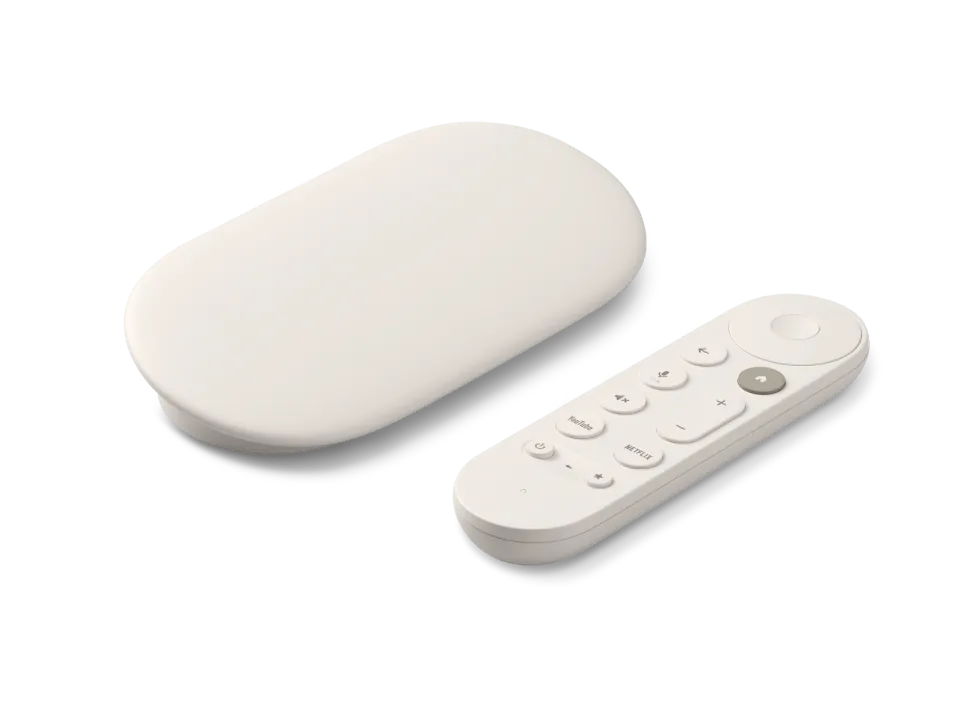
 Google TV Streamer
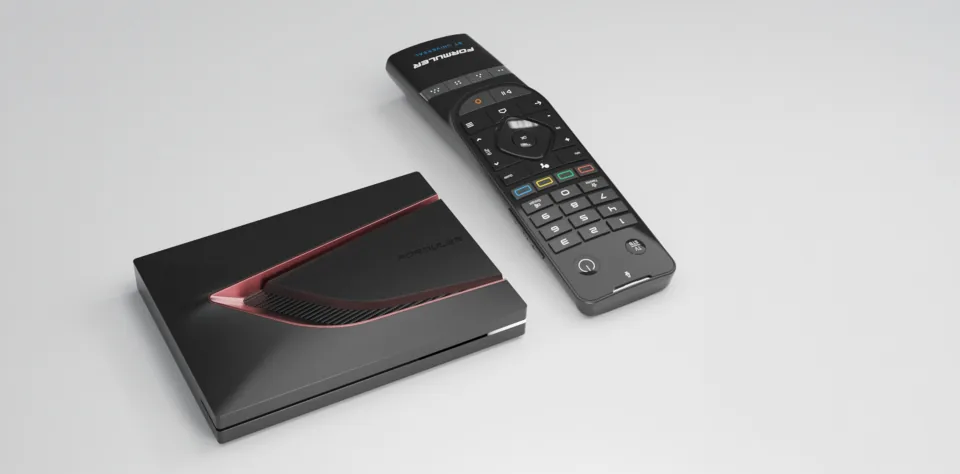 Formuler Z12 Ultra
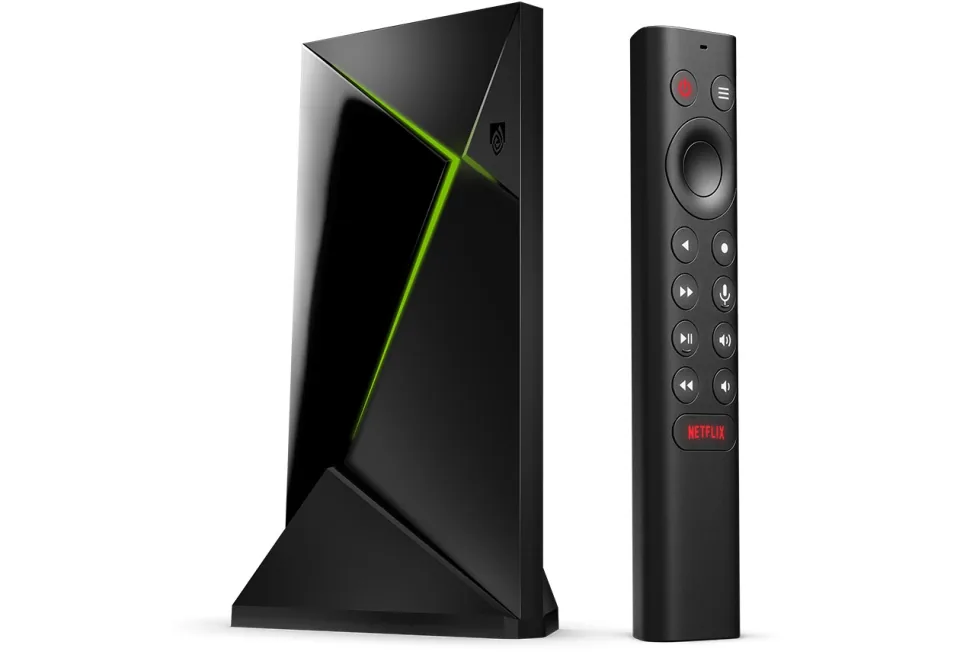 SHIELD TV Pro
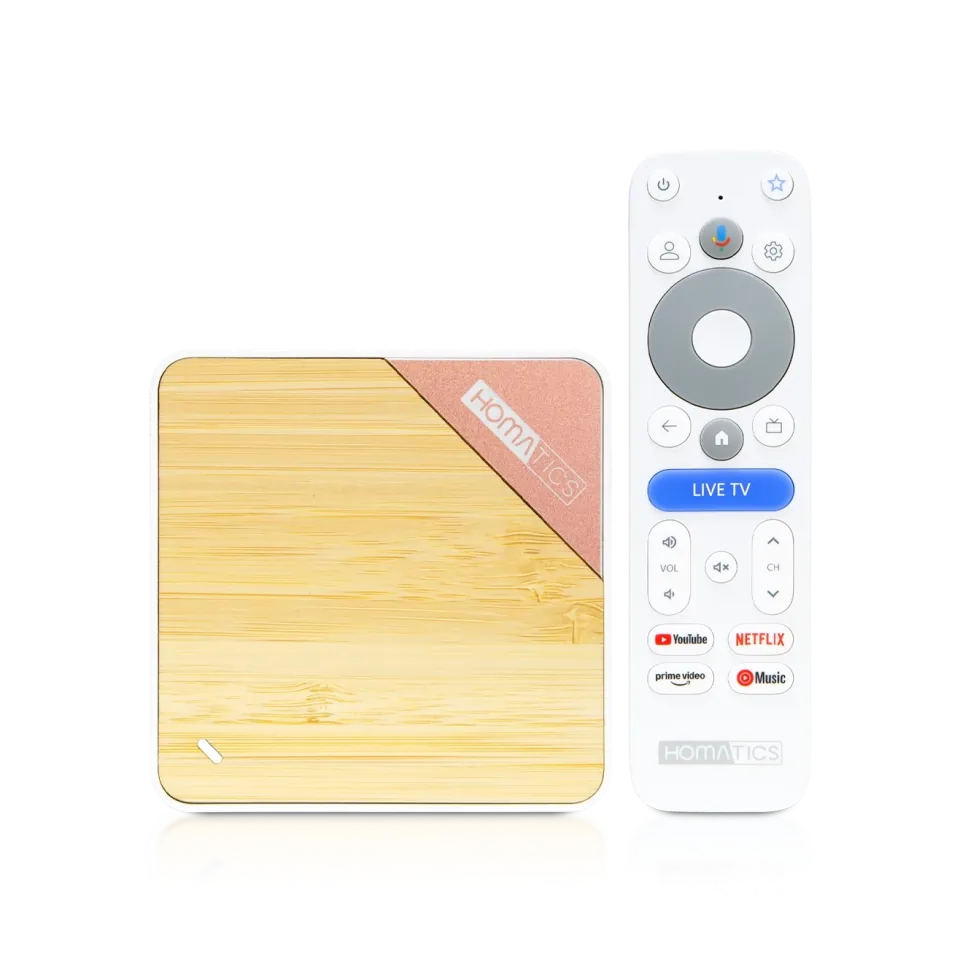 Homatics Box 4K V2
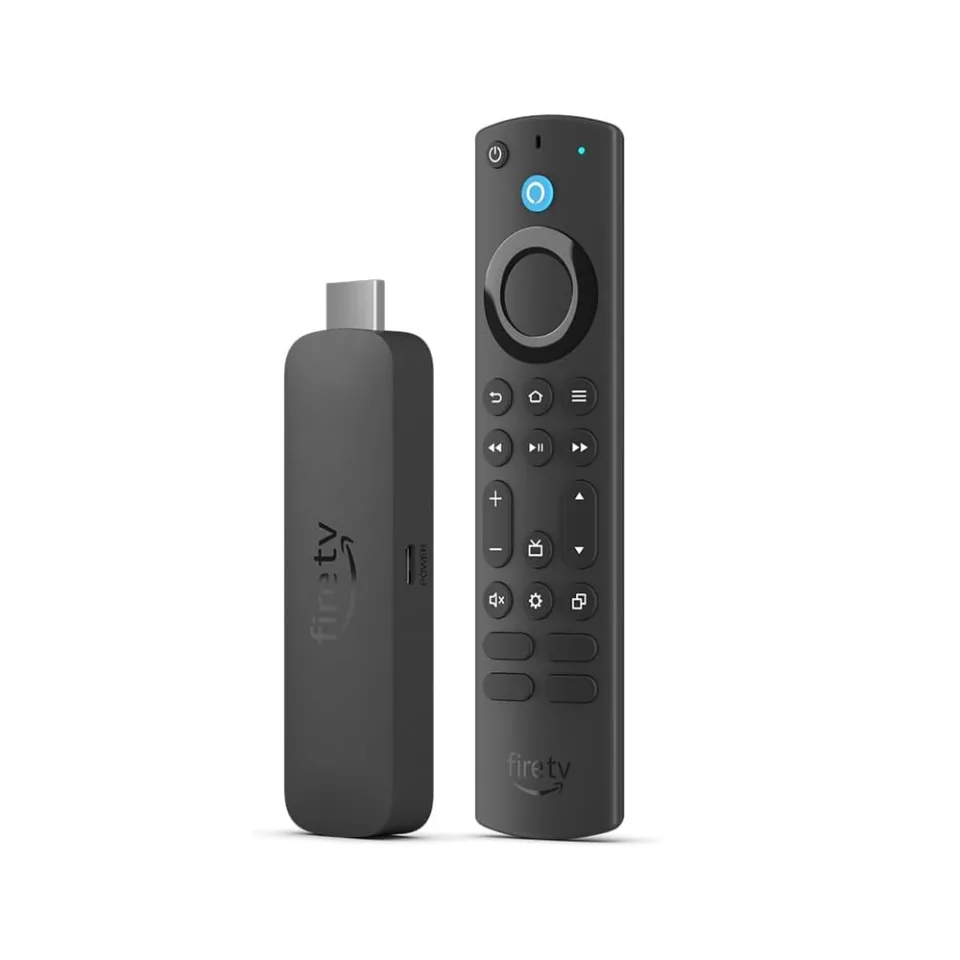 Fire TV Stick 4K Max
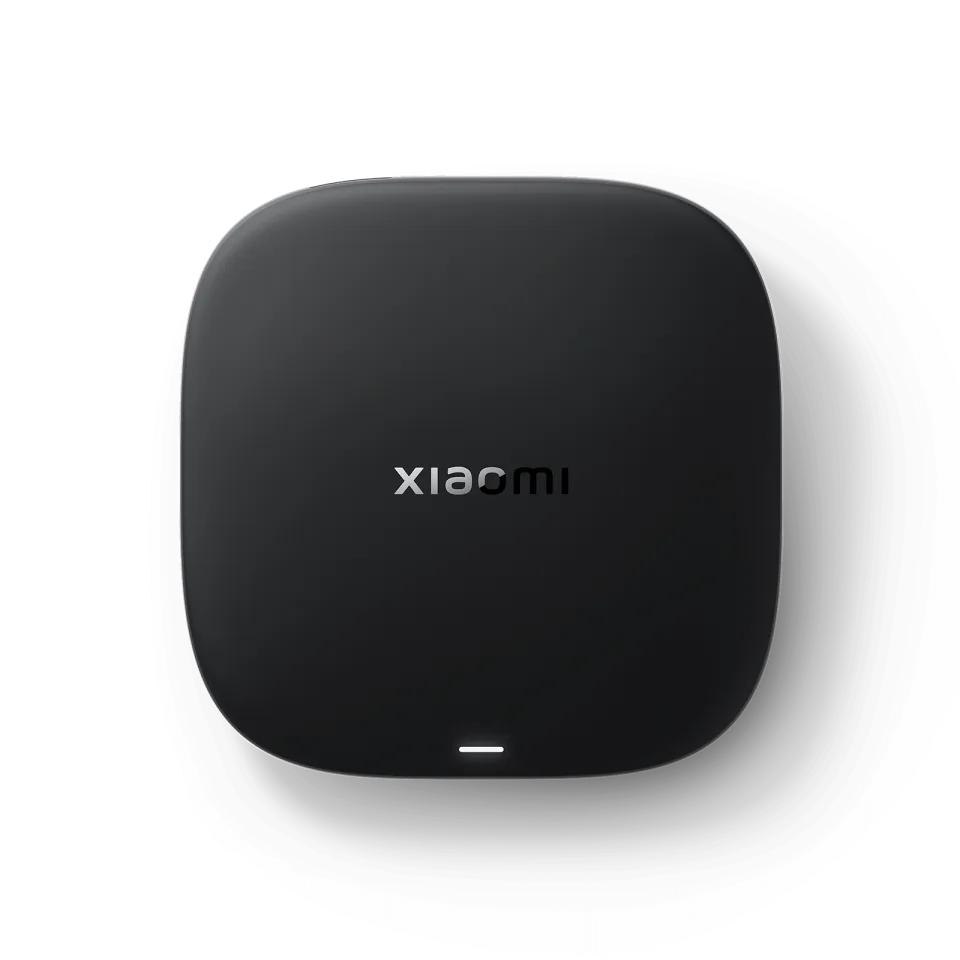 Xiaomi TV Box S
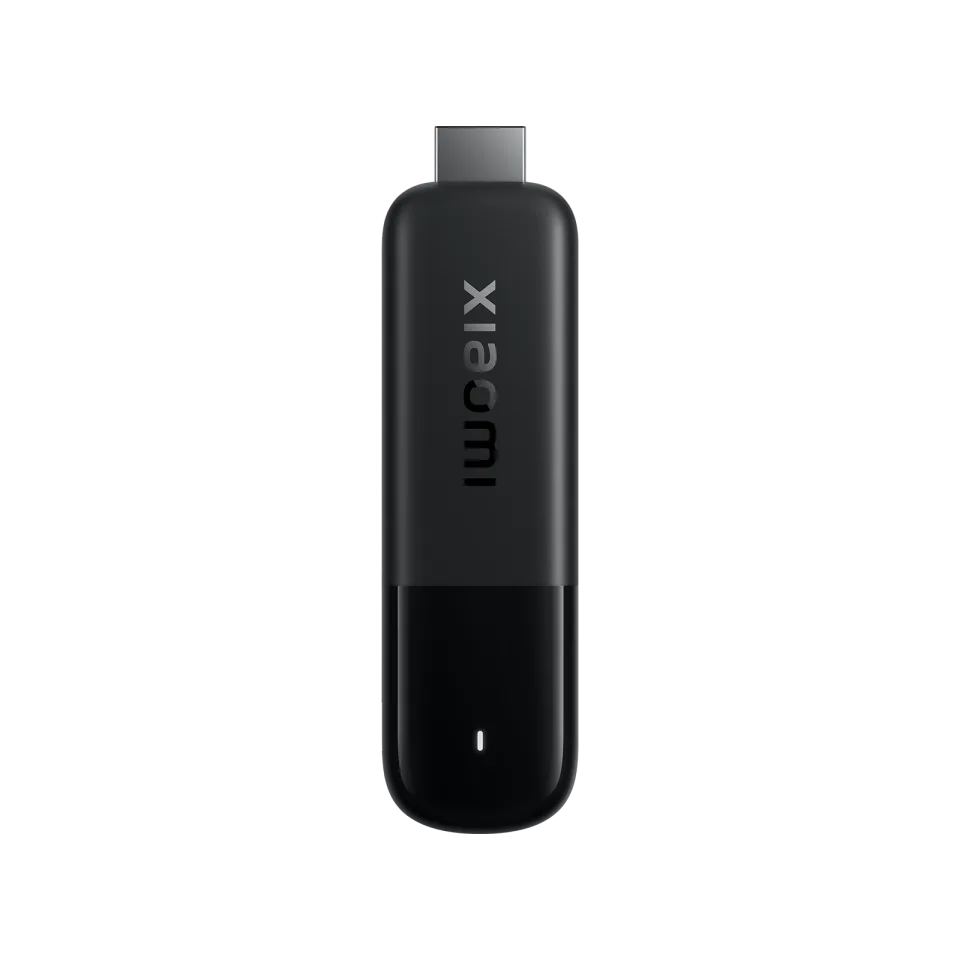 Xiaomi TV Stick 4K
OTT Navigator
Scillarium Studio8.1
IPTV app · review updated 13 October 2026
Kodi has been the free media centre for twenty years: an open-source app for your film library, music and add-ons, on almost any device.
Runs on
Our verdict
Kodi is free, open source and runs on almost everything, and with the IPTV Simple Client add-on it plays your M3U playlist with a TV guide. But it remains a media centre that IPTV is just one part of: setting up is more work and channel hopping is less immediate than with dedicated IPTV apps. Ideal if IPTV is one of your sources, alongside your own films and series.
How Kodi scores on the five points we rate every app on. How we rate.
Screenshots
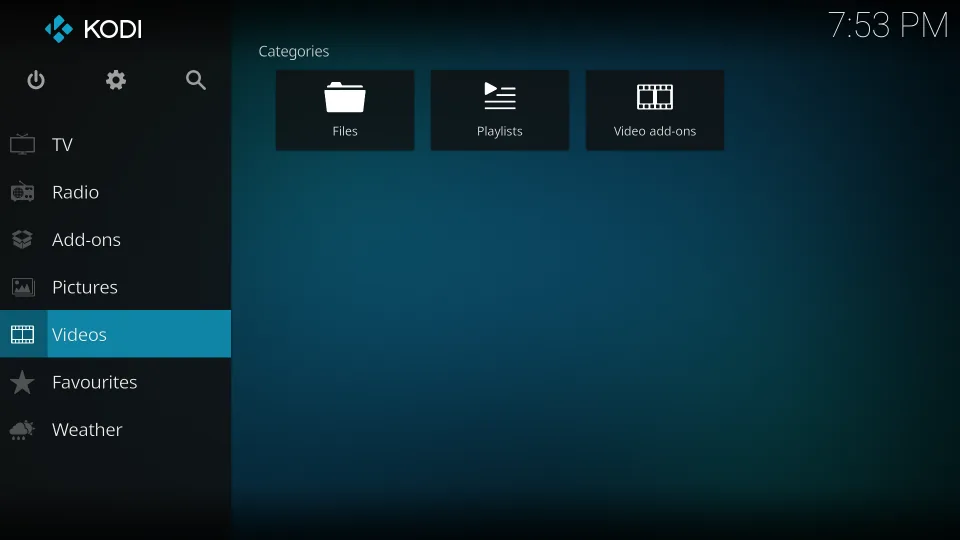
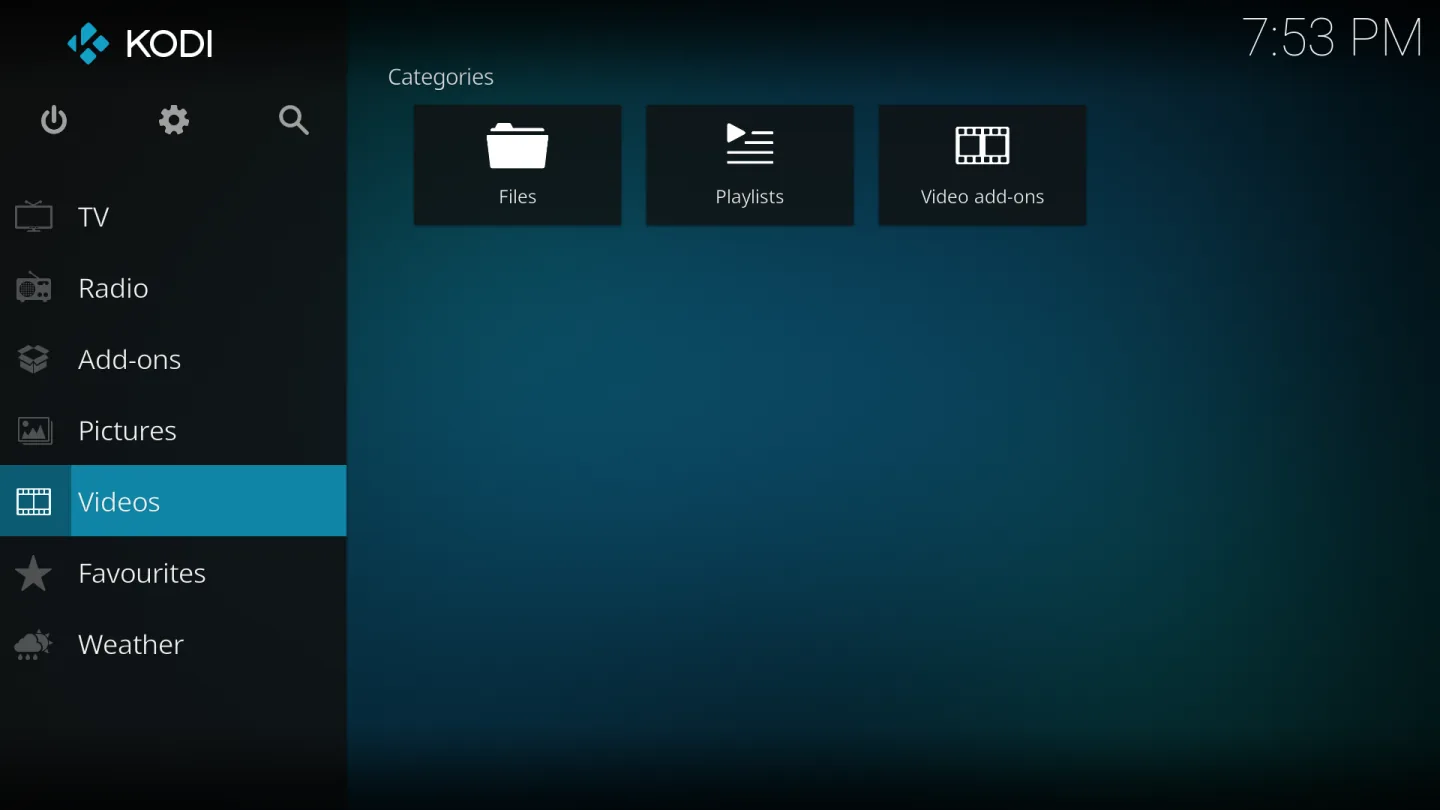 Kodi home screen with the default Estuary skin
With the official IPTV Simple Client add-on, Kodi also becomes an IPTV player: you link the M3U playlist and EPG link from your subscription and get live TV with a guide among your own media. In this review you'll read how that works and when a specialist app is the better choice.
Kodi is built to organise and play your own films, series and music, with covers and information fetched automatically. IPTV comes in through the PVR function: live TV becomes a menu section alongside your library.
That makes Kodi unique for anyone who wants everything in one app. But it also explains the drawbacks for pure IPTV use: starting up takes longer, channel hopping feels less immediate and the guide is slower than TiviMate's or OTT Navigator's.
Where you simply log in with IPTV Smarters, in Kodi you set up the IPTV Simple Client add-on yourself: M3U link, separate EPG link and possibly logos. If you only have Xtream Codes details, ask your provider for the M3U version of the same login.
Once set up, it works solidly and keeps working. But every change — a new playlist, a different EPG source — means going back into the settings. For non-technical housemates, that quickly becomes too much.
Kodi's add-on system is endless: skins, weather, YouTube, music services. Only use the official add-on repository, though. Plenty of unofficial add-ons and ready-made "builds" promising illegal streams circulate around Kodi; they bring malware risks and give the app an undeserved bad name.
Kodi itself is completely legal, open source and contains no channels. With your own IPTV subscription in the IPTV Simple Client, you use Kodi exactly as intended.
Features
Kodi runs on almost everything: Android TV and Google TV via Google Play, Windows via the Microsoft Store or kodi.tv, Mac and Linux via kodi.tv, and on the Fire TV Stick by sideloading. Only on iPhone and Apple TV is there no ordinary store version. For IPTV you install the official IPTV Simple Client add-on inside Kodi.
| General | |
|---|---|
| Developer | XBMC Foundation (Team Kodi) |
| Platforms | Android (TV), Fire TV, Windows, Mac, Linux |
| Price | Free, open source |
| Download | kodi.tv, Google Play, Microsoft Store |
| Logging in | |
| Xtream Codes | Not directly (but via the M3U version of your subscription) |
| M3U link | Yes, via the IPTV Simple Client add-on |
| MAC / Stalker portal | No |
| Features | |
| TV guide (EPG) | Yes, with an XMLTV source |
| Catch-up | Yes, if your playlist supports it |
| Recording | Not with IPTV Simple Client |
| Own media library | Yes, the core of Kodi |
| Parental lock | Yes (profiles and master lock) |
Installing
Download
Official sources only. Beware of fake apps with almost the same name and icon.
Prices and stores checked on 13 October 2026. Prices can vary by country and currency; the developer always has the current price.
you want a free all-in-one solution for your own media and IPTV, for example on a PC, Mac or NVIDIA Shield, and don't mind a bit of setting up.
you just want to watch TV quickly: a dedicated IPTV app such as TiviMate or IPTV Smarters is set up in five minutes and is nicer to channel-hop with.
TV boxes
These boxes from our TV box comparison run Kodi. Click for the full review.
Genova TV
Genova TV works in Kodi. Try it for free first: you get trial details via WhatsApp and we help you with the installation step by step.
Alternatives
Installing
Frequently asked questions
Yes. Kodi is free open-source software without channels. Stick to the official download from kodi.tv and the official add-on repository; unofficial builds and add-ons with "free" streams are the risk, not Kodi itself.
Inside Kodi, install the PVR IPTV Simple Client add-on, enter the M3U link from your subscription and add the XMLTV link for the guide. After a restart, live TV appears in the main menu.
Not directly. Ask your provider for the M3U link for the same login; almost every provider, Genova TV included, supplies that alongside the Xtream details.
Yes, but not via the Amazon Appstore: you sideload the official APK from kodi.tv, for example with the Downloader app. On Android TV, Kodi is simply on Google Play.
No. Kodi contains no channels at all. You add your IPTV subscription yourself via the IPTV Simple Client, and your own media via the library.
Prices and stores checked on 13 October 2026. Icon and screenshots: Team Kodi, via Wikimedia Commons.
Still comparing? See every provider ranked side by side in Best IPTV 2026.