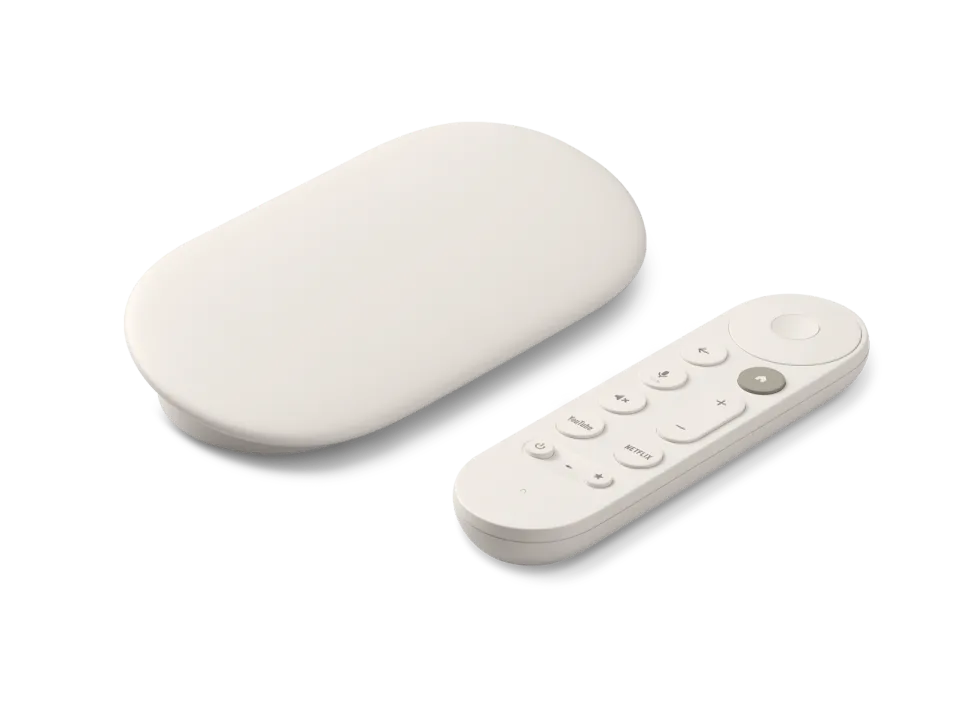
 Google TV Streamer
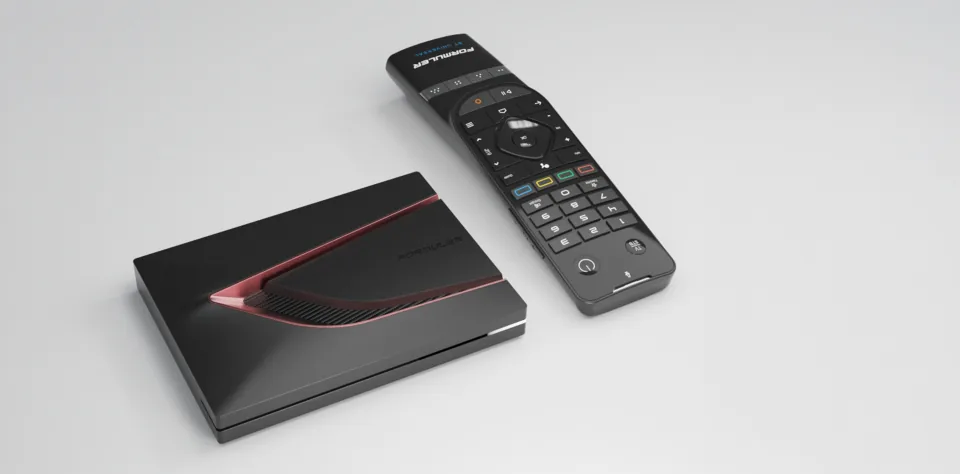 Formuler Z12 Ultra
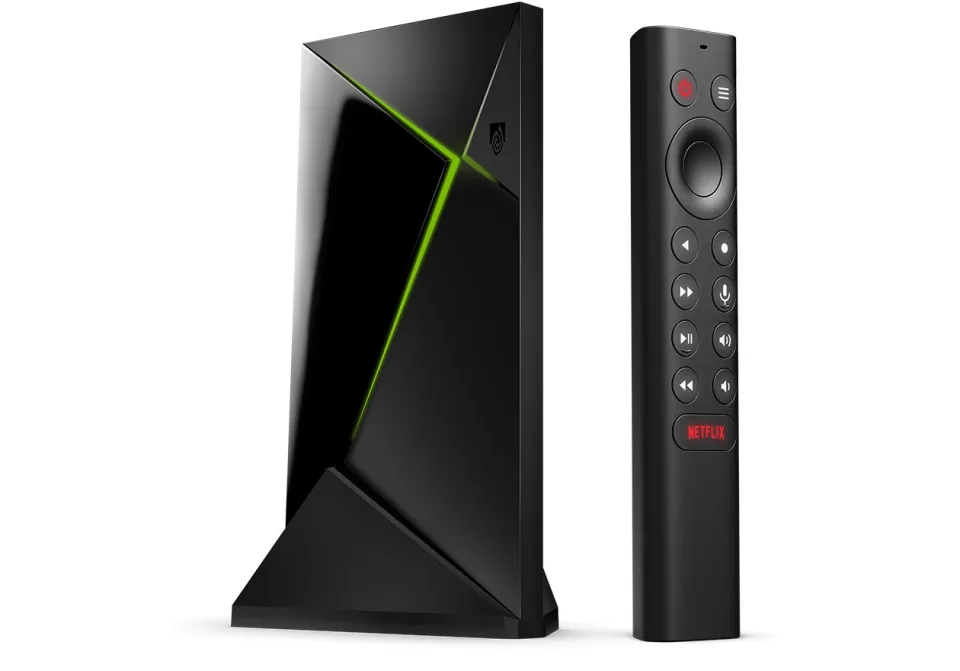 SHIELD TV Pro
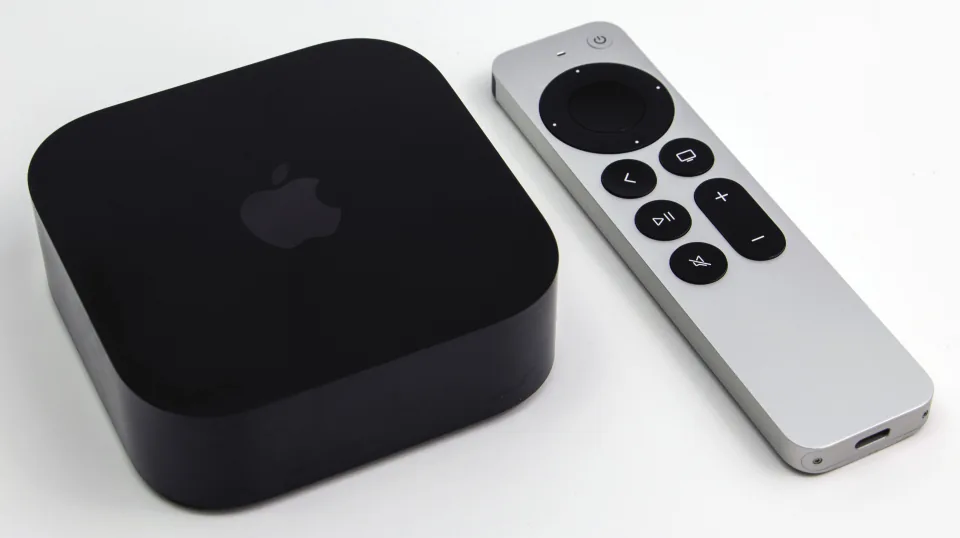 Apple TV 4K
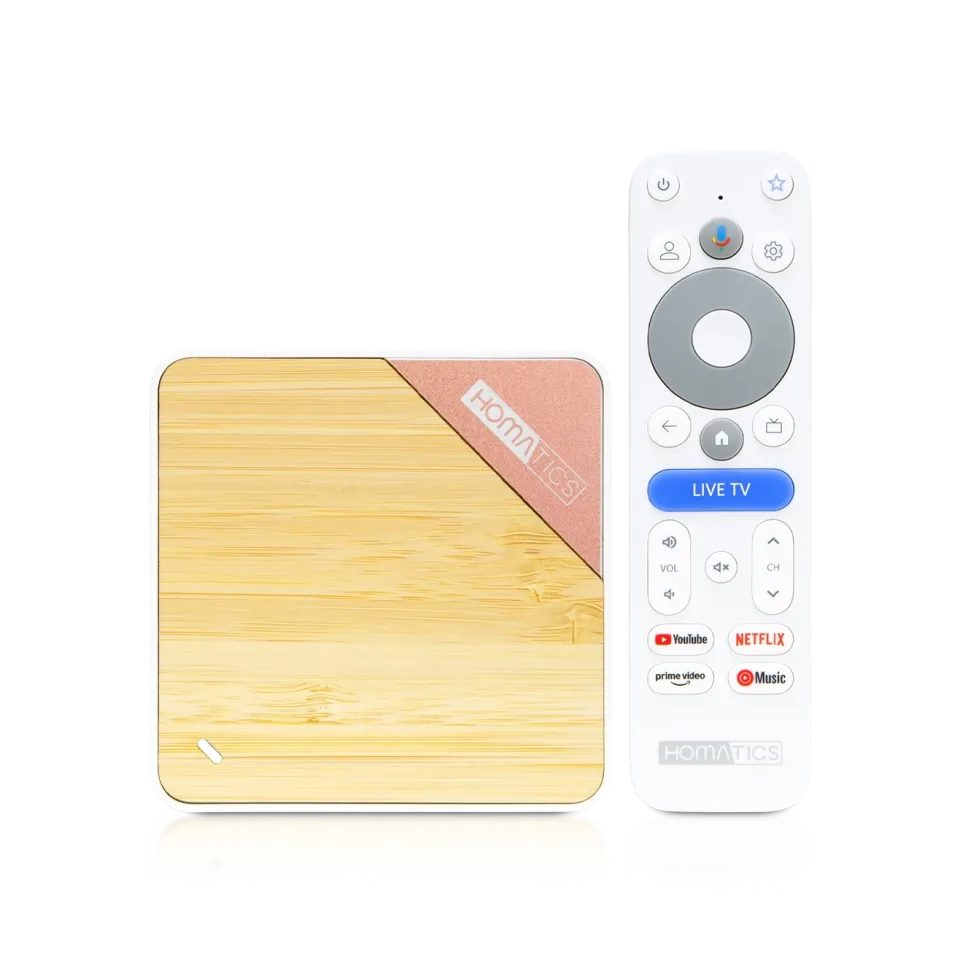 Homatics Box 4K V2
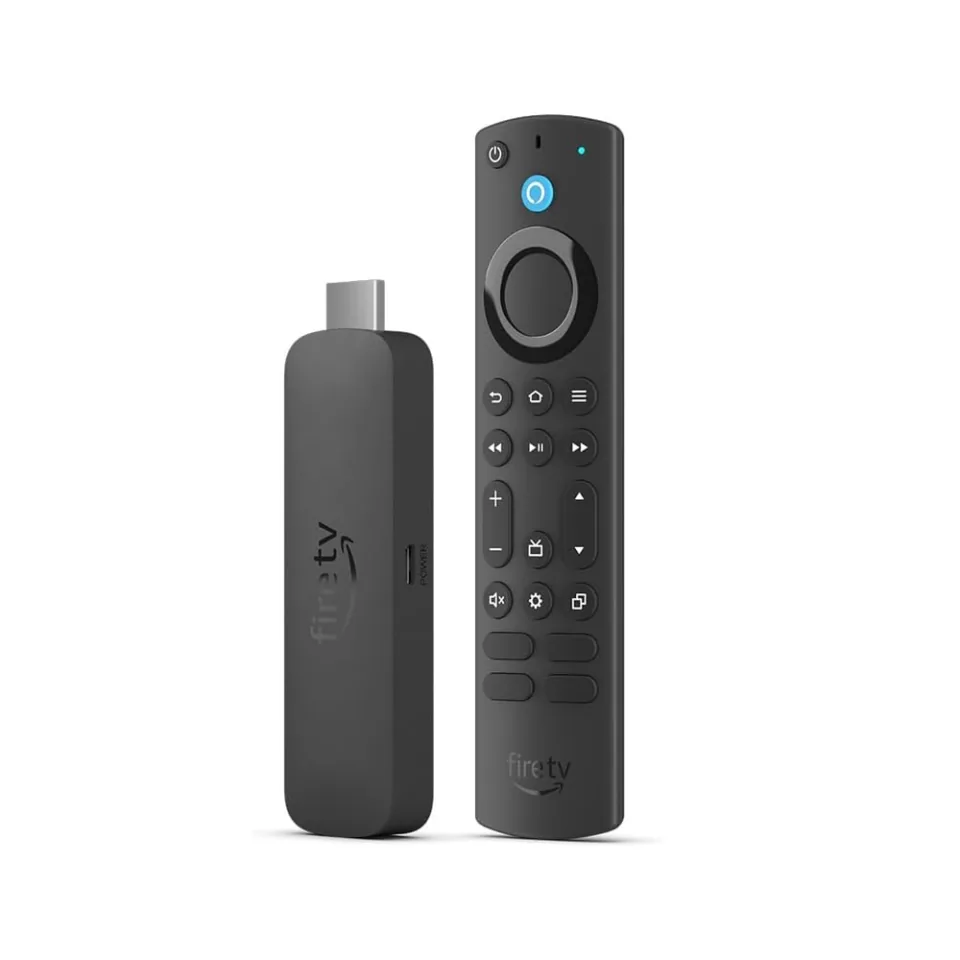 Fire TV Stick 4K Max
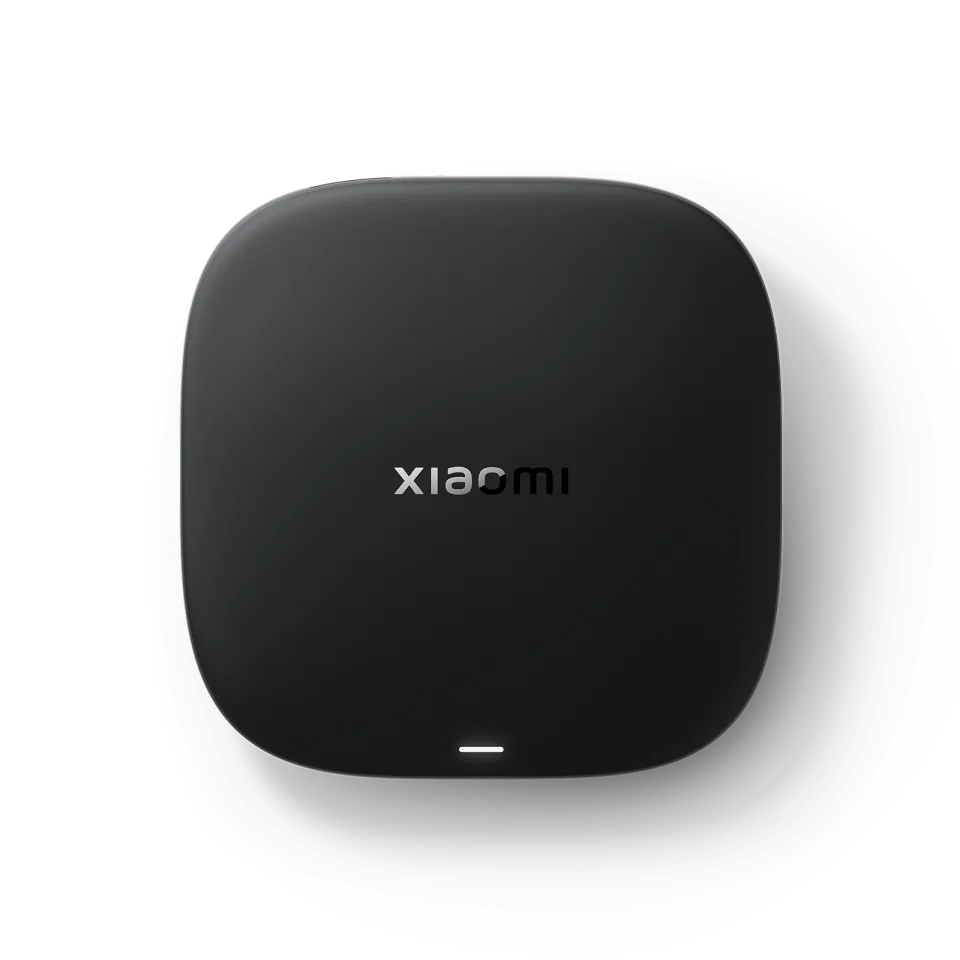 Xiaomi TV Box S
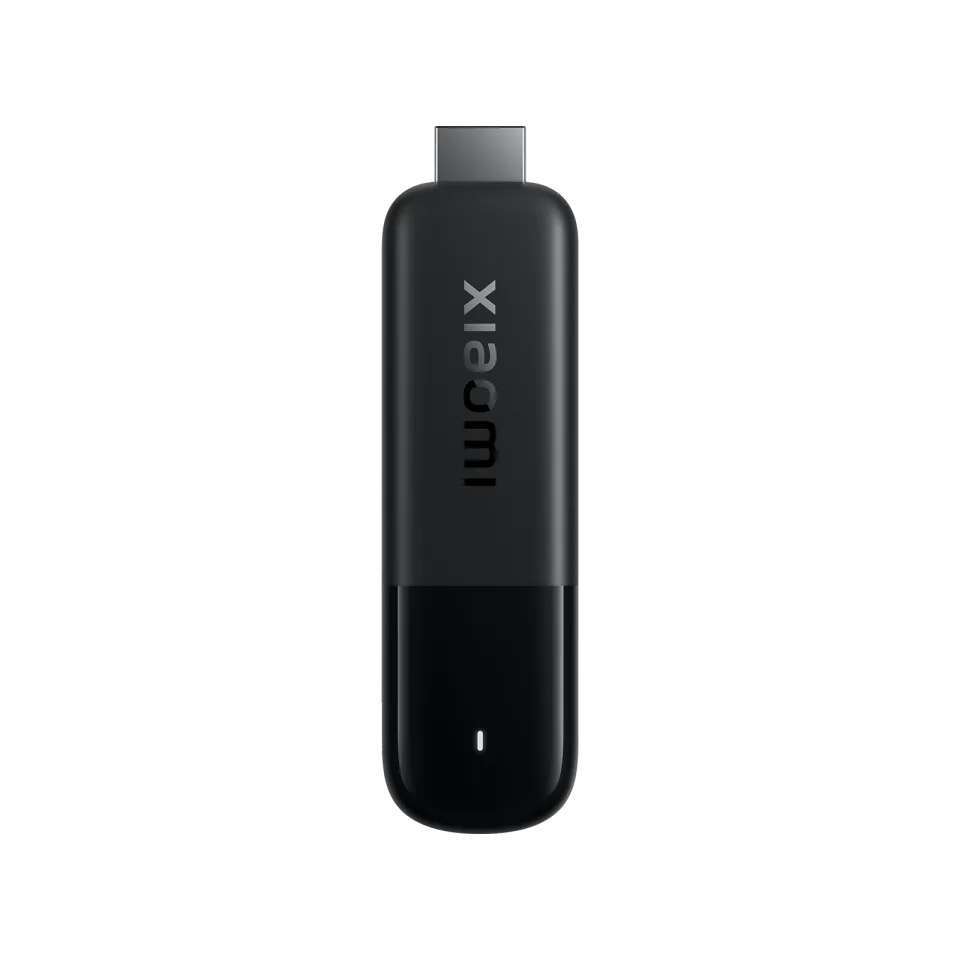 Xiaomi TV Stick 4K
Kodi
XBMC Foundation (Team Kodi)8.1
IPTV app · review updated 13 October 2026
VLC is VideoLAN's well-known free media player, and it can play M3U playlists too.
Runs on
Our verdict
VLC isn't a real IPTV app, but it is a handy free stopgap. Paste your M3U link as a network stream and VLC plays your channels on almost any device. You don't get a TV guide, channel groups or films and series. Use VLC to check quickly that your subscription works, then choose a proper IPTV app.
VLC is only a player: to watch TV you still need an IPTV subscription. Compare the providers in Best IPTV 2026.
How VLC scores on the five points we rate every app on. How we rate.
VLC runs on Android TV, Fire TV, Apple TV, iPhone, iPad, Android, Windows and Mac, and it is free and open source. You open your M3U link as a network stream and pick a channel from the list. For everyday viewing VLC lacks the TV guide and layout that IPTV apps offer.
If an IPTV app isn't working and you want to know whether the problem is your subscription or the app, open your M3U link in VLC on a computer. If a channel plays there, the problem is the app or the TV.
VLC is free and has no adverts, so it makes a quick test.
VLC shows a playlist as one long list. With a subscription of thousands of channels, that is awkward. There is no TV guide, no sorting into categories and no library for films and series.
For daily use, TiviMate on Android TV, IPTV Smarters Pro or IBO Player on Samsung and LG, or IPTVX on Apple TV are better choices.
Features
VLC runs on Android TV, Fire TV, Android, iOS, Apple TV, Windows and Mac. You download the app from Official website, App Store and Google Play.
| General | |
|---|---|
| Developer | VideoLAN |
| Platforms | Android TV, Fire TV, Android, iOS, Apple TV, Windows, Mac |
| Price | Free |
| Download | Official website, App Store, Google Play |
| Logging in | |
| Xtream Codes | No |
| M3U link | Yes |
| MAC / Stalker | No |
| Features | |
| TV guide (EPG) | No |
| Catch-up | No |
| Recording | No |
| Multiview | No |
| Parental lock | No |
| Films and series | No |
Installing
Download
Official sources only. Beware of fake apps with almost the same name and icon.
Prices and stores checked on 19 October 2026. Prices can vary by country and currency; the developer always has the current price.
you want to check quickly whether your M3U link works.
you watch TV every day; choose TiviMate or IPTV Smarters Pro, which have a TV guide.
TV boxes
These boxes from our TV box comparison run VLC. Click for the full review.
Genova TV
Genova TV works in VLC. Try it for free first: you get trial details via WhatsApp and we help you with the installation step by step.
Alternatives
Installing
Frequently asked questions
Yes, you open your M3U link as a network stream. You won't get a TV guide or channel groups.
No, only with an M3U link. Most providers give you both.
Yes, VLC is free and open source, with no adverts.
VLC runs on Android TV, Fire TV, Android, iOS, Apple TV, Windows and Mac. You download the app from Official website, App Store and Google Play.
VLC is free to use.
Yes. You log in with an M3U link. We help you set it up on WhatsApp.
Prices and stores checked on 13 October 2026. Icon and screenshots: VideoLAN, via App Store.
Still comparing? See every provider ranked side by side in Best IPTV 2026.